Pipelines
A pipeline on Marmot Cloud doesn't need to hold a credential. For a source in Google Cloud, AWS or Azure it authenticates as itself, and for anything else it reads a password from your secret manager shortly before each run.
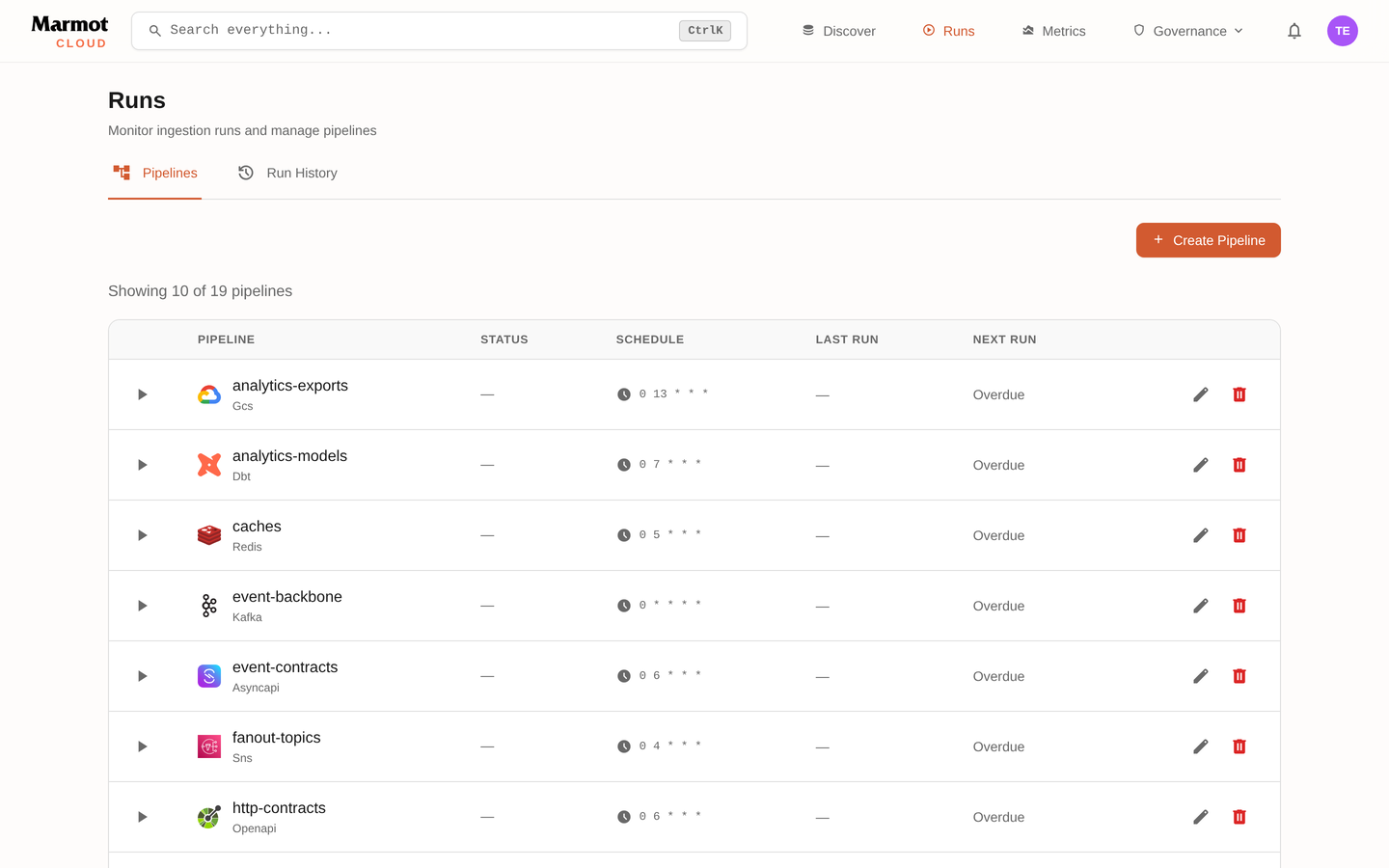
Pipelines work as they do in open source Marmot: a plugin pointed at a source, run on a schedule. Your pipelines are listed under Plugins in your instance:
How keyless pipelines work
Your instance is an OIDC issuer, and your cloud exchanges the tokens it signs for access:
The instance publishes its signing key at /.well-known/openid-configuration and /.well-known/jwks.json. Each token describes one pipeline:
- Issuer:
https://<instance>.marmotdata.cloud. It stays the same after you add a custom domain. - Subject:
pipeline:<pipeline-name>, so you grant access to each pipeline rather than to Marmot as a whole. - Audience: set by the plugin, as the table below shows.
- Lifetime: 5 minutes. Marmot issues a fresh one every 2 minutes for as long as it needs access.
A pipeline federates as soon as its config names the cloud identity to use:
| Cloud | Plugins | Config that federates | Audience |
|---|---|---|---|
| Google Cloud | BigQuery, Bigtable, Cloud Run, Firebase, Cloud Storage, GKE, Google Drive, Pub/Sub, Vertex AI | A Workload Identity provider, and optionally a service account to impersonate | https://iam.googleapis.com/<provider> |
| AWS | Athena, DynamoDB, EKS, Firehose, Glue, Glue pipelines, Iceberg, Kinesis, Lambda, S3, SageMaker, SNS, SQS | A role ARN and a region | sts.amazonaws.com |
| Azure | Blob Storage | A tenant ID and client ID, with no account key | api://AzureADTokenExchange |
The guide for your cloud sets one up end to end: Google Cloud, AWS or Azure.
Pipeline names are identities
The subject follows the pipeline's name, so renaming a pipeline breaks its grants in your cloud until you update them. A new pipeline given a deleted pipeline's name gets that pipeline's access, so remove the grants on your cloud's side when you delete a pipeline.
If you manage pipelines with Terraform, the marmot_pipeline resource exposes issuer and subject. Reference them from the grant on your cloud's side, and a rename updates both sides at once.
Sources that need a password
A self-managed database, a Kafka cluster with SASL or anything else that can't federate needs a password. Keep it in your secret manager and use it through a secret store. Marmot reads the value before each run and never stores it.
Sources on a private network
Your instance connects to public addresses only. For a source on a private network, run the plugin inside that network with marmot plugin, which pushes its results out to your instance. Serving queries from your network describes it.
Roles
Pipeline roles are granted across the whole catalog:
ingestion.viewersees pipelines and runs.ingestion.admincreates, edits and deletes pipelines.secretStore.user, granted on a store, attaches that store's secrets to pipelines without reading them.
A team that writes pipelines usually needs ingestion.admin across the catalog and secretStore.user on each store it uses. Grant a role shows how.
Next steps
- Connect your cloud: your first keyless pipeline on Google Cloud, AWS or Azure.
- Secret stores: passwords for everything else.
- Plugin directory: configuration for every source Marmot can catalog.