Instances
An instance is one Marmot server with its own hostname, database, user accounts and catalog, and two instances share nothing. Instances run in Europe and are upgraded automatically to the latest Marmot release; data residency elsewhere and VPC peering are part of an Enterprise contract.
The console and your instance
The console at cloud.marmotdata.io manages your account: plan, compute units, members and instances. Everything in the catalog, including pipelines, service accounts and grants, lives in the instance itself.
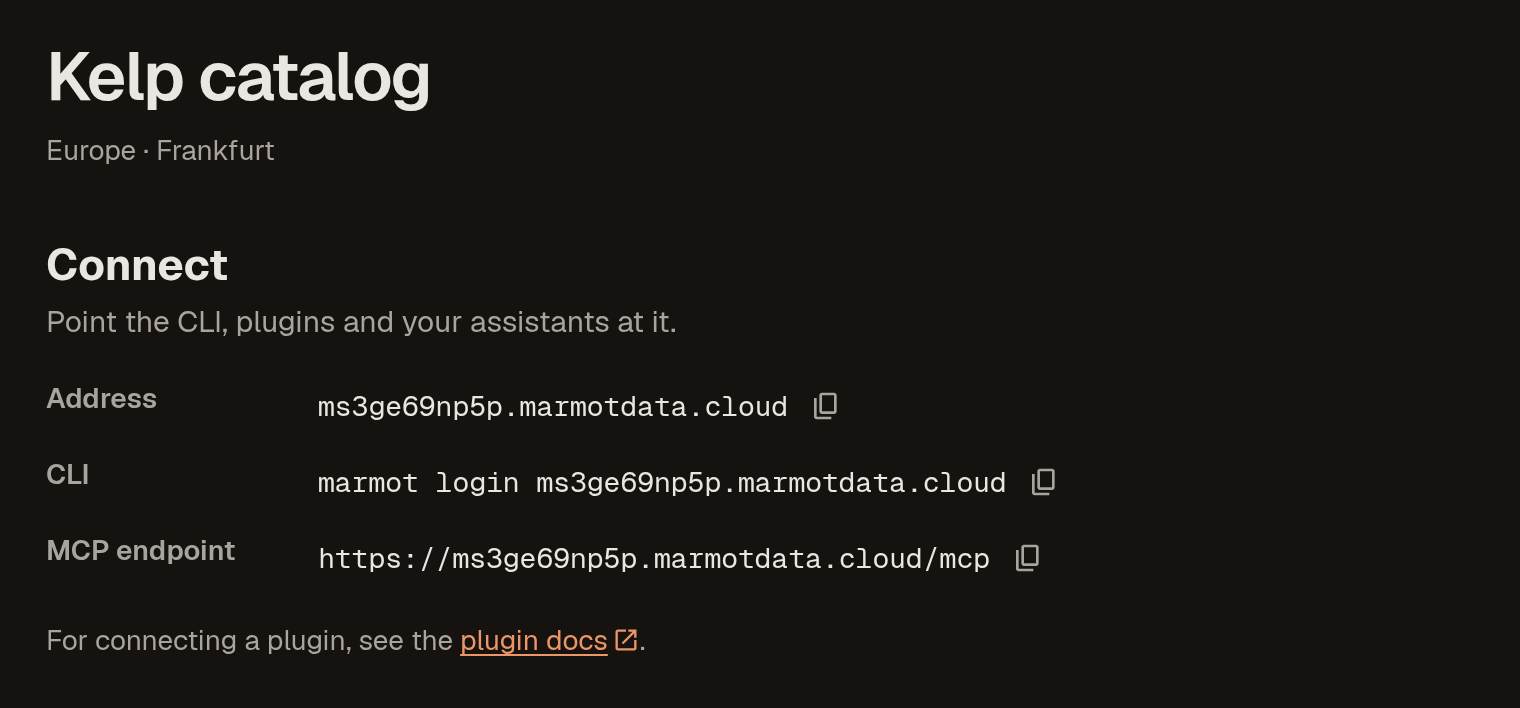
An instance's page in the console, with its address, CLI login command and MCP endpoint under Connect:
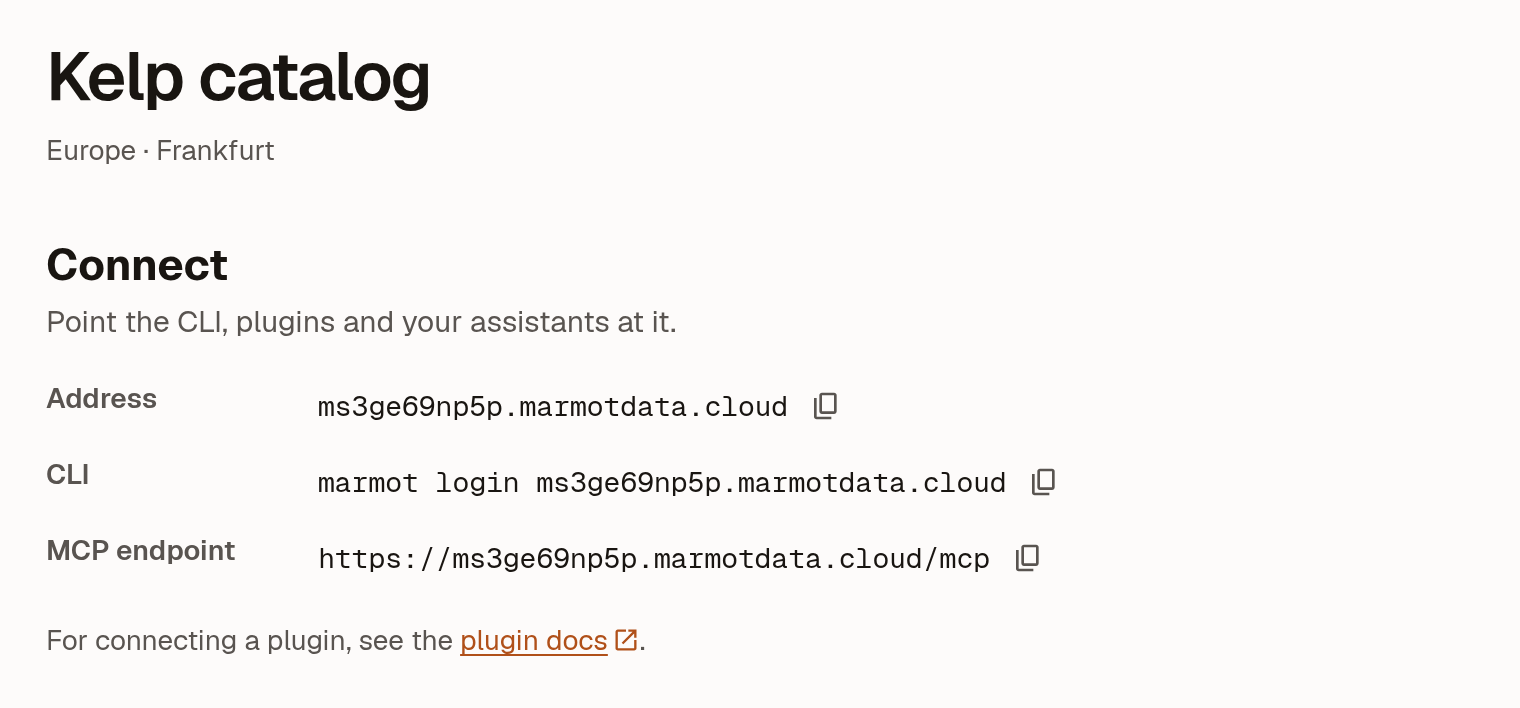
Your instance serves three addresses:
| Address | What it is |
|---|---|
https://<instance>.marmotdata.cloud | The UI |
https://<instance>.marmotdata.cloud/api/v1 | The REST API |
https://<instance>.marmotdata.cloud/api/v1/mcp | The MCP endpoint, with the same authentication as the API |
Give each agent its own service account rather than a person's credentials.
How many instances
Free, Team and Scale include 1 instance and Enterprise includes 3.
Use a second instance only for a catalog that must be genuinely separate, such as a sandbox that's allowed to hold wrong data. It means a second set of users and a second copy of every pipeline. To separate teams inside one catalog, use data products, tags and access control.
Compute units
Capacity is measured in compute units. Each unit gives the instance dedicated compute and database capacity and adds 5,000 assets to its limit. The limit is a hard cap: once the catalog reaches it, Marmot refuses new assets until you add units.
| Plan | Compute | Asset limit |
|---|---|---|
| Free | Shared | 500 |
| Team | 1 to 3 units | 5,000 per unit |
| Scale | 4 or more units | 5,000 per unit |
| Enterprise | Set in your contract | Set in your contract |
An account owner changes units under Billing with the Compute units slider, then selects Update compute units. A running instance picks up the change automatically. Units are billed monthly and prorated.
Plans and billing
You pay for your plan and compute units, not for each instance. Stopping or deleting an instance doesn't change your bill; to stop paying, an owner switches the account to Free under Billing.
An instance keeps the plan it was launched on. Upgrading moves your instances up with it, so a Free instance becomes a Team instance without a relaunch. Moving down is refused while an instance was launched on a higher plan, so delete it first or contact us.
Hostnames
An instance's marmotdata.cloud hostname never changes, because it's also the OIDC issuer your cloud accounts trust for keyless pipelines and secret stores. It stays the issuer after you add a custom domain.
Lifecycle
A stopped instance keeps its data, but its UI, API and MCP endpoint are unreachable until you select Start instance. A Degraded instance is having trouble staying up and retries automatically; contact support if it doesn't recover. A Failed instance never finished launching; delete it and launch again.
Marmot Cloud stops instances for you:
- On Free, when nobody in the account has used the console for 30 days.
- On any plan, when the plan no longer covers an instance. Start instance is then refused until you upgrade or delete the extra instances.
Deleting an instance
Deleting removes the catalog, its users, its encryption key and its custom domain.
Deleting an instance can't be undone
Next steps
- Use your own domain: serve the instance on a hostname you control.
- Access control: decide who can see and change what.
- Security and isolation: how instances are kept apart.