Catalog your Kubernetes clusters

· 7 min read
Marmot cataloging Kubernetes clusters

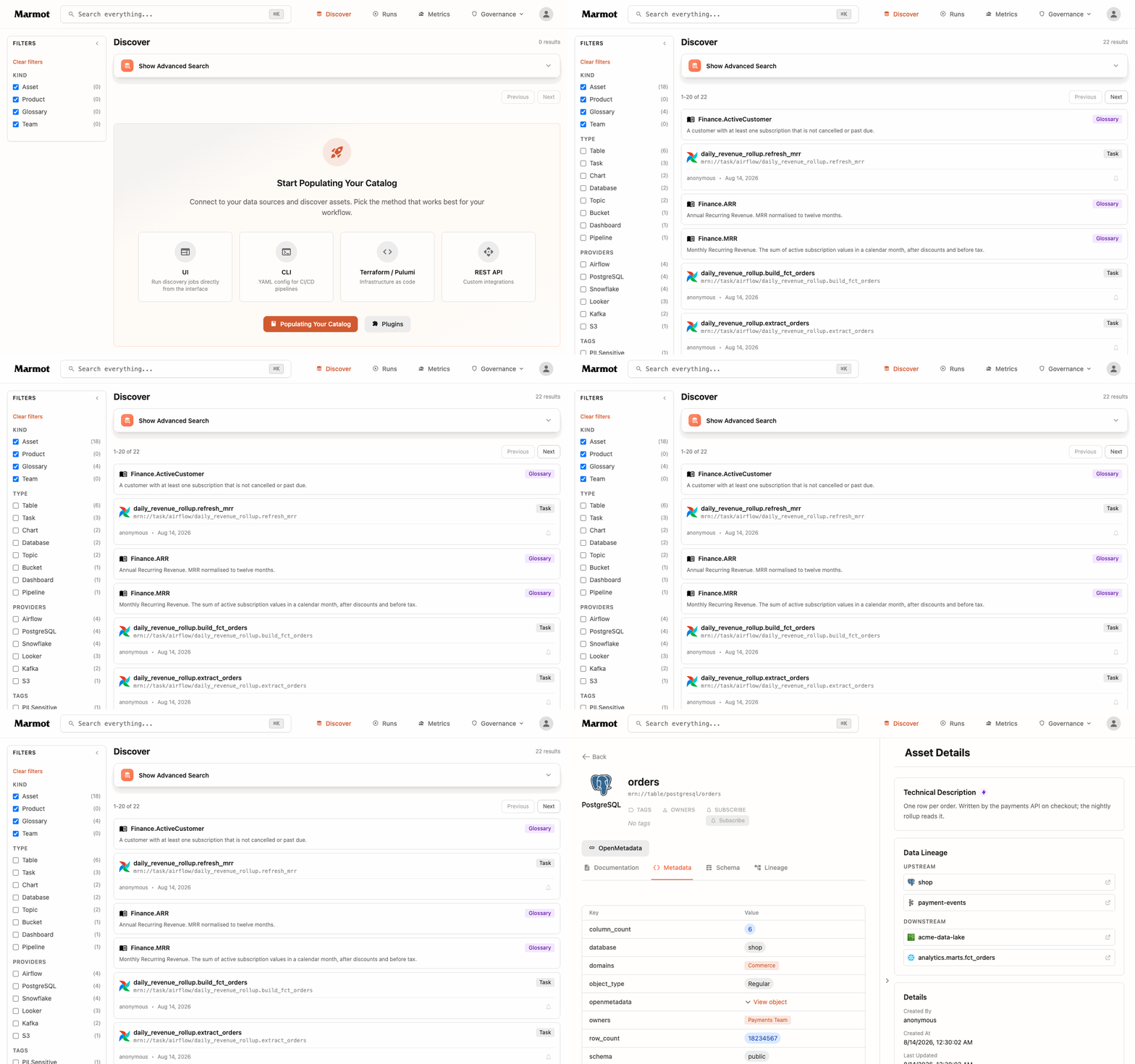
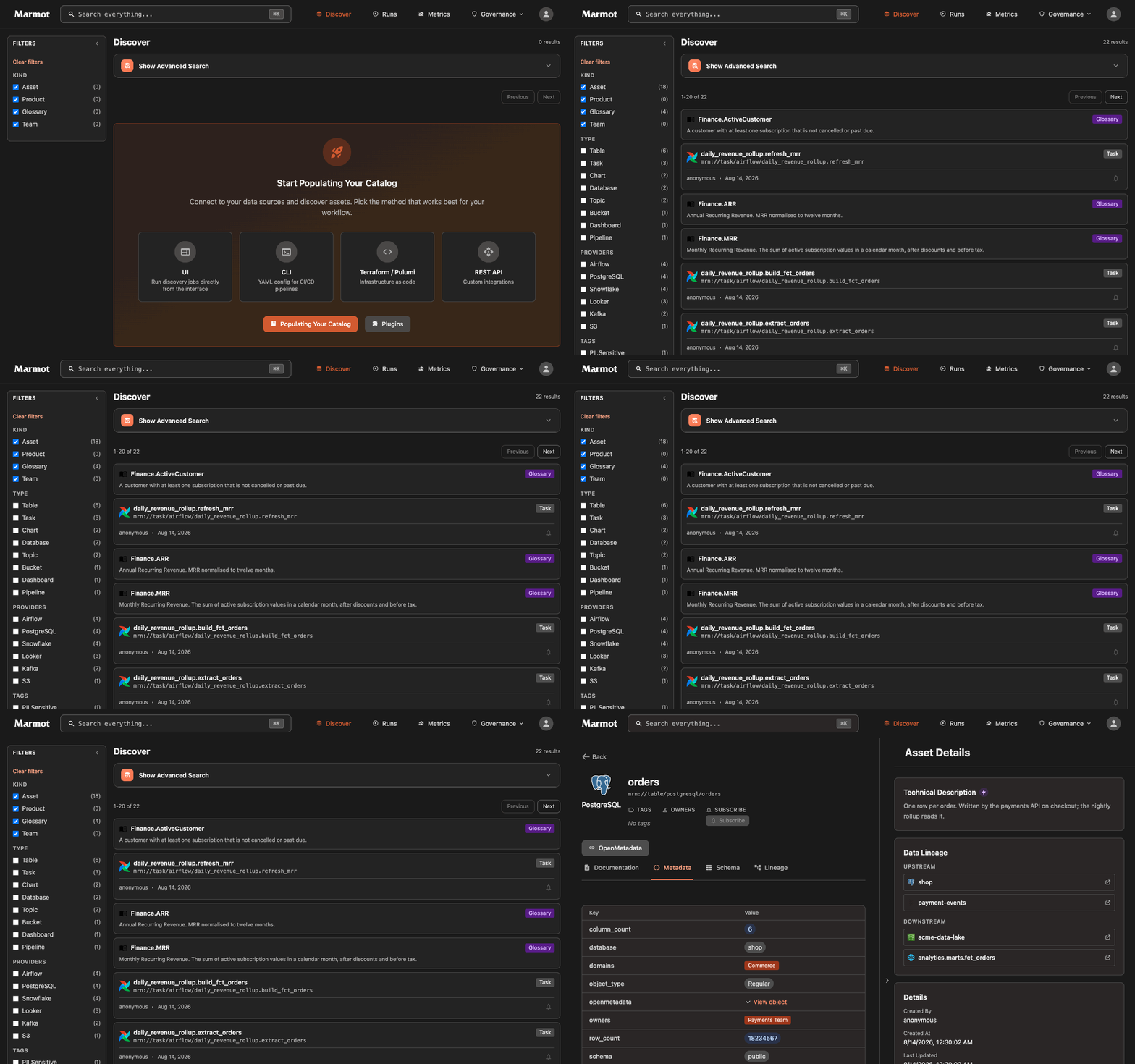
A data catalog usually stops at the data. It knows the table that holds subscription revenue and the owner of the payments topic, but not the service that writes to that table or the cluster that service runs in. For a lot of teams the runtime layer is Kubernetes, and it almost never makes it into the catalog.

We added three plugins to close that gap: one for self-managed clusters, and one each for the managed offerings we see most, Amazon Elastic Kubernetes Service and Google Kubernetes Engine (with Azure Kubernetes Service on the way). They share a single discovery engine, so a namespace, service, its deployment and its cron jobs land in the catalog as assets right next to your databases and topics. Once they are in the same graph you can draw lineage between them, and a table can trace back to the deployment that fills it and the cluster that deployment runs in.

This post is on how the Kubernetes plugins work and how to wire one up.

Connect Claude Desktop to Marmot

· 6 min read
Marmot connected to Claude Desktop

Most people at your company already have Claude, ChatGPT, Gemini or Cursor installed. These assistants know a lot, but not your organization: where revenue actually lives, which service collects customer analytics, who owns which database, what the schema behind a dashboard looks like.

Marmot exposes all of that context through a single MCP server, so the assistants people already use can pull in your organization's metadata. The questions that used to land in a team's Slack channel get answered directly by the person or agent who had them, which is a huge autonomy boost. This post wires up Claude Desktop, end to end.

Deploy Marmot to Google Cloud Run

· 8 min read
Marmot on Google Cloud Run

Marmot ships as a single Go binary and needs nothing but Postgres to run. That suits serverless well, where you pay only while the app is serving traffic. This post walks through deploying it on Google Cloud Run with a managed Cloud SQL for PostgreSQL database, defined in Terraform. The result scales to zero when idle, no Kubernetes, no sidecars, and no other magic to manage.