Data Products
Data Products let you group related assets into logical collections. A "Customer Analytics" product might bundle together a PostgreSQL table storing profiles, a Kafka topic with real-time events, an API endpoint and a dashboard. Instead of navigating hundreds of individual assets, teams can discover and understand related data as a cohesive unit.
Creating a Data Product
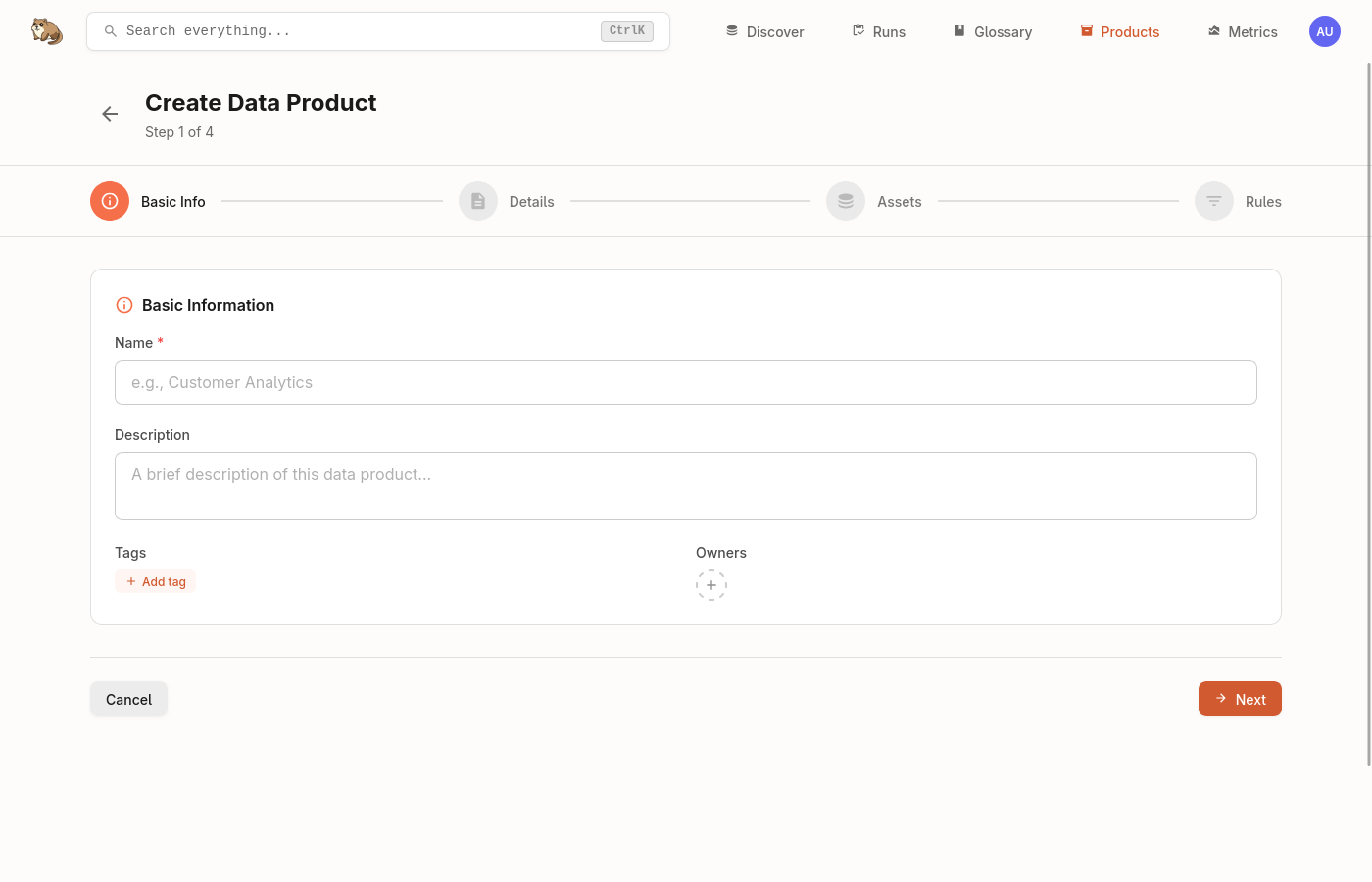
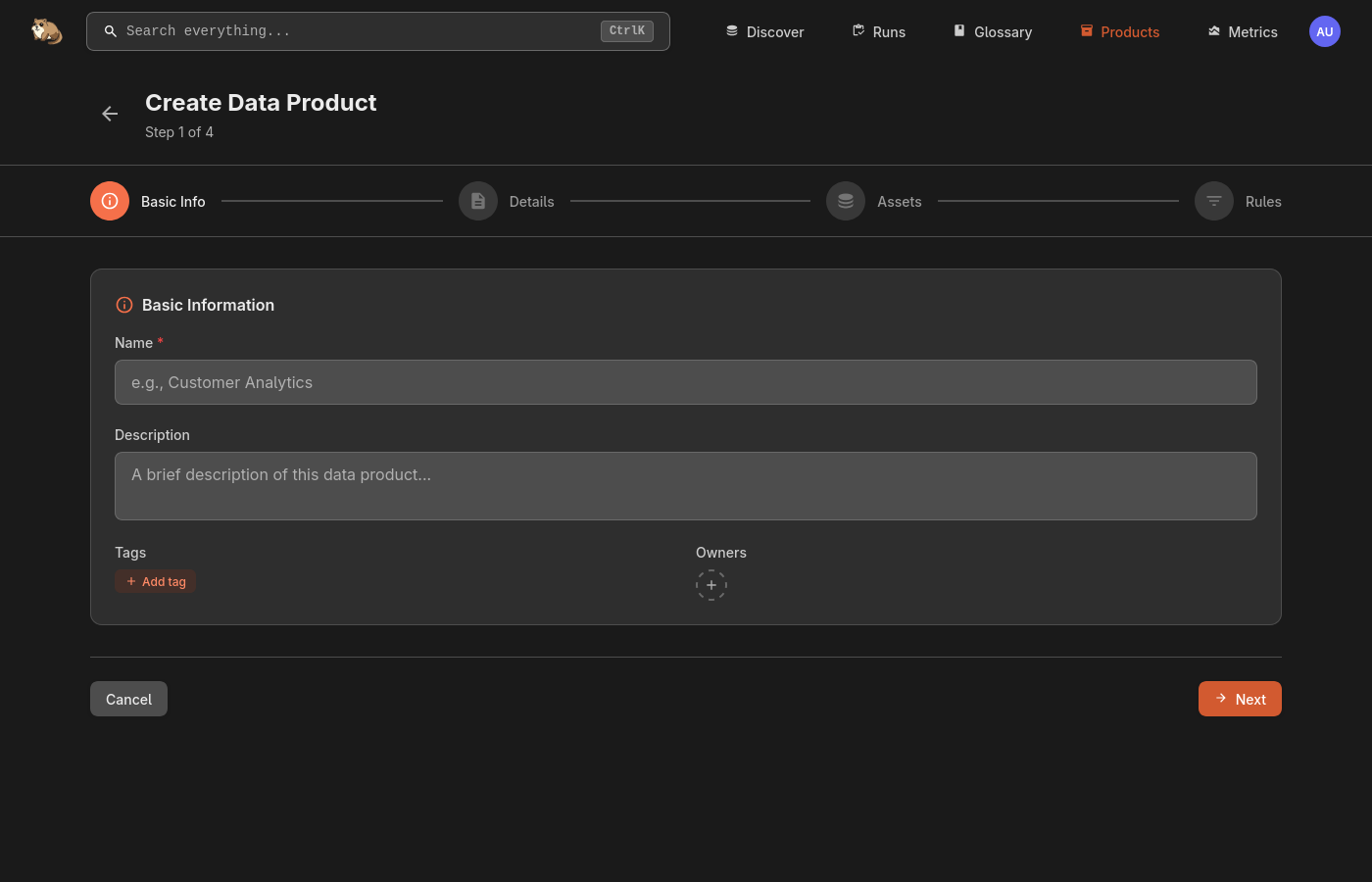
Navigate to Data Products in the header and click Create Product. Give your product a name and description, optionally add tags for categorisation, and assign owners responsible for the product.
Adding Assets
There are two ways to populate a Data Product with assets.
Manual assignment lets you add specific assets directly. Open the product, go to the Assets and search for what you want to include. This works well when you have a known set of assets that belong together.
Dynamic rules use Marmot's query language to automatically include assets matching certain criteria. Rules continuously evaluate as your catalog changes, so new assets matching the criteria are added automatically.
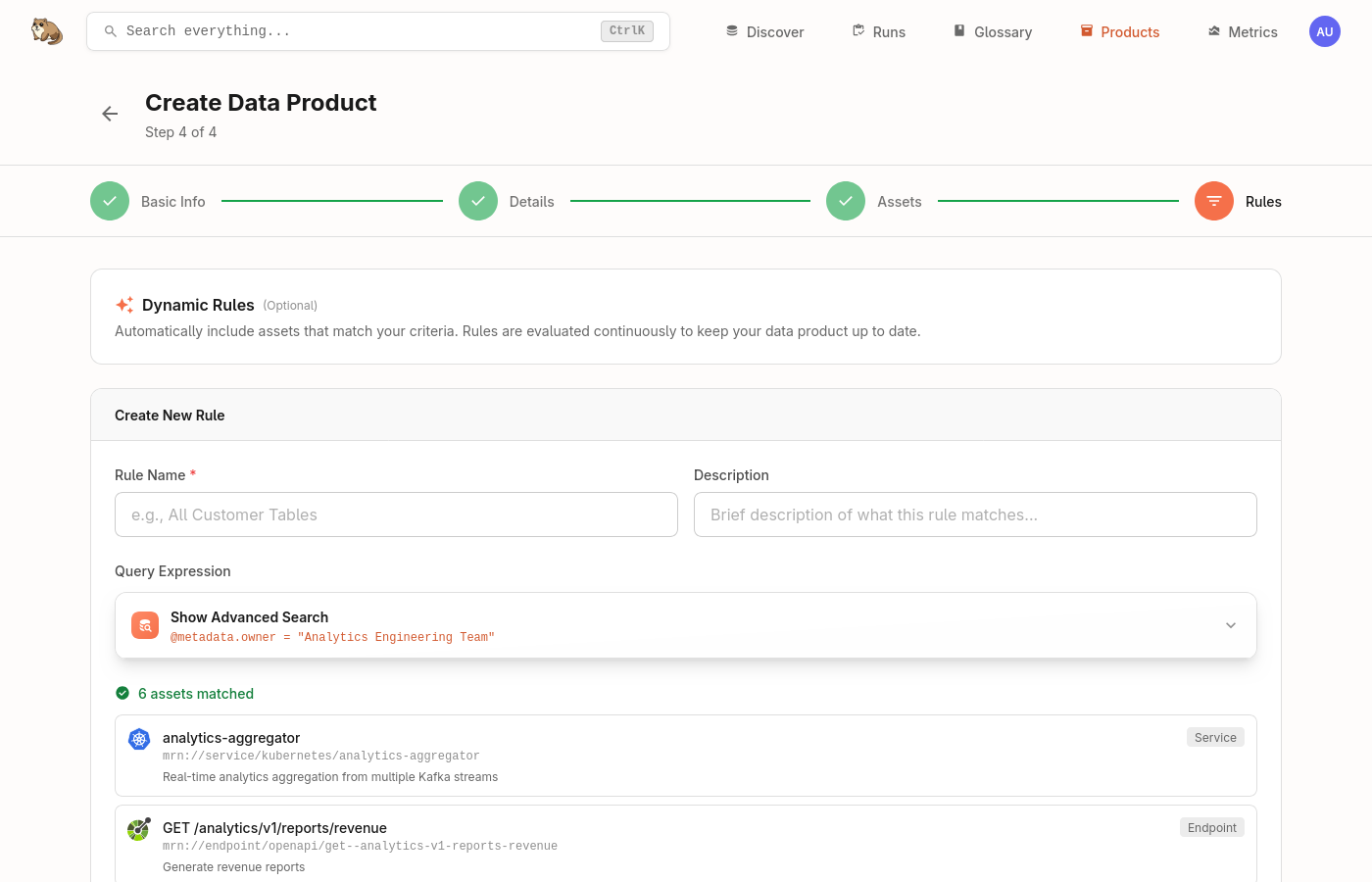
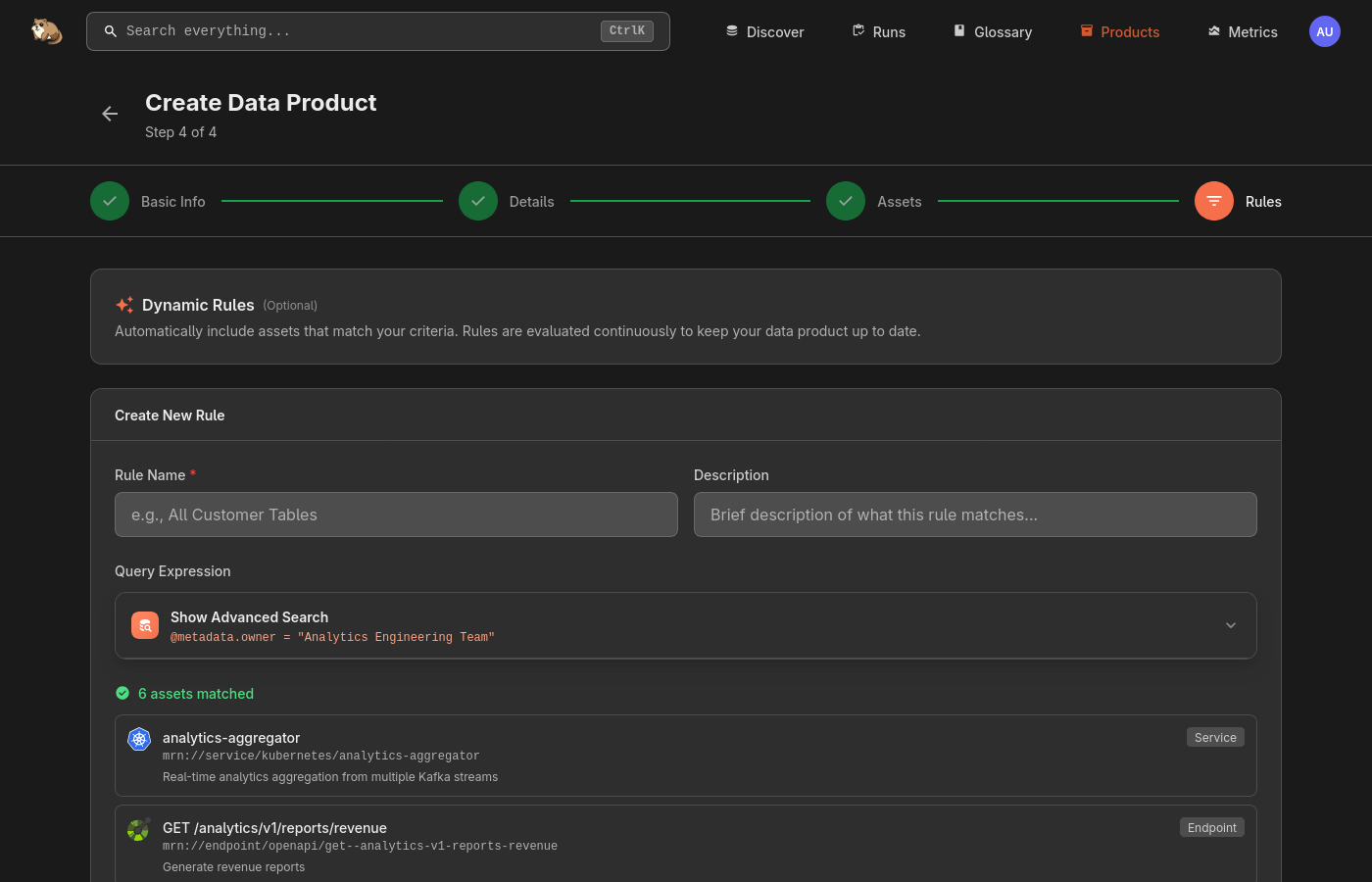
To add a rule, go to the Rules tab, click Add Rule and enter a name along with the query. For example, @metadata.owner = "analytics-team" would include all assets owned by that team, while @type: "topic" AND @provider: "kafka" would include all Kafka topics.
Need Help?
Join the Discord community to ask questions and share how you're using Data Products.
Join Discord