Webhooks
A webhook sends a team's notifications to Slack, Discord or any web address, so the team hears about schema changes where it already talks. Each webhook belongs to one team and sends the kinds of notification you choose.
Add a webhook
- Open Settings → Teams, select the team and open its Integrations tab.
- Select Add webhook.
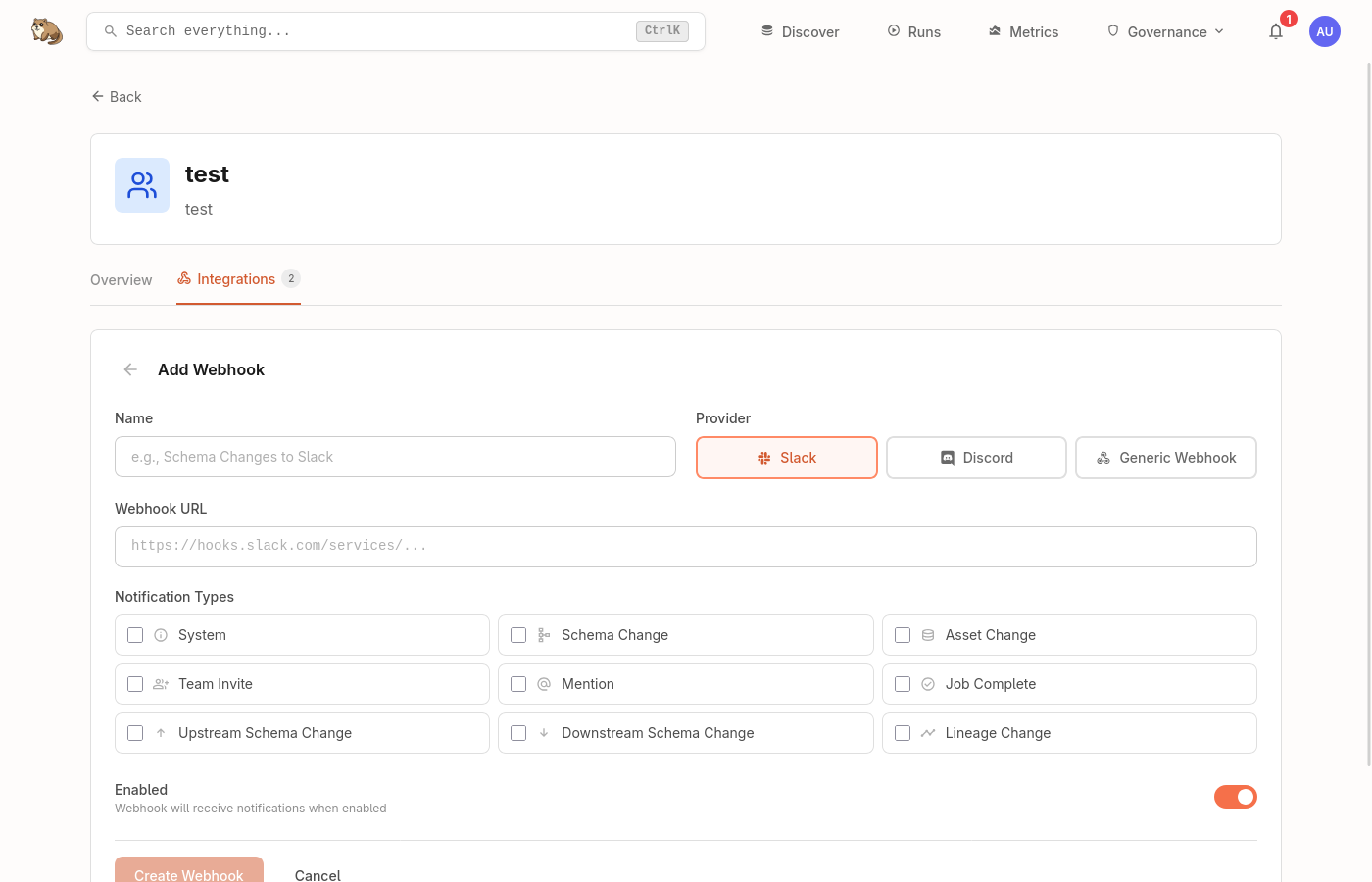
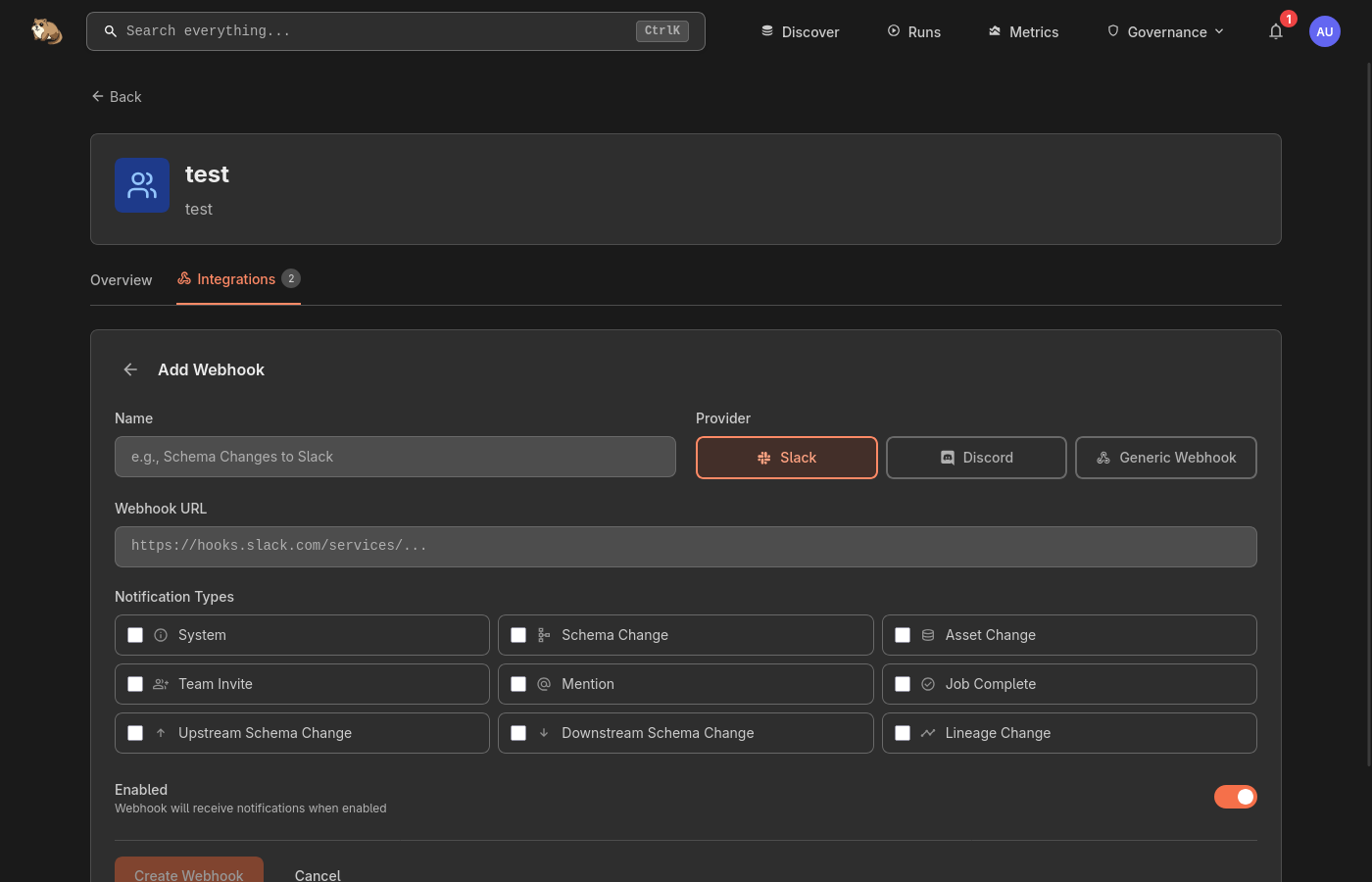
- Enter a Name, choose where to Send to (Slack, Discord or Web address) and paste the Webhook URL.
- Under Notifications to send, tick the kinds of notification to forward, then select Add webhook.
A webhook that sends schema changes to a Discord channel:
Check that it worked
Select Send test on the webhook. A sample notification arrives in the channel or at the address straight away:
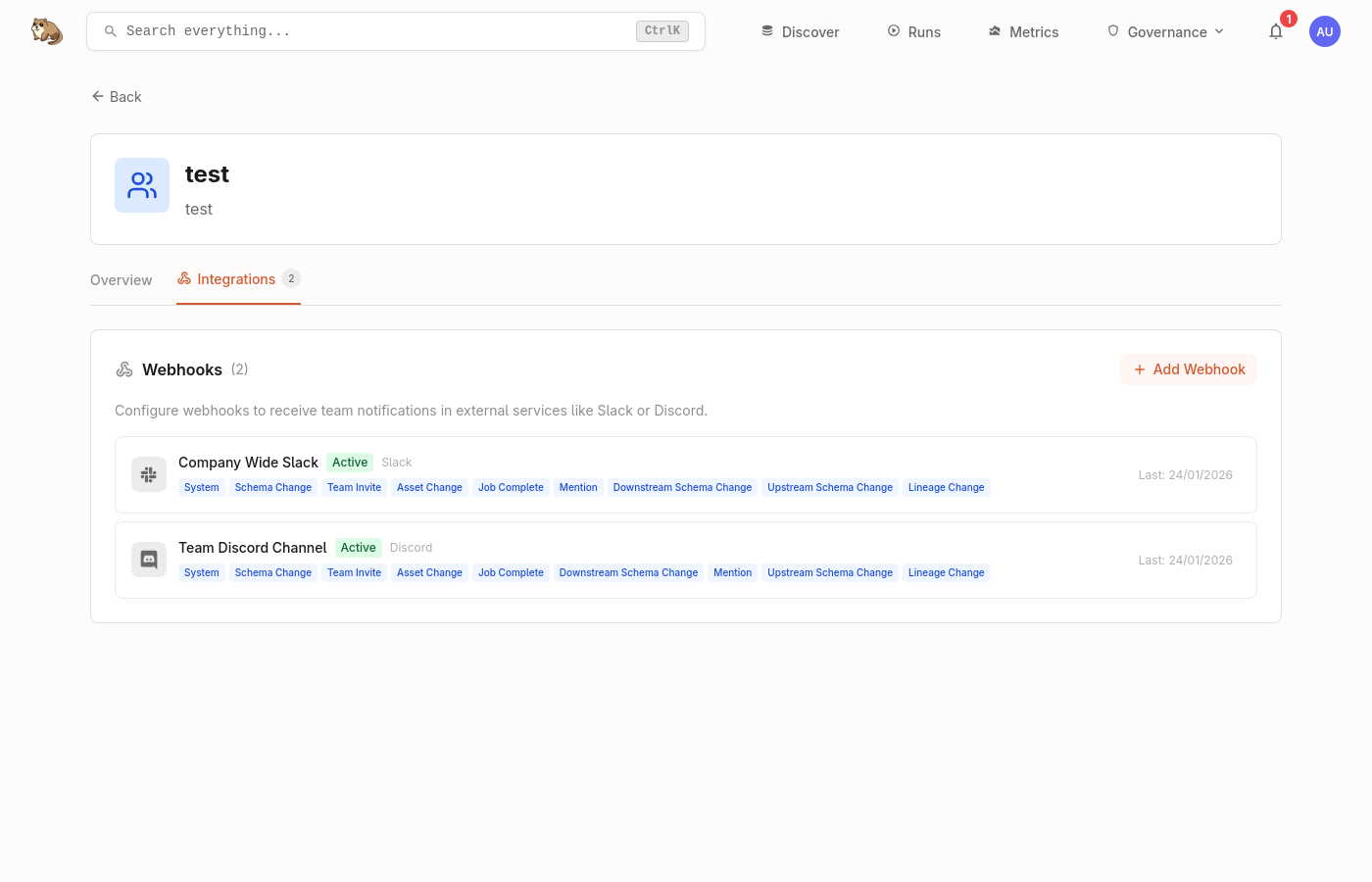
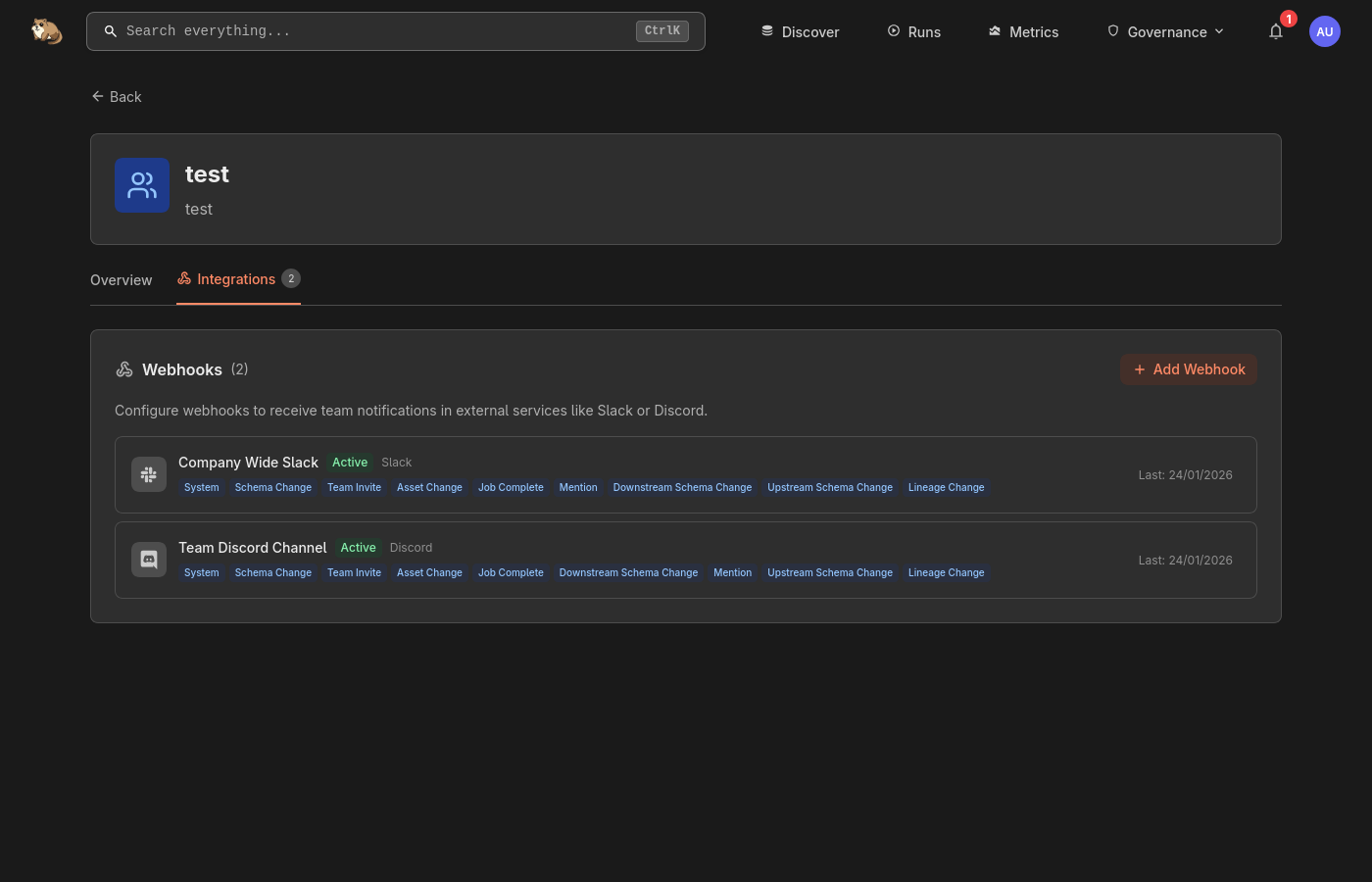
If the endpoint stops accepting notifications, the webhook shows as Failing. Fix the endpoint, then send a test.
Get a webhook URL
Slack
- In Slack apps, create or choose an app.
- Turn on Incoming Webhooks and add a webhook for your channel.
- Copy the URL, which starts with
https://hooks.slack.com/.
Discord
- Open Server Settings → Integrations → Webhooks.
- Select New Webhook and choose the channel.
- Copy the URL, which starts with
https://discord.com/api/webhooks/.
Web address
For your own integrations, Marmot sends a JSON POST to any HTTPS address:
{
  "type": "schema_change",
  "title": "Schema Updated",
  "message": "Schema for \"dim_buyer\" has been modified.",
  "data": {
    "link": "/discover/model/dbt/dim_buyer"
  },
  "timestamp": "2026-11-03T10:30:00Z"
}
Next steps
- Notifications: what each kind of notification covers.