Notifications
Marmot tells you when assets you own or follow change, when a pipeline finishes and when someone mentions you. The bell in the top bar shows how many are unread and opens Notifications, where you can mark them read or delete them:
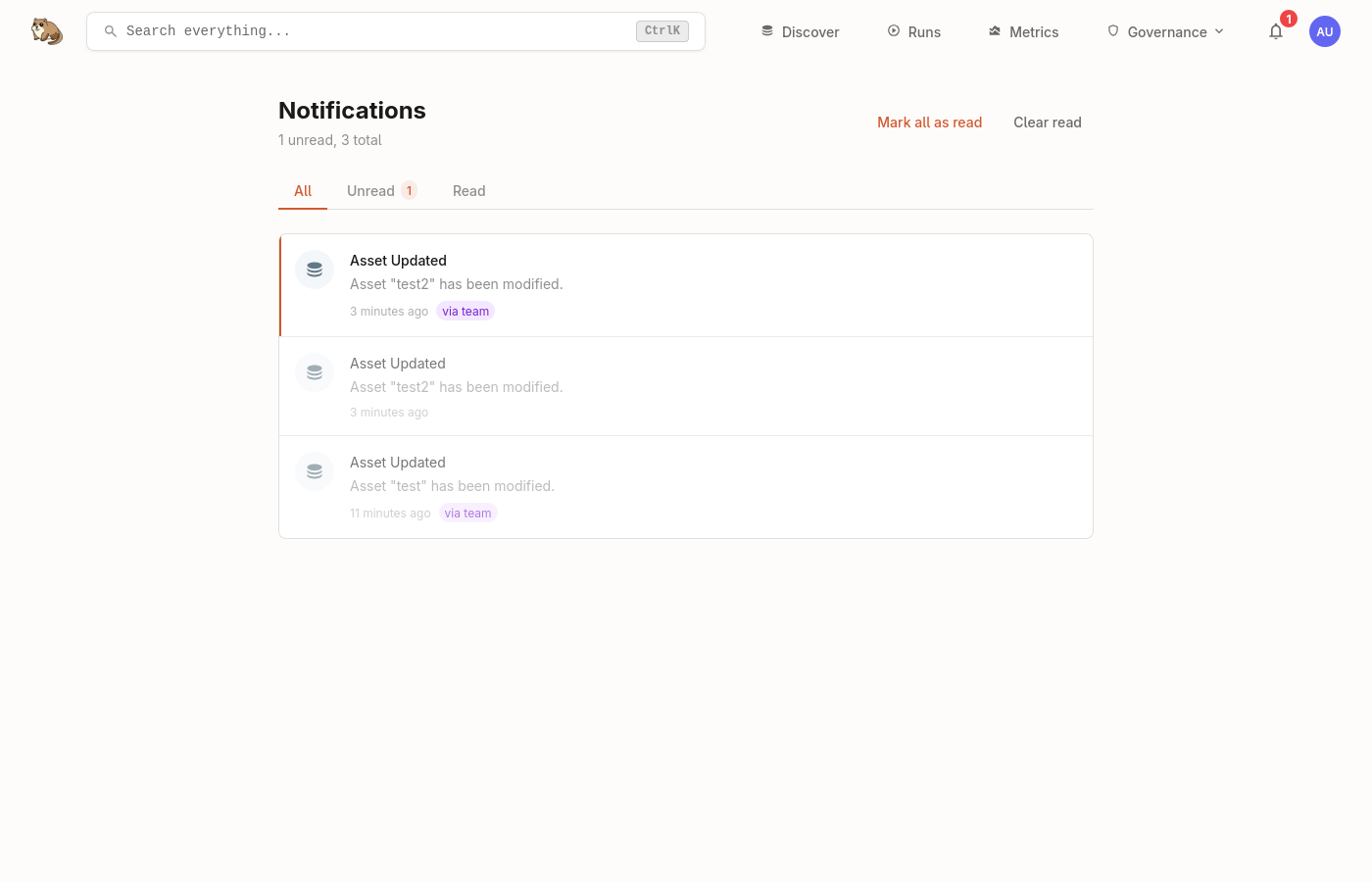
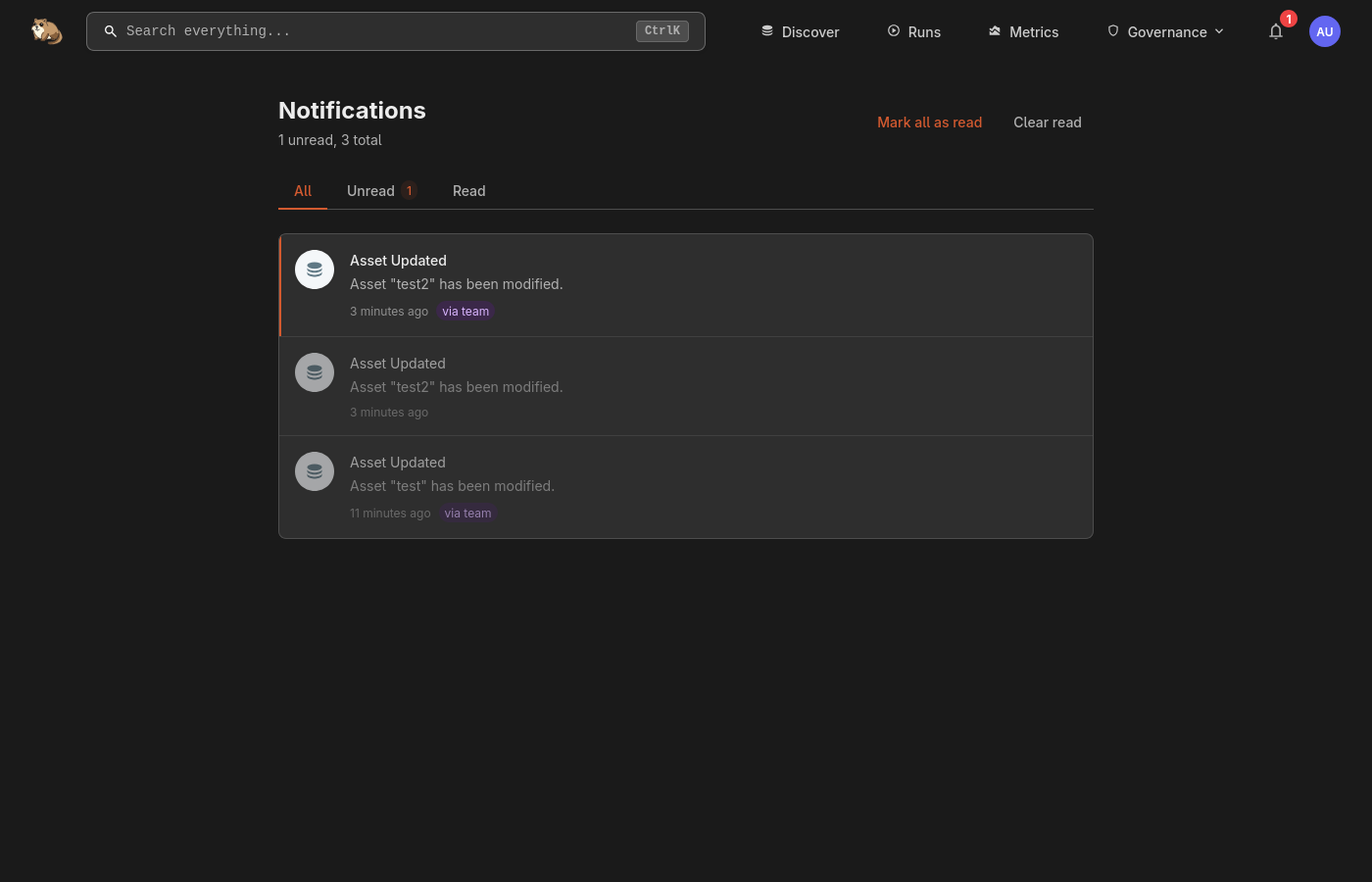
Read notifications are kept for 14 days.
Owned and followed assets
You hear about assets your teams own without doing anything. To hear about an asset you don't own, follow it: on the asset's page, select the bell beside its name and choose which changes to hear about:
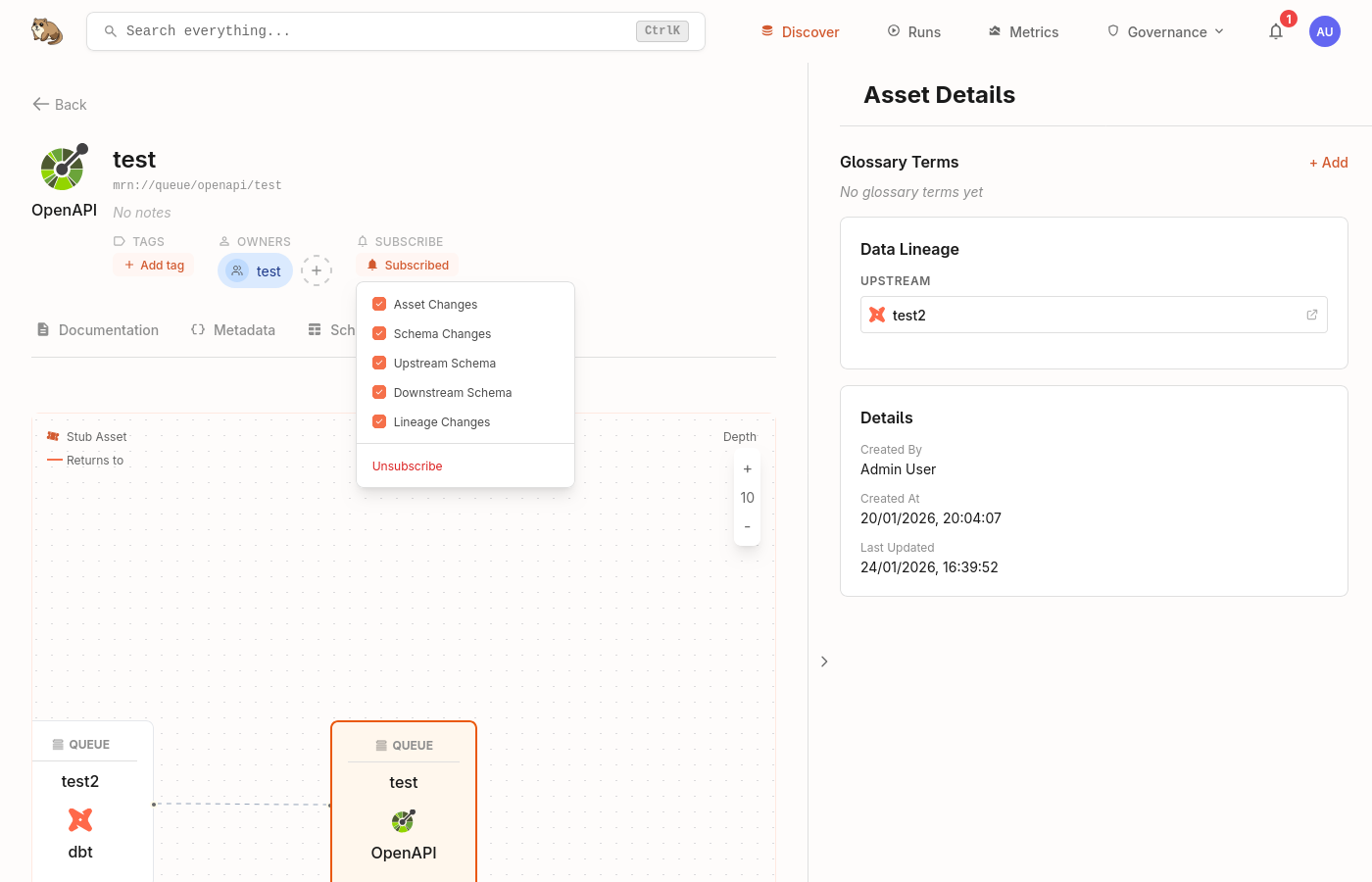
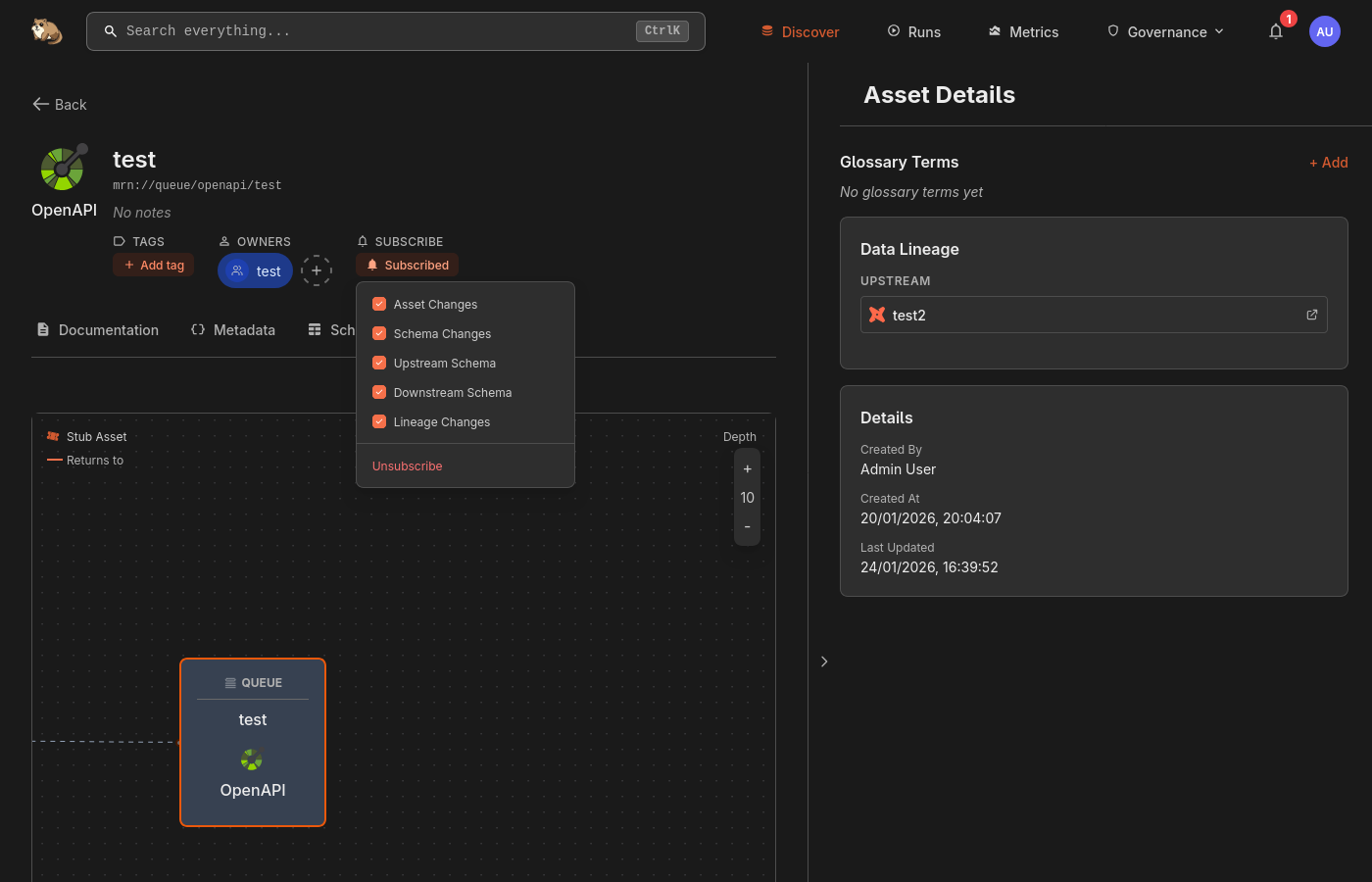
Manage subscriptions on Notifications, or Account → Subscriptions, lists every asset you follow.
Choose what you hear about
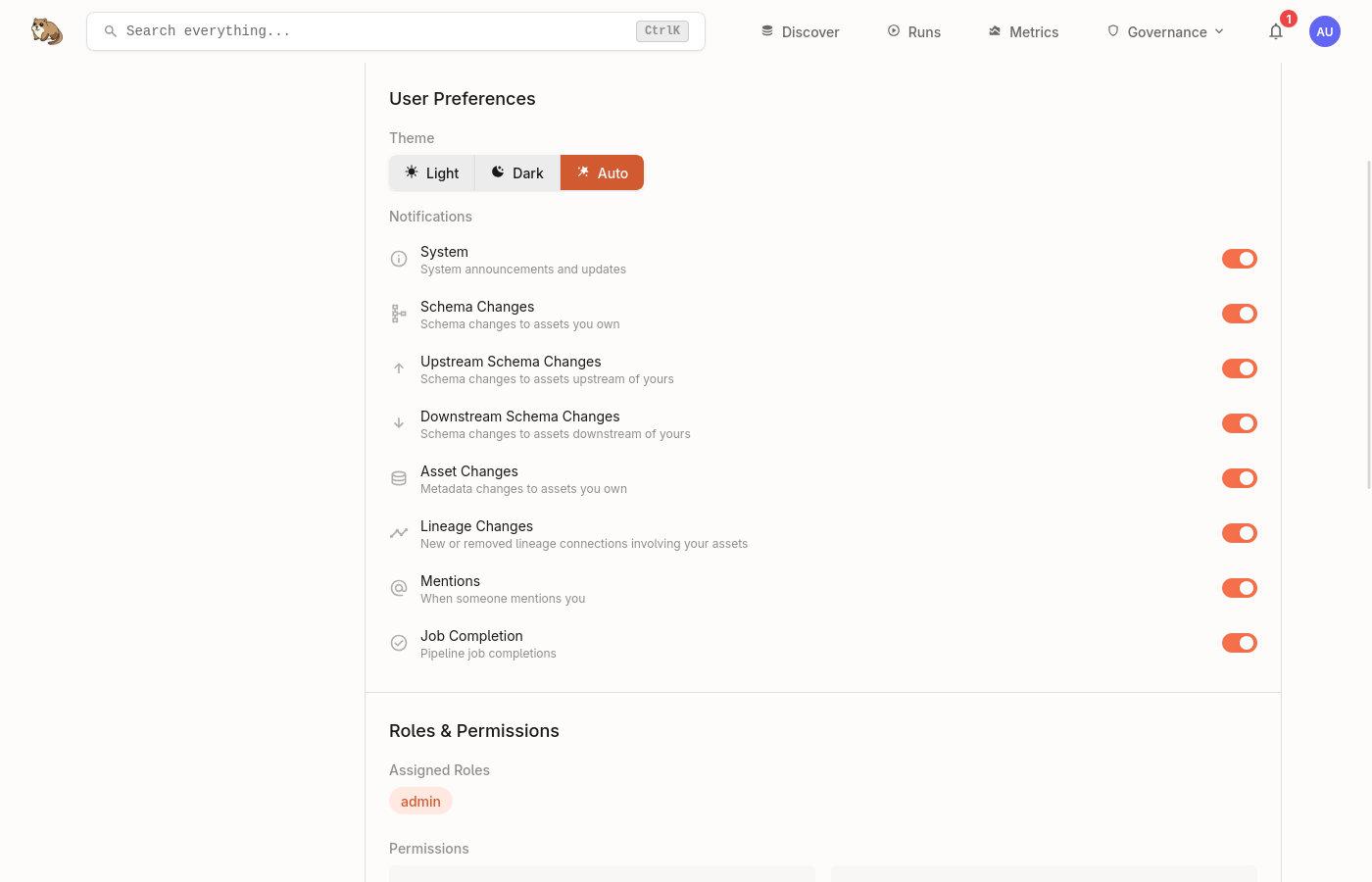
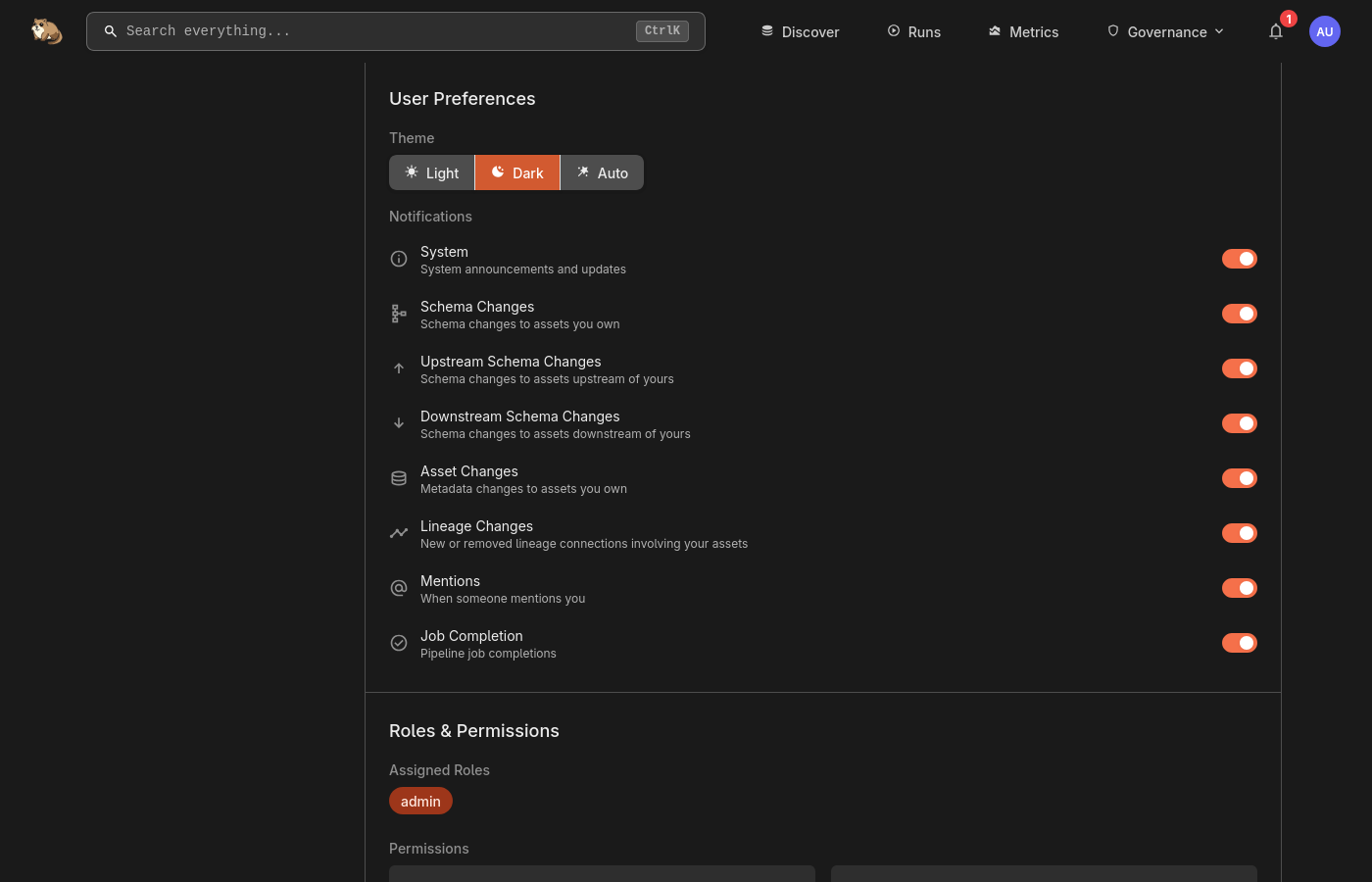
Under Account → Notifications, turn each kind of notification on or off for everything you own or follow:
Expiring access
Marmot tells you when an API key is about to expire, seven days ahead, and again once it has expired. Notices for your personal keys come to you. Notices for a service account's keys go to whoever created the account, or to everyone who manages service accounts if that person has left. A key created to last seven days or less only gets the second notice, since its short life was chosen on purpose.
Each notice is sent once, and an expired service account key stays listed on the Settings overview until it's replaced or removed. Turn these off with Access expiry.
Grouped changes
Marmot groups changes so a bulk update doesn't flood your inbox. Changes to the same assets within 2 minutes arrive as one notification, which is never held back more than 5 minutes.
Next steps
- Webhooks: send a team's notifications to Slack, Discord or any web address.