Quick start
By the end of this page you'll have Marmot running on your machine with your first source cataloged and searchable in Discover. To skip running it yourself, Marmot Cloud launches a managed instance instead.
Before you start
- Docker and Docker Compose are installed.
- Port 8080 is free.
Create the Compose file
Save this as
docker-compose.yaml. It runs Marmot and PostgreSQL for trying things out, with credentials stored unencrypted:services:marmot:image: ghcr.io/marmotdata/marmot:latestports:- "8080:8080"environment:MARMOT_DATABASE_HOST: postgresMARMOT_DATABASE_PORT: 5432MARMOT_DATABASE_USER: marmotMARMOT_DATABASE_PASSWORD: marmotMARMOT_DATABASE_NAME: marmotMARMOT_DATABASE_SSLMODE: disableMARMOT_SERVER_ALLOW_UNENCRYPTED: truedepends_on:postgres:condition: service_healthypostgres:image: postgres:16-alpineenvironment:POSTGRES_USER: marmotPOSTGRES_PASSWORD: marmotPOSTGRES_DB: marmotvolumes:- marmot_data:/var/lib/postgresql/datahealthcheck:test: ["CMD-SHELL", "pg_isready -U marmot"]interval: 5stimeout: 5sretries: 5volumes:marmot_data:Start Marmot
docker compose up -dSign in
Open http://localhost:8080 and sign in as
adminwith the passwordadmin. Marmot asks you to choose a new password straight away.Catalog your first source
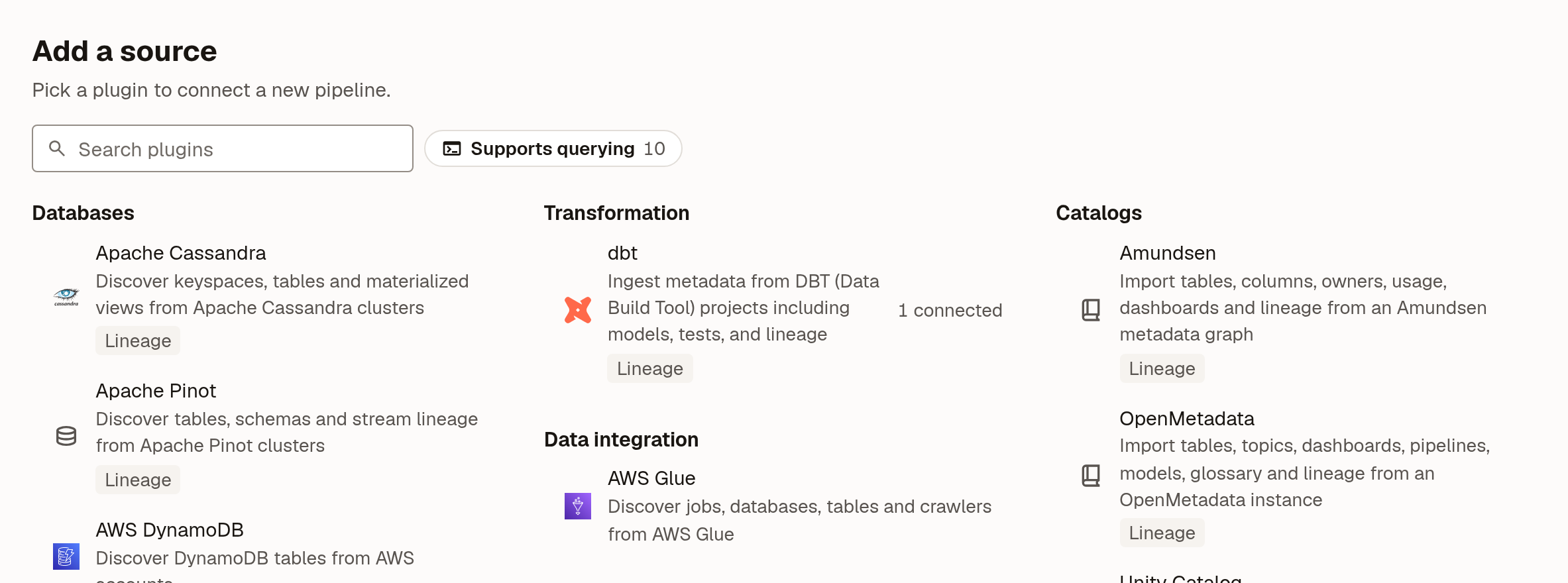
In Marmot, open Plugins and pick your system under Add a source:
- Enter a Pipeline name, such as
warehouse, and select Continue. - Fill in the connection details and select Check and continue.
- Select Create pipeline.
- On the pipeline's page, select Run now.
- Enter a Pipeline name, such as
Find it in Discover
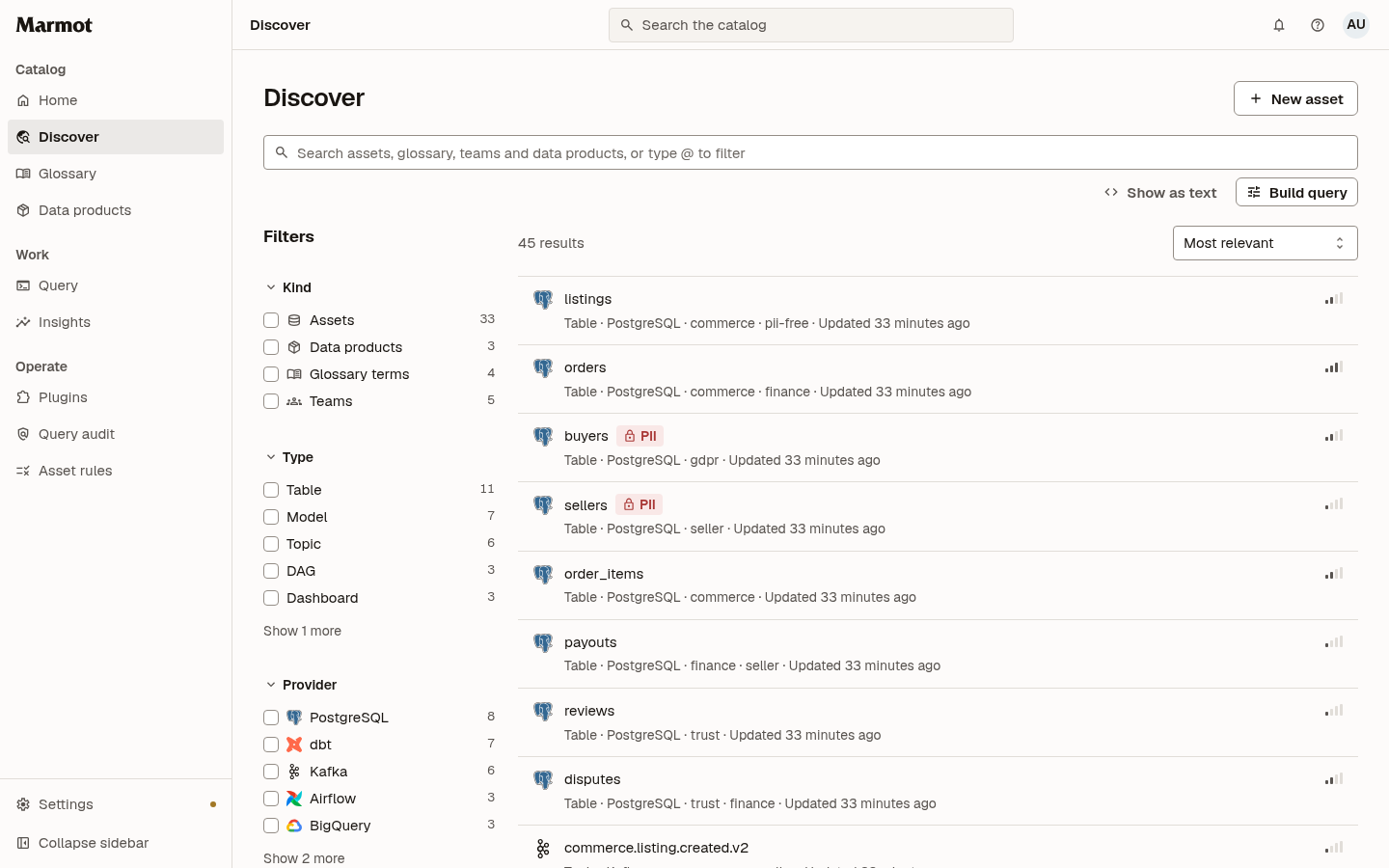
When the run finishes, open Discover. Your source's tables, topics or files are listed there, and you can search them alongside glossary terms, data products and teams:
Next steps
- Self-host: run Marmot for your team, with an encryption key for stored credentials.
- Plugins: every system Marmot can catalog.
- Search and the query language: find assets precisely.
- Ask for help in the Marmot Discord.