Search and the query language
Free text finds most things on Discover. The query language narrows a search precisely, such as every Kafka topic a team owns or every table with more than a million rows, and the same queries define data product rules and asset rules.
Build a query
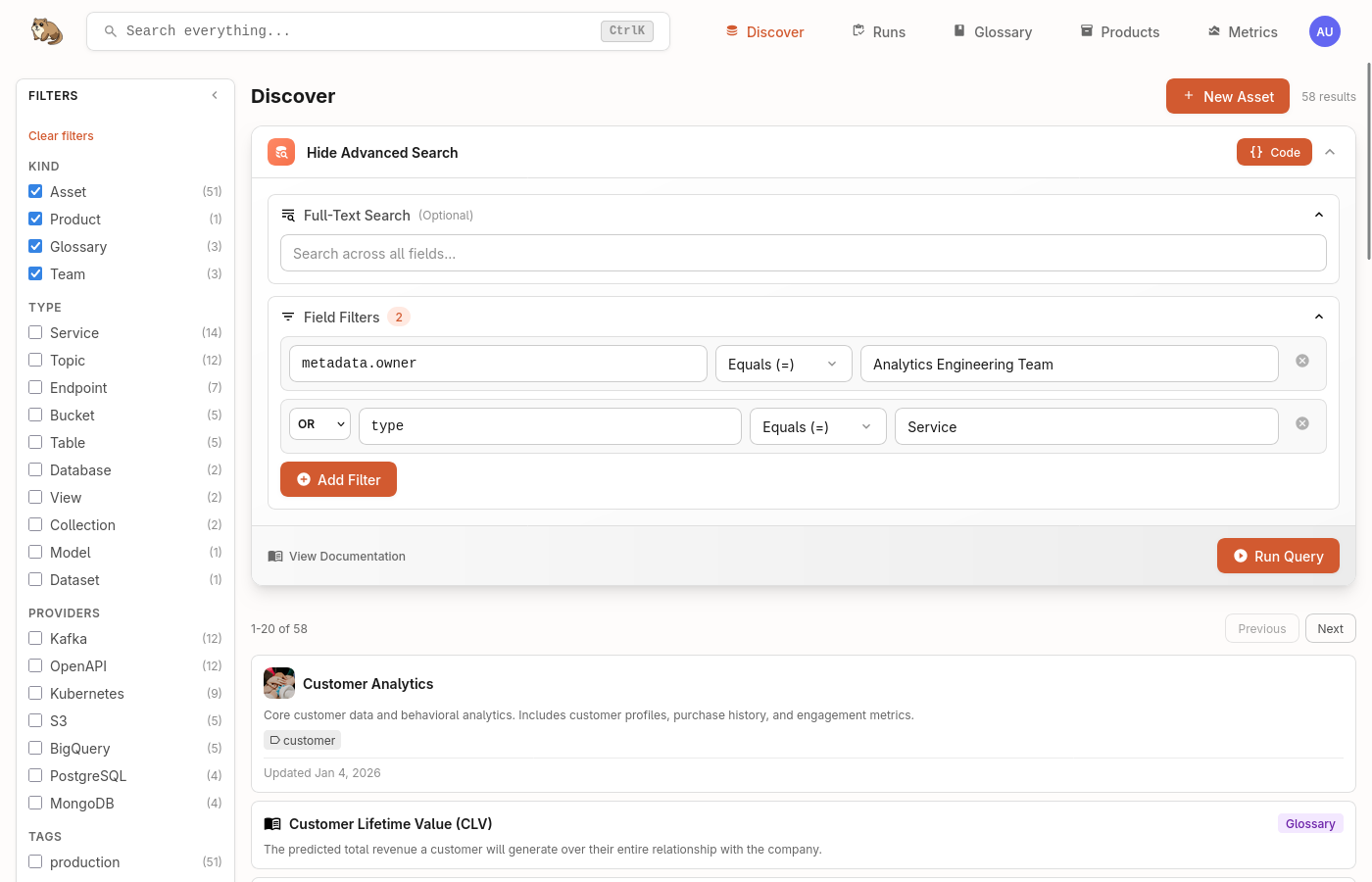
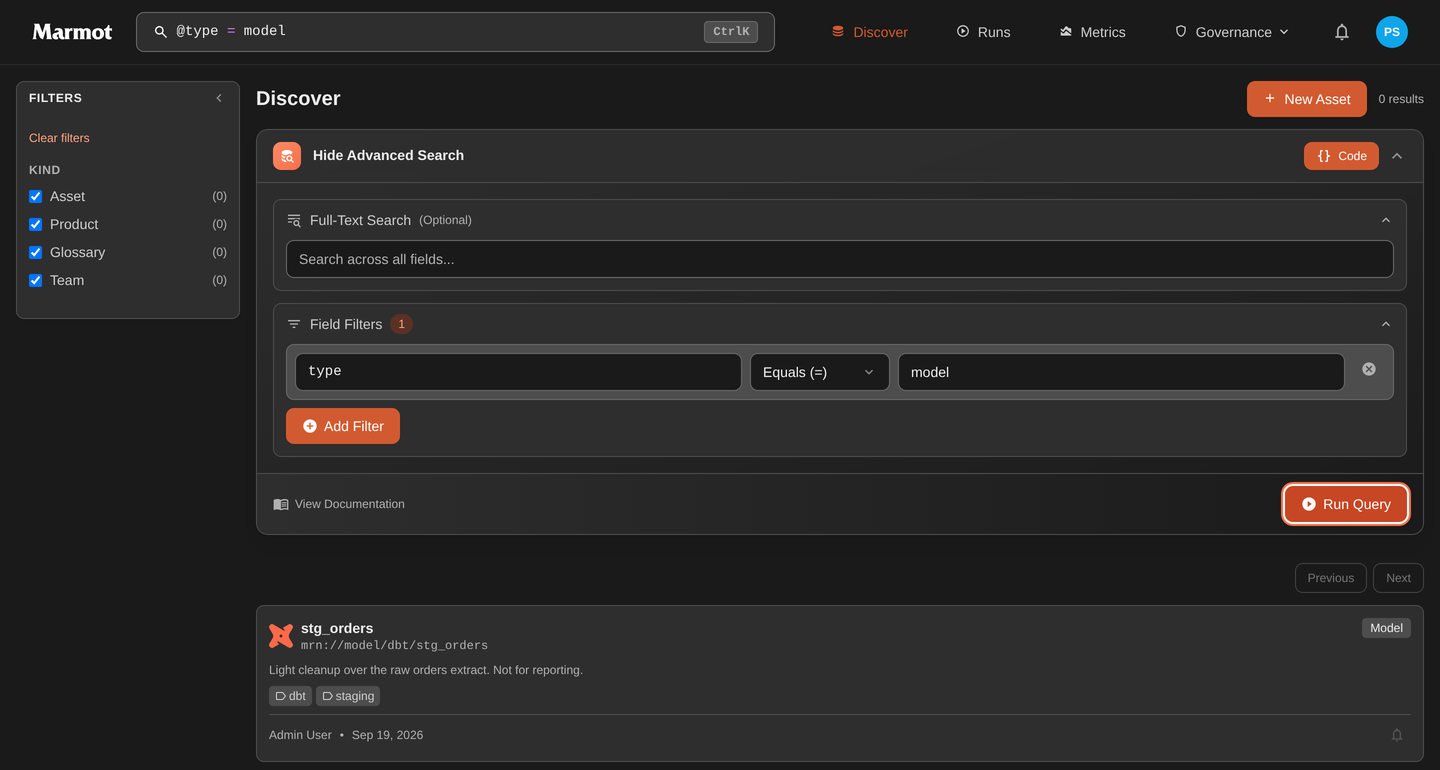
On Discover, select Build query to pick a field, an operator and values without writing the syntax. All, Any and None set how conditions combine, and the builder counts the matches before you select Apply. The query then appears in the search bar as tokens, and Show as text shows it as text you can copy or bookmark:
Syntax reference
Fields
Filter assets using field prefixes:
| Field | Description | Example |
|---|---|---|
@type | Asset type | @type: "table" |
@provider | Provider or platform | @provider: "kafka" |
@name | Asset name | @name: "users" |
@kind | Resource kind in Marmot | @kind: "asset" |
@tag | A tag on the asset | @tag: "pii" |
@term | A glossary term linked to the asset | @term: "GMV" |
@metadata.* | Custom metadata fields | @metadata.team: "platform" |
Metadata supports dot notation for nested fields: @metadata.config.retention: "7d"
Operators
| Operator | Description | Example |
|---|---|---|
: or = | Exact match | @type: "table" |
!= | Not equal | @metadata.environment != "test" |
contains | Substring match | @name contains "customer" |
> < >= <= | Numeric comparison | @metadata.partitions > 10 |
range | Numeric range | @metadata.size range [100 TO 500] |
* | Wildcard | @name: "customer*" |
Boolean logic
Combine filters with AND, OR and NOT. Use parentheses to control precedence:
# Multiple conditions
@type: "topic" AND @provider: "kafka"

# Either condition
@metadata.priority: "high" OR @metadata.criticality: "critical"

# Exclusion
@metadata.environment: "production" AND NOT @name contains "test"

# Grouped logic
(@type: "table" OR @type: "view") AND @provider: "postgres"
Examples
Search across asset names, descriptions and metadata without any special syntax.
user orders
Find all Kafka topics by combining type and provider filters.
@type: "topic" AND @provider: "kafka"
Find all assets owned by a specific team using custom metadata.
@metadata.team: "data-platform"
Filter assets based on numeric metadata values.
@type: "topic" AND @metadata.partitions > 10
Use wildcards when you don't know the exact name.
@name: "*customer*" AND @type: "table"
Use parentheses to control how conditions are combined.
(@type: "table" OR @type: "view") AND @provider: "postgres"