Data products
A data product groups the assets one team publishes for others, so people find them together. Buyer 360 might bundle the buyers table, the dim_buyer model, a session feature set and a retention dashboard, and someone looking for buyer data finds all of them in one place instead of hunting through the catalog.
Create a data product
Open Data products in the sidebar and select Create data product. Give it a Name, the Owners people should ask about it and a Description of what's in it and who it's for:
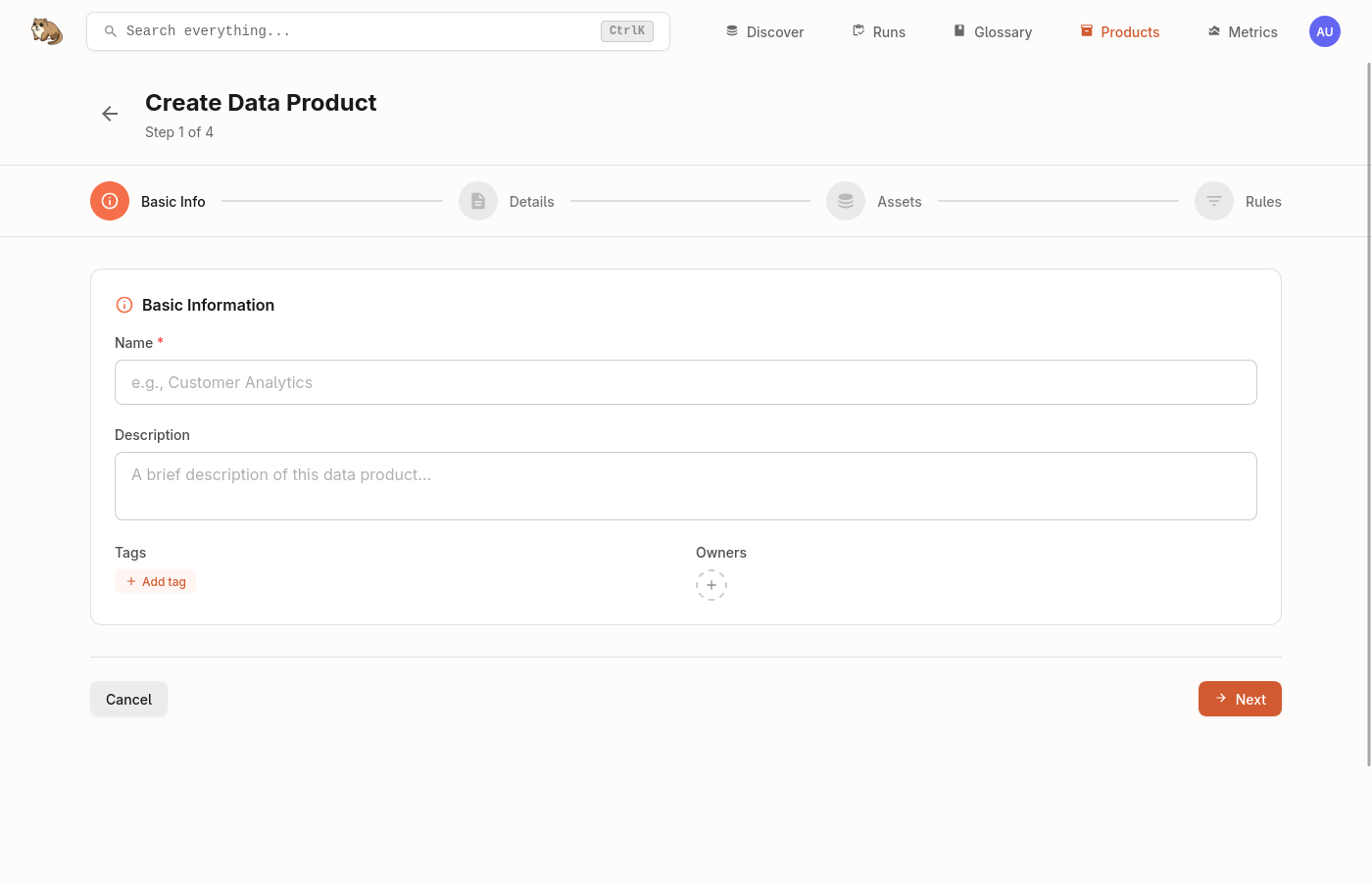
Under What is in it, add assets now or later. Tags and Metadata are optional. Select Create data product.
Add assets
A data product holds assets in two ways, and most use both:
- Pick assets adds specific assets by hand. It suits a known set that doesn't change often.
- Add rule includes every asset that matches a query. Assets join when they start matching and leave when they stop, so the product keeps up as the catalog changes.
A rule on the product's Rules tab, with the plain-language match above the query and the number of assets it adds:
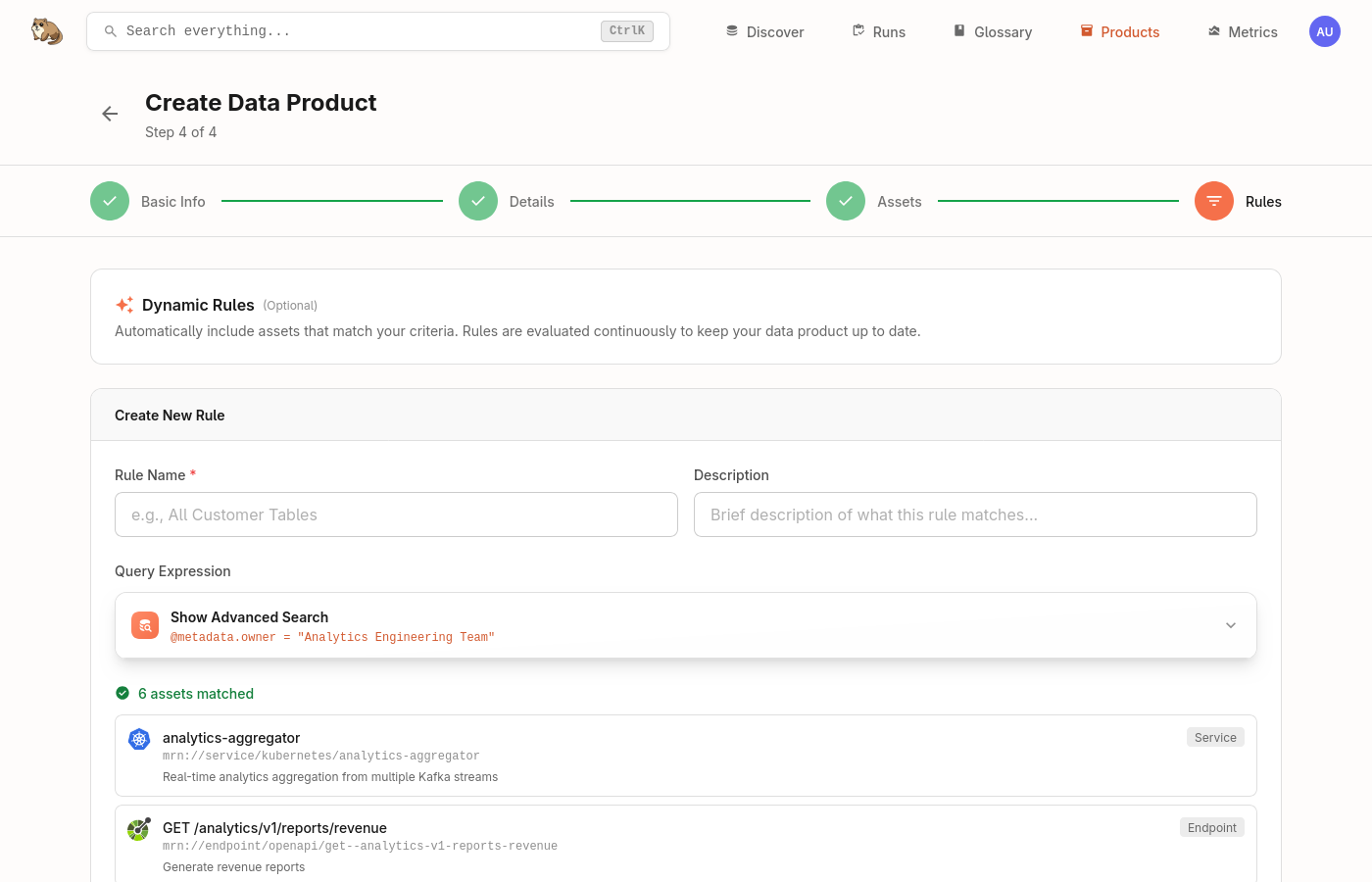
For example, @tag: "kpi" includes everything tagged kpi, and @type: "topic" AND @provider: "kafka" includes every Kafka topic.
Next steps
- Search and the query language: the fields and operators a rule can use.
- Asset rules: add tags, terms and owners to matching assets.