Control who can query data
On Marmot Cloud, a person or agent can only run a data query against tables you've granted them. A statement runs only when every table it reads is covered by one of their grants, so an agent given one data product can't wander into the rest of a database.
Before you start
- You hold
access.adminacross the whole catalog to choose which sources answer queries. - You can grant access on the resource:
iam.adminorcatalog.accessAdminthere, or across the whole catalog. Grants on a source need someone who manages access across the whole catalog.
Let a source answer queries
- Open Plugins, select the pipeline and select Edit pipeline.
- Under Answer queries, turn on Let agents and people query this source.
- Optional: turn on Refresh the catalog when queried to refresh a table's details, at most hourly, whenever a query reads it.
- Select Save changes.
The source's page then lists who can query it under Granted on this source:
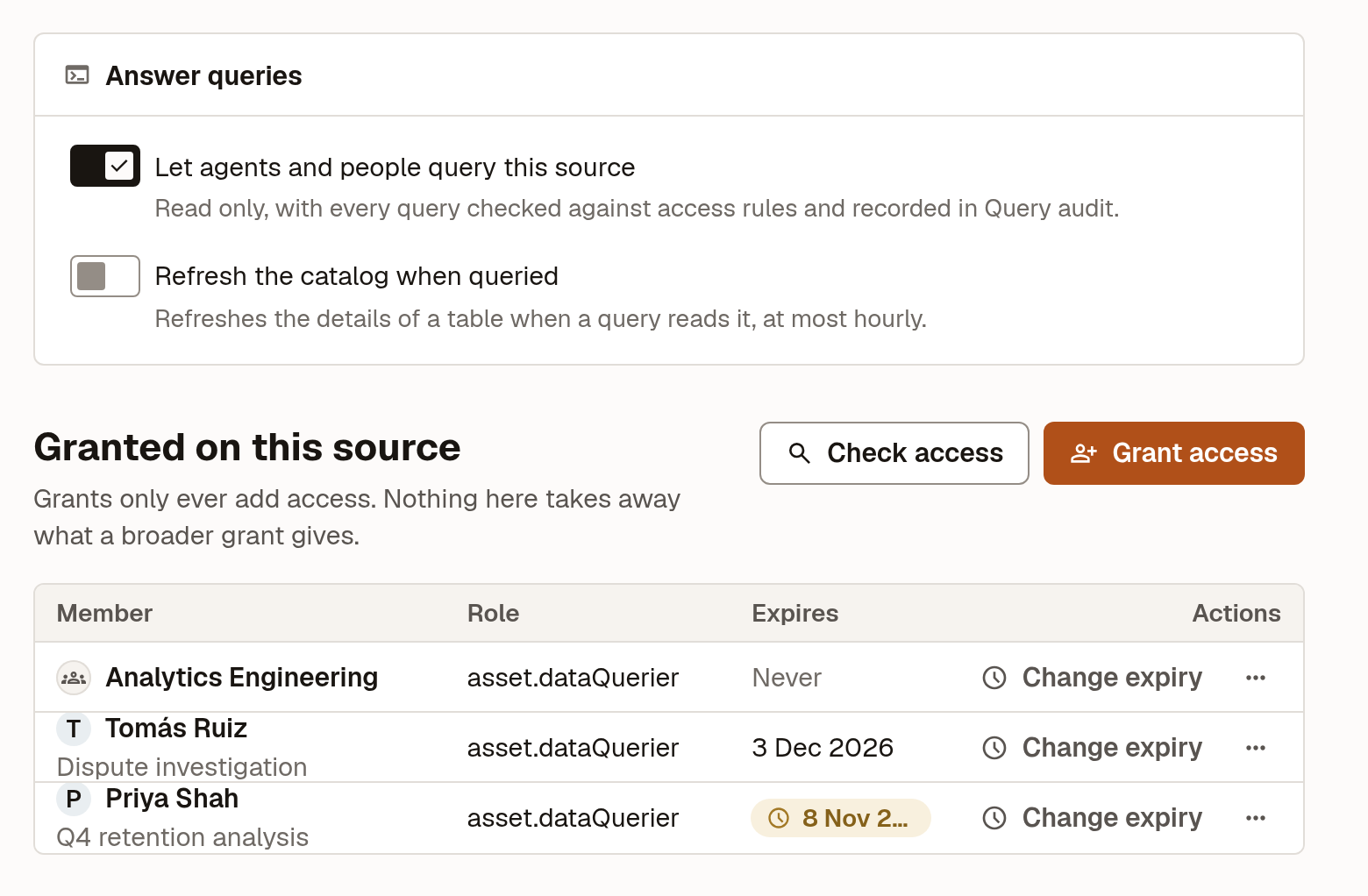
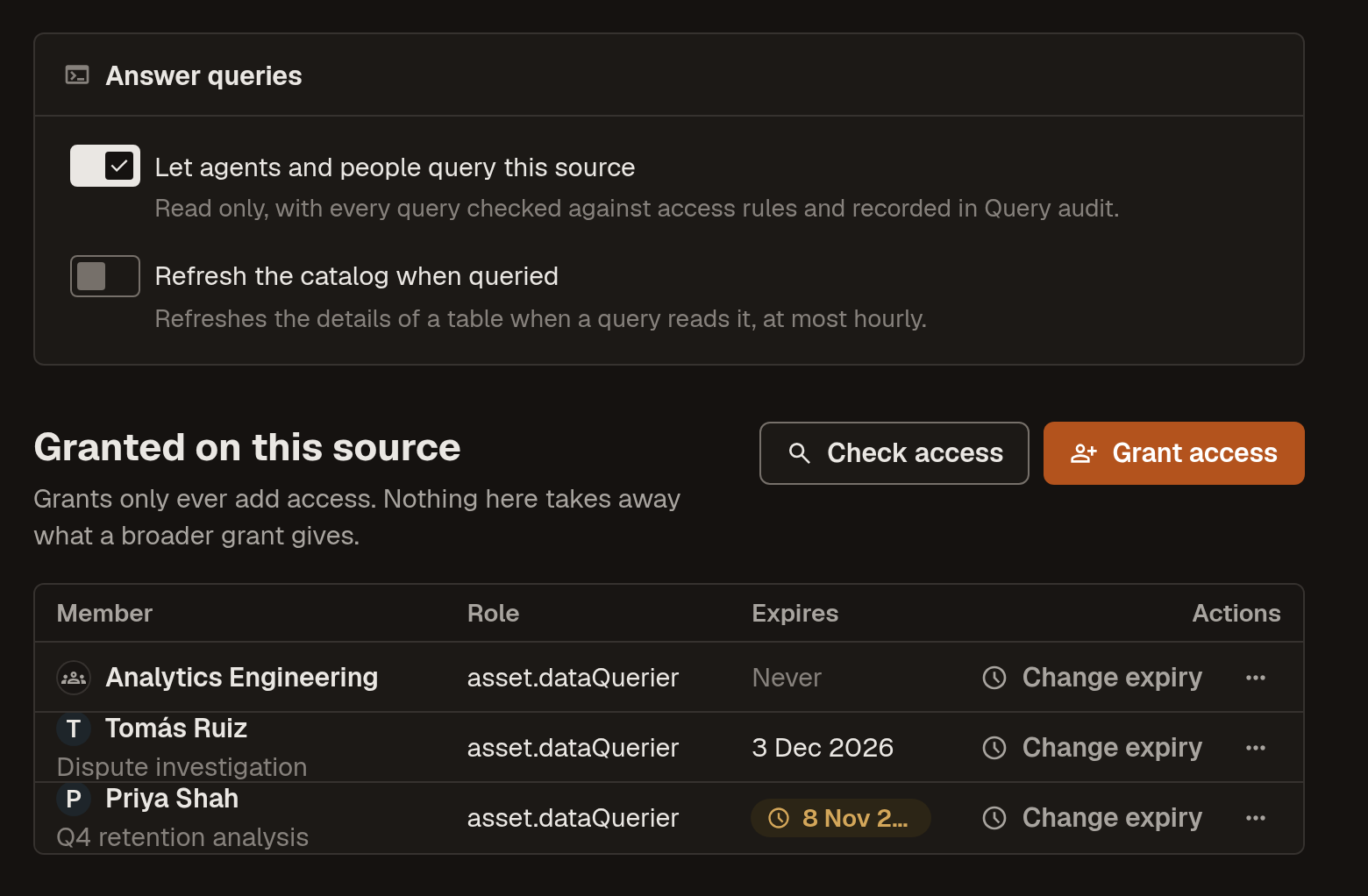
Admins and anyone holding asset.dataQuerier across the whole catalog can already query every source that answers.
Grant query access
Grant asset.dataQuerier on the narrowest resource that covers what the member needs:
- A source covers every table it reads, including tables it hasn't catalogued, so statements Marmot can't fully plan are allowed too.
- A data product covers the tables in it.
- An asset covers that one table.
- UI
- Terraform
- Open the resource: a source under Plugins → Edit pipeline, or a data product or asset's Access tab.
- Select Grant access.
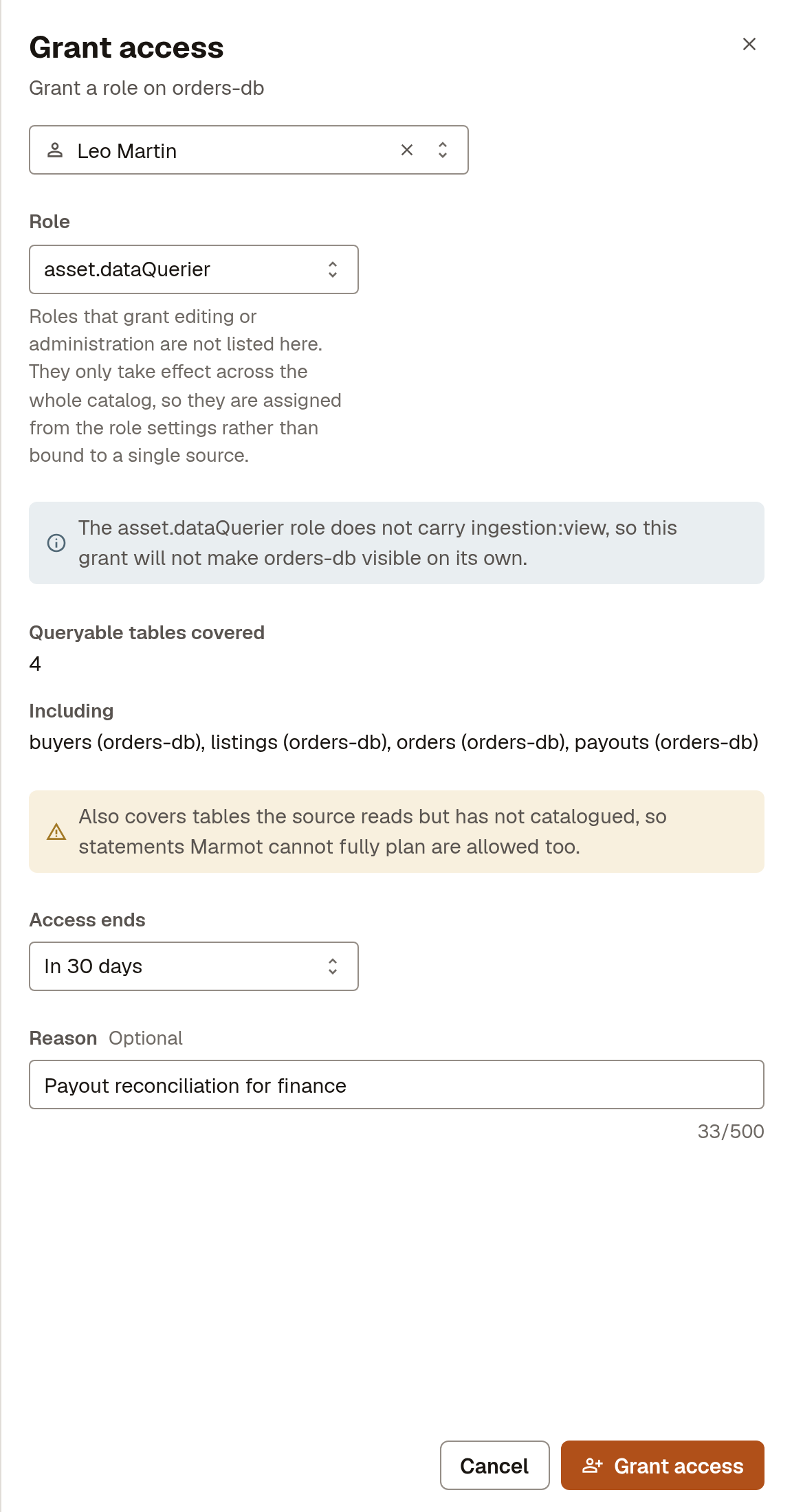
- Choose the Member and the role
asset.dataQuerier. - Check Queryable tables covered, which lists what the grant would reach.
- Optional: set Access ends and a Reason.
- Select Grant access.
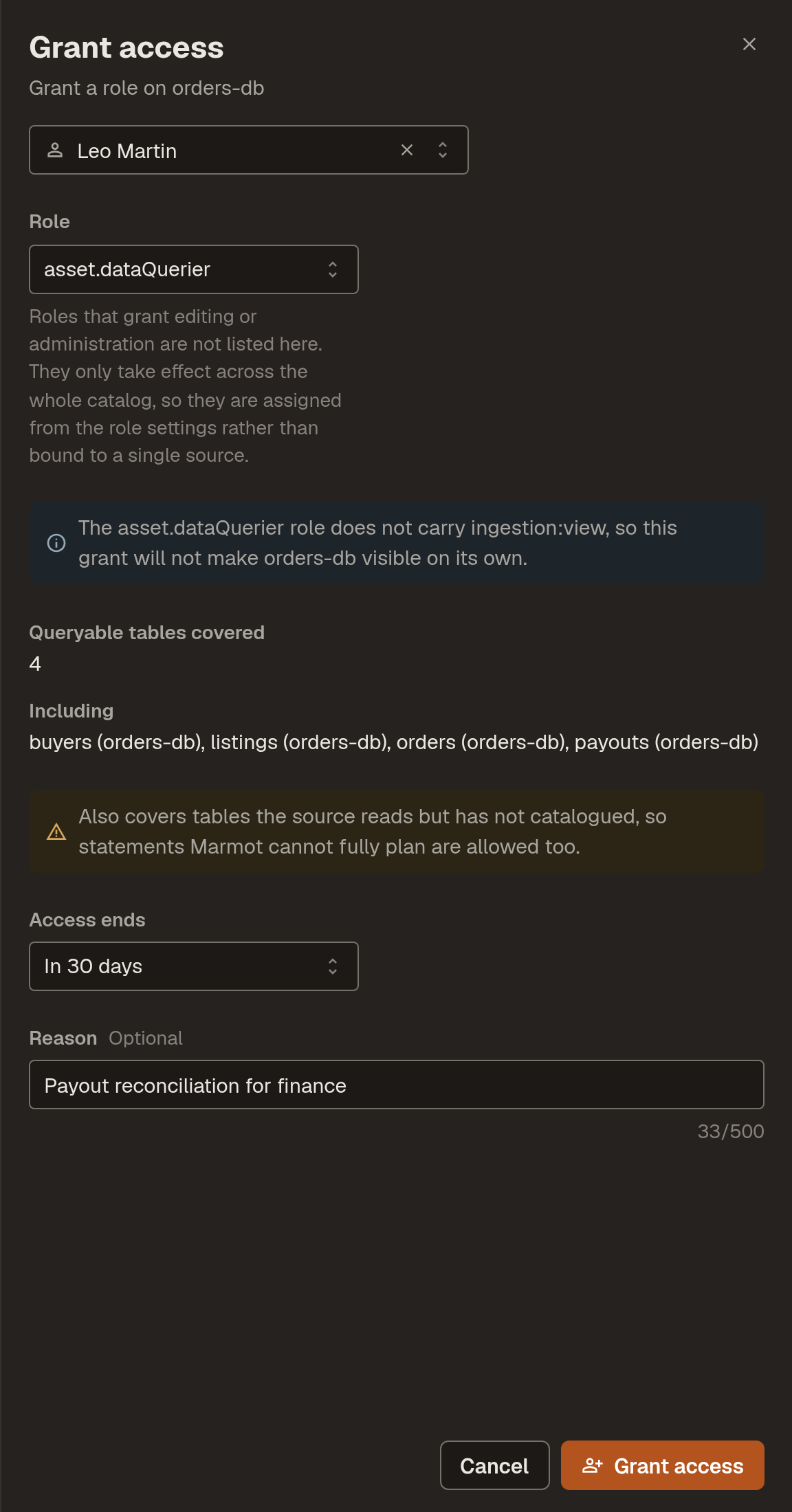
The drawer for a 30-day grant on the orders-db source:
Terraform grants on a data product or an asset. It can't grant on a source or set an end date; use the UI for those.
resource "marmot_data_product_iam_member" "support_queries_buyers" {
  data_product_id = marmot_data_product.buyer_360.id
  role            = "asset.dataQuerier"
  member          = "serviceAccount:${marmot_service_account.support_triage.id}"
}
asset.dataQuerier doesn't include seeing the pipeline itself, so a member granted only on a source can query it without seeing its configuration.
See who can query
Data access in the sidebar lists everyone who may run queries, what each grant is on and when it ends. It needs iam:view across the whole catalog. Grants across the whole catalog are under Settings → Catalog-wide access.
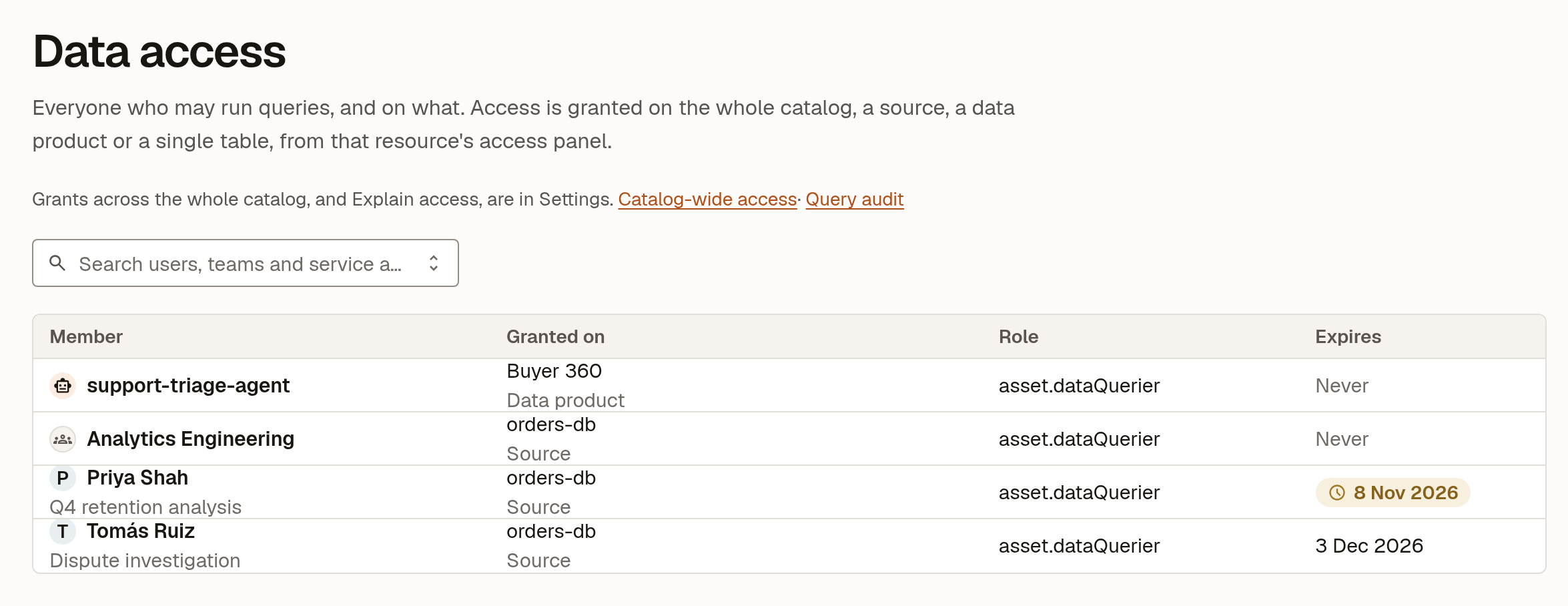
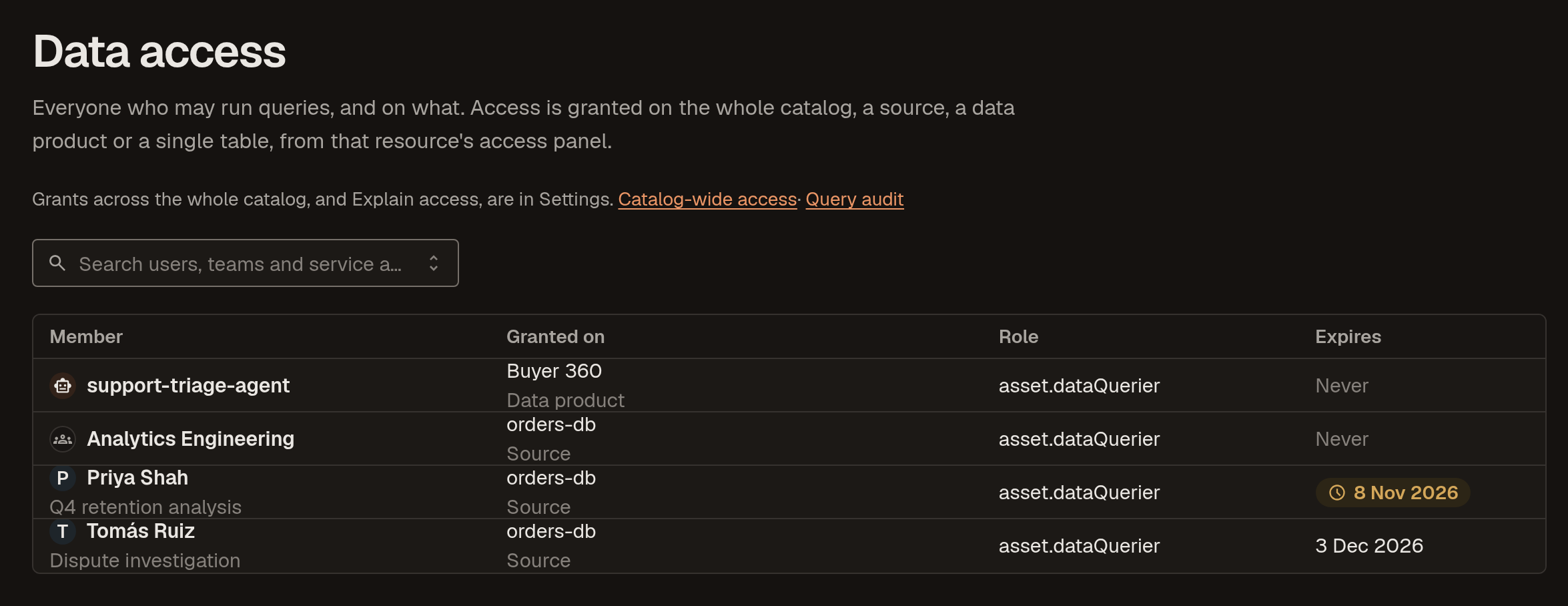
To extend or shorten a grant, select Change expiry on its row on the resource. Seven days before a grant ends, its holder and the people who manage access on the resource are notified. A grant that has ended is removed 30 days later.
What members see
In Query, My access lists where the signed-in member can run queries and when each grant ends. When a query is refused, Request access notifies the people who can grant what it needed, and every refusal is recorded in Query audit.
Who can review queries
Two roles cover the query log and its insights, and both are granted across the whole catalog:
access.viewersees Query audit, the data queries view of Insights and plugin status.access.admincan also choose which sources answer queries.
Watch for unusual activity
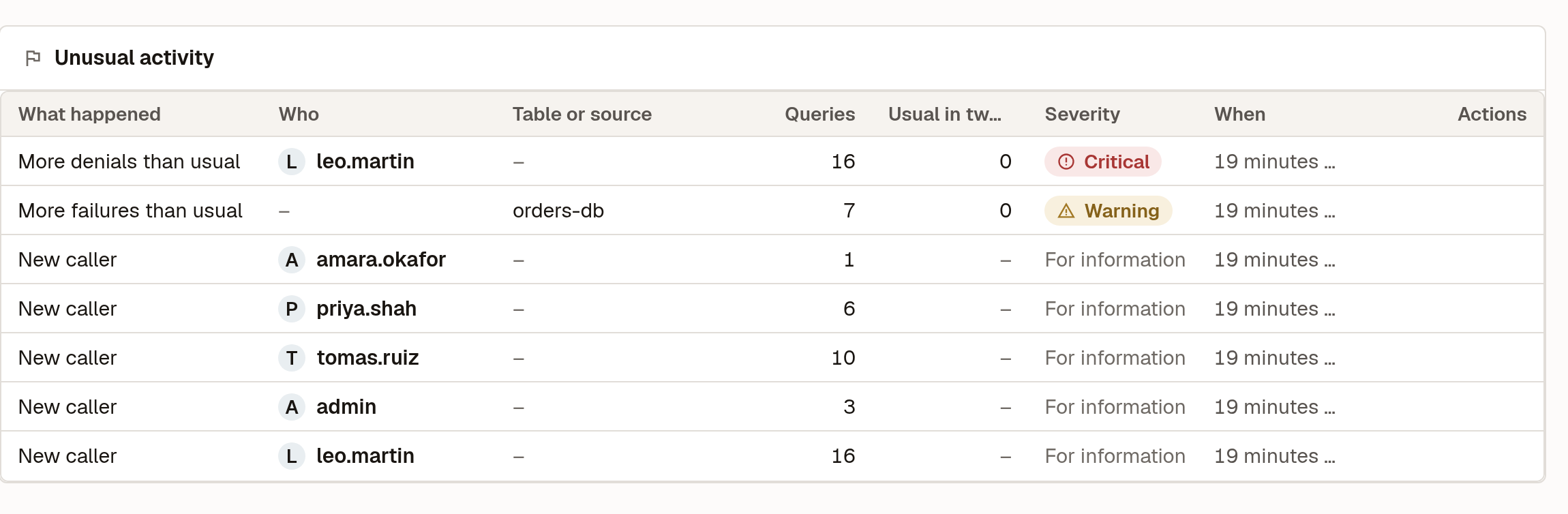
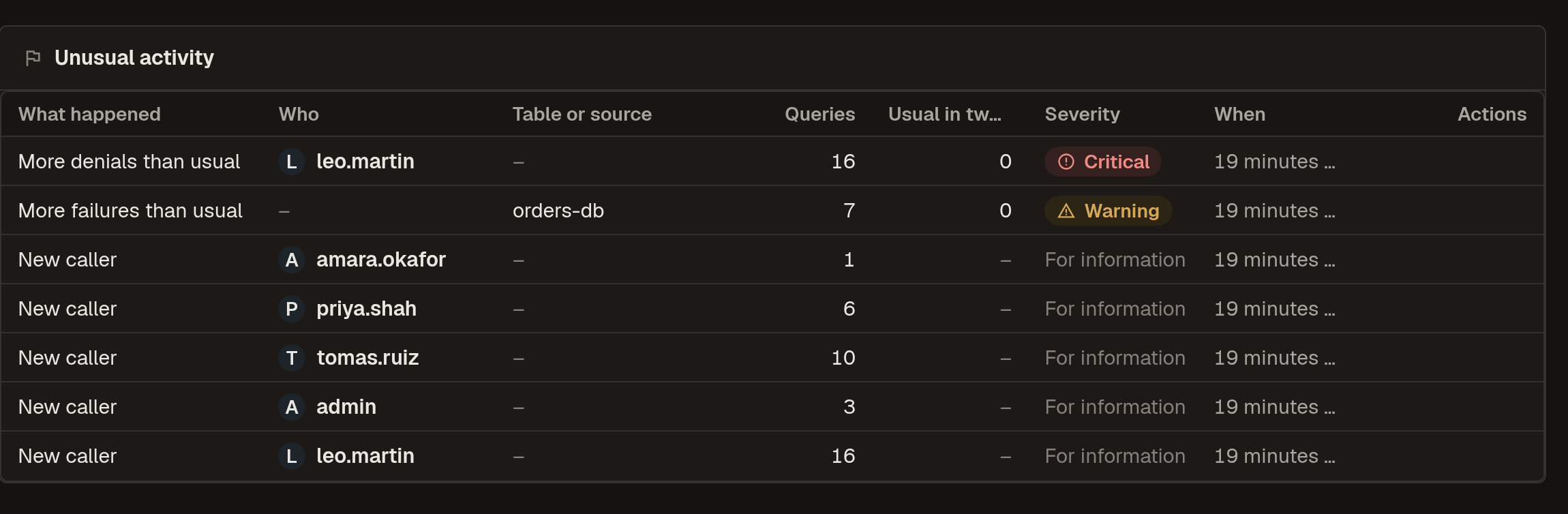
Insights → Data queries opens with Unusual activity for anyone holding access.viewer or access.admin:
| What happened | Severity |
|---|---|
| New caller: someone queries for the first time | For information |
| First read of a table: an established caller reads a table they haven't before | For information, or Warning when the table is tagged pii, sensitive, confidential or restricted |
| More failures than usual: queries failing at the source | Warning |
| More denials than usual: queries refused by access rules | Warning, or Critical at 15 or more in two hours |
A spike compares the last two hours with the usual for the same span over the previous 7 days, and needs at least 5 queries and three times the usual to show. The rest of Insights works as it does in open source Marmot.
Next steps
- Query your data: run queries, save them and export results.
- Query audit: every query, who ran it and why it was allowed or refused.
- Grant and check access: the same grants for catalog roles.