Invite your team
Invite people to your organisation in the console so they can launch, start and manage its instances. Being in the organisation doesn't give someone an account on an instance: they sign in to the instance itself, through single sign-on or an account created there.
Before you start
- You're an owner of the organisation.
Owners and members
Everyone in the organisation can see and manage its instances. Owners can also:
- change the plan, compute units and payment details under Billing;
- invite people, change their role and remove them;
- remove a custom domain and delete the organisation.
An organisation always keeps at least one owner, so the last owner can't be removed or made a member.
Invite someone
- In the console, open Members and select Invite people.
- Enter their Email and choose Member or Owner.
- Select Send invitation.
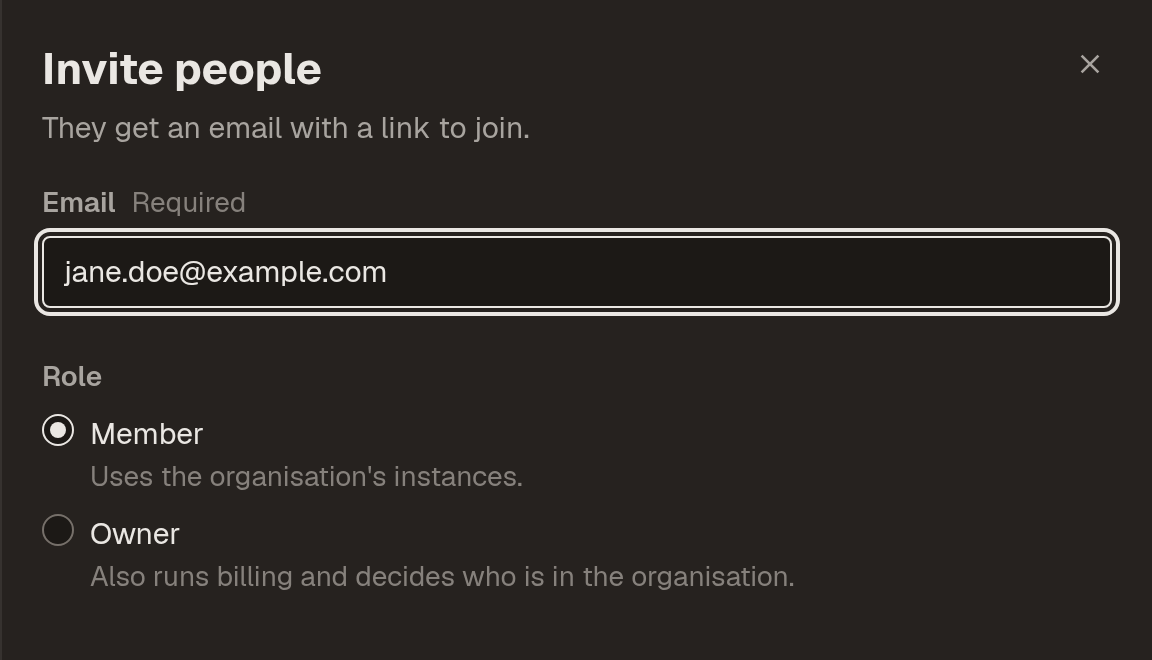
The invitation, filled in for a new member:
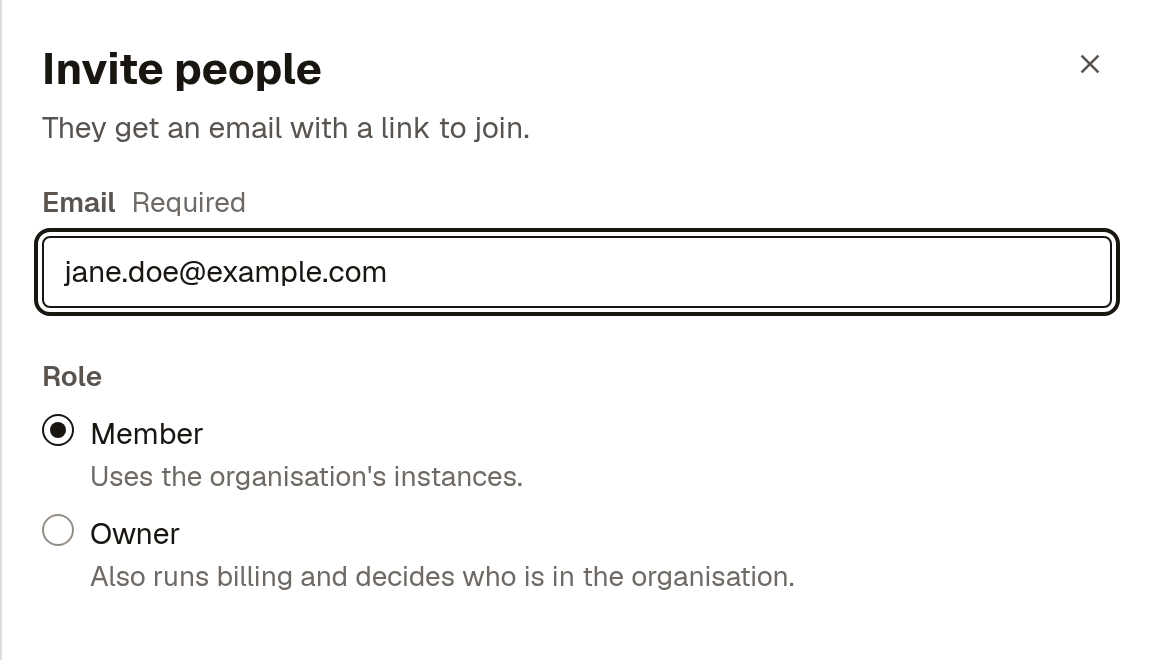
They get an email with a link to join, which works for 7 days. Until they accept, the invitation is listed under Pending invitations, where you can Resend it with a fresh 7 days or Revoke invitation.
Change someone's role
On Members, open the menu on their row and select Make owner or Make member. Remove from organisation takes them out of the organisation; it doesn't touch their account on any instance.
Next steps
- Set up single sign-on: let your team sign in to the instance with your identity provider.
- Access control: decide what each person can see and do in the instance.