Set up service accounts
Give each agent, CI job or ingestion process a service account: an identity with no person behind it that signs in with an API key and holds its own grants.
Create a service account
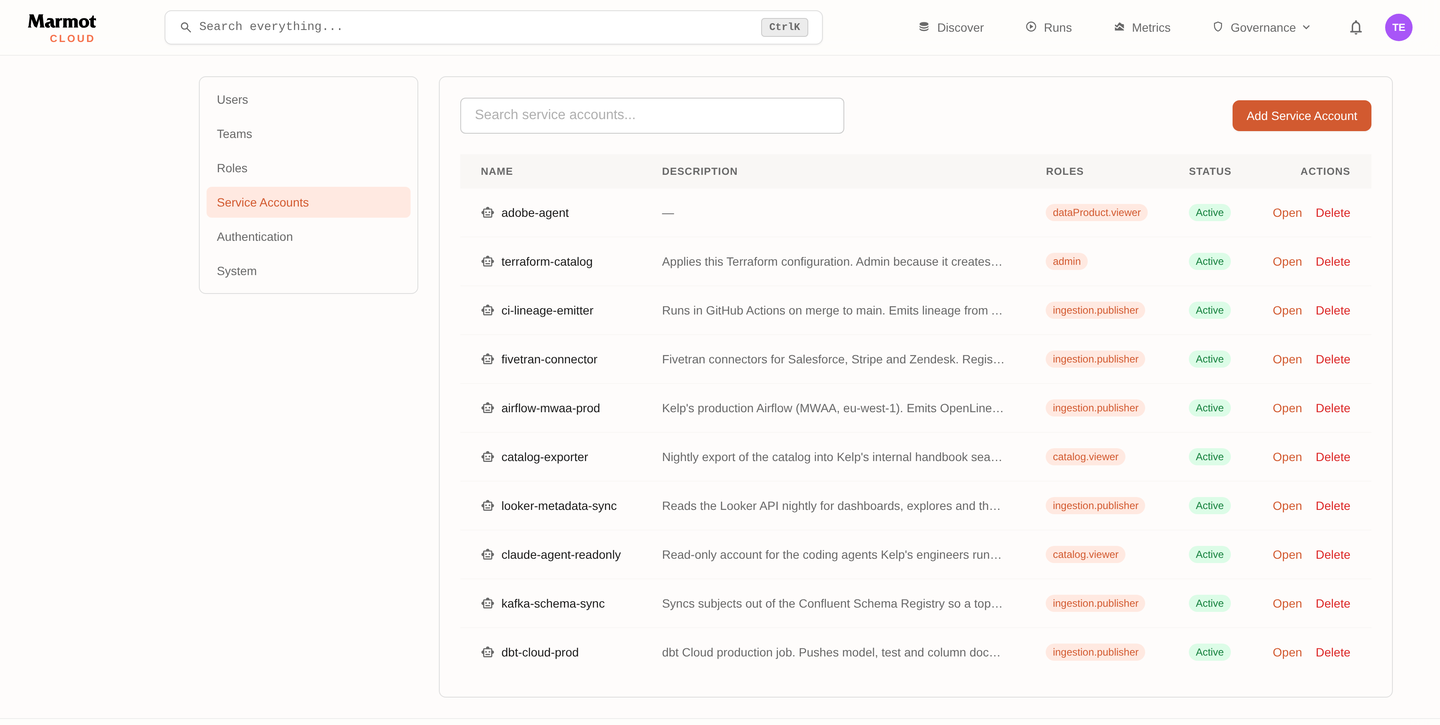
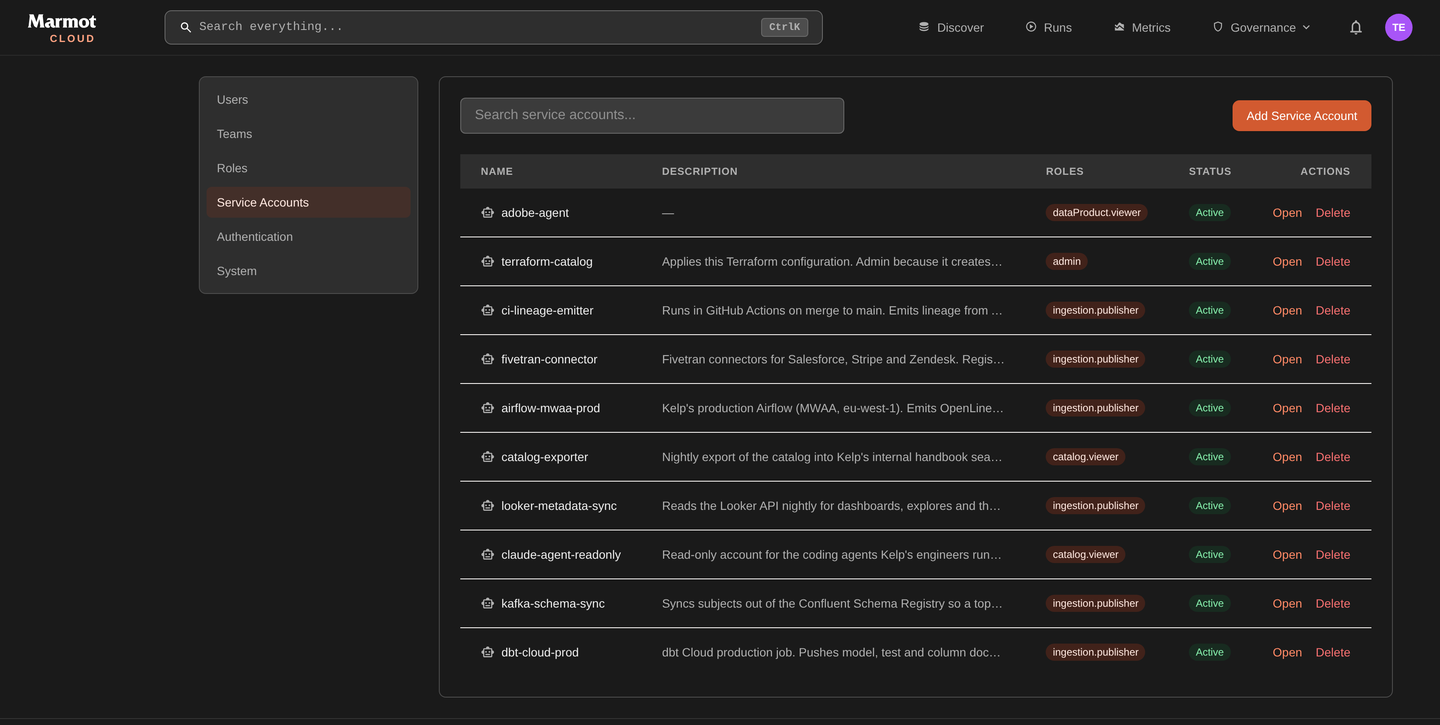
Settings → Service accounts lists every account with its roles, API keys and when it was last used:
Name the account after what uses it:
- UI
- CLI
- Terraform
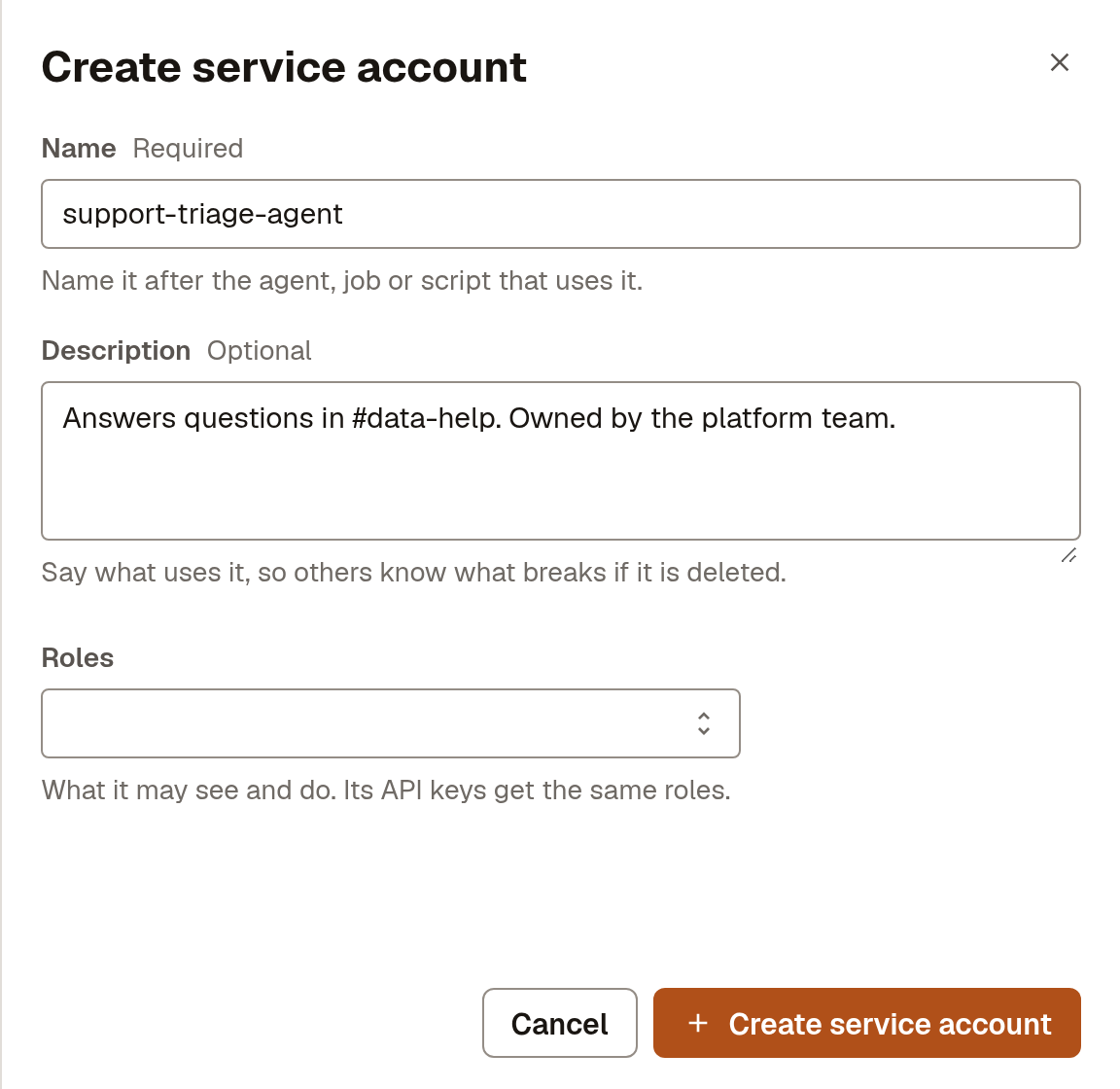
- Open Settings → Service accounts and select Create service account.
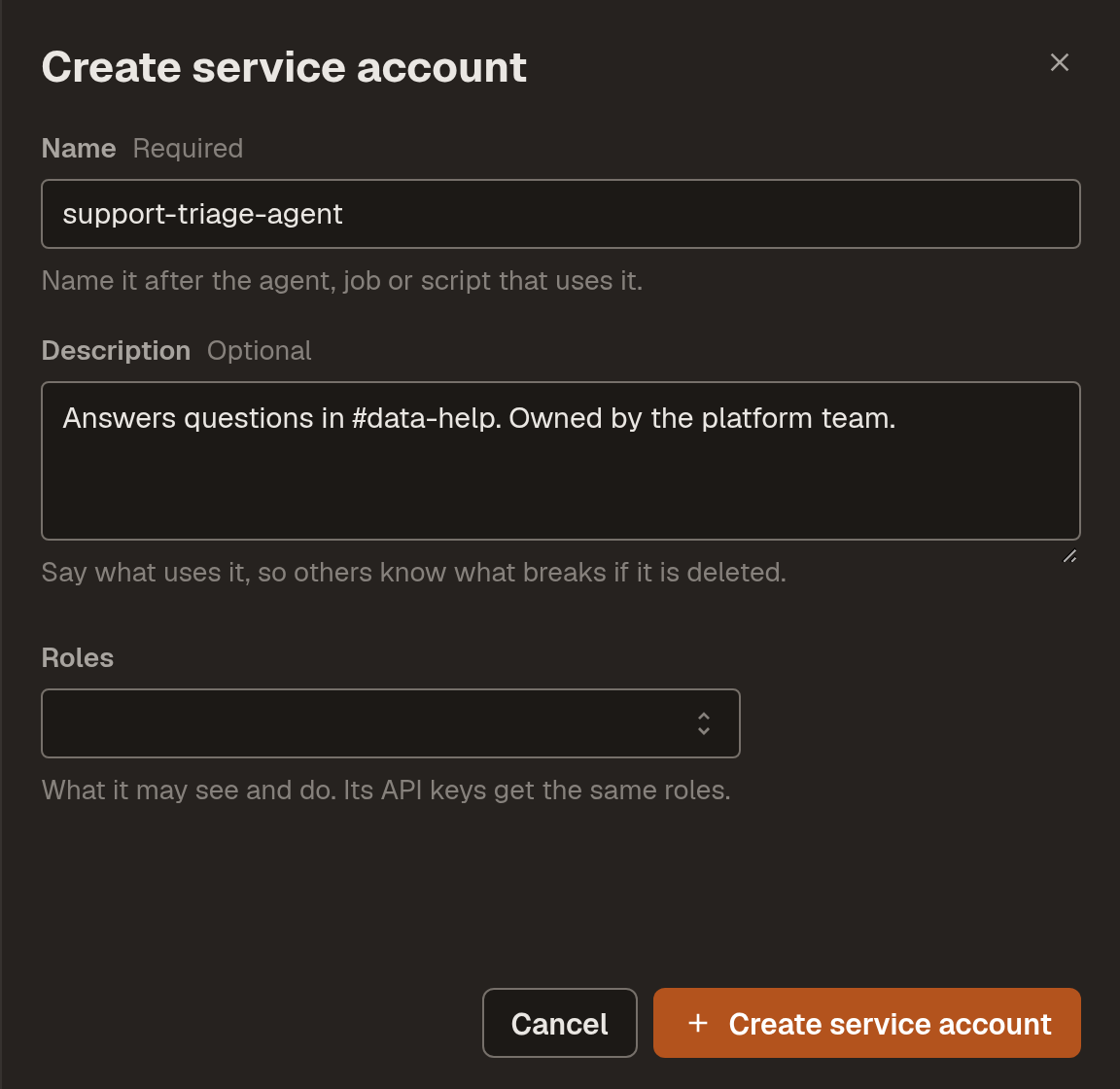
- Enter a Name and a Description that says who owns it. Leave Roles empty.
- Select Create service account. Its page opens.
marmot service-accounts create \
  --name support-triage-agent \
  --description "Answers questions in #data-help. Owned by the platform team."
The command prints the account's ID, which the key needs next.
resource "marmot_service_account" "support_triage" {
  name        = "support-triage-agent"
  description = "Answers questions in #data-help. Owned by the platform team."
}
Create one account per consumer, so each can be revoked on its own. Then grant it what it needs: an account with no grants reaches nothing, and an identity that only writes assets needs ingestion.publisher and nothing else.
Create an API key
The key is how the account signs in. It's shown once:
- UI
- CLI
- Terraform
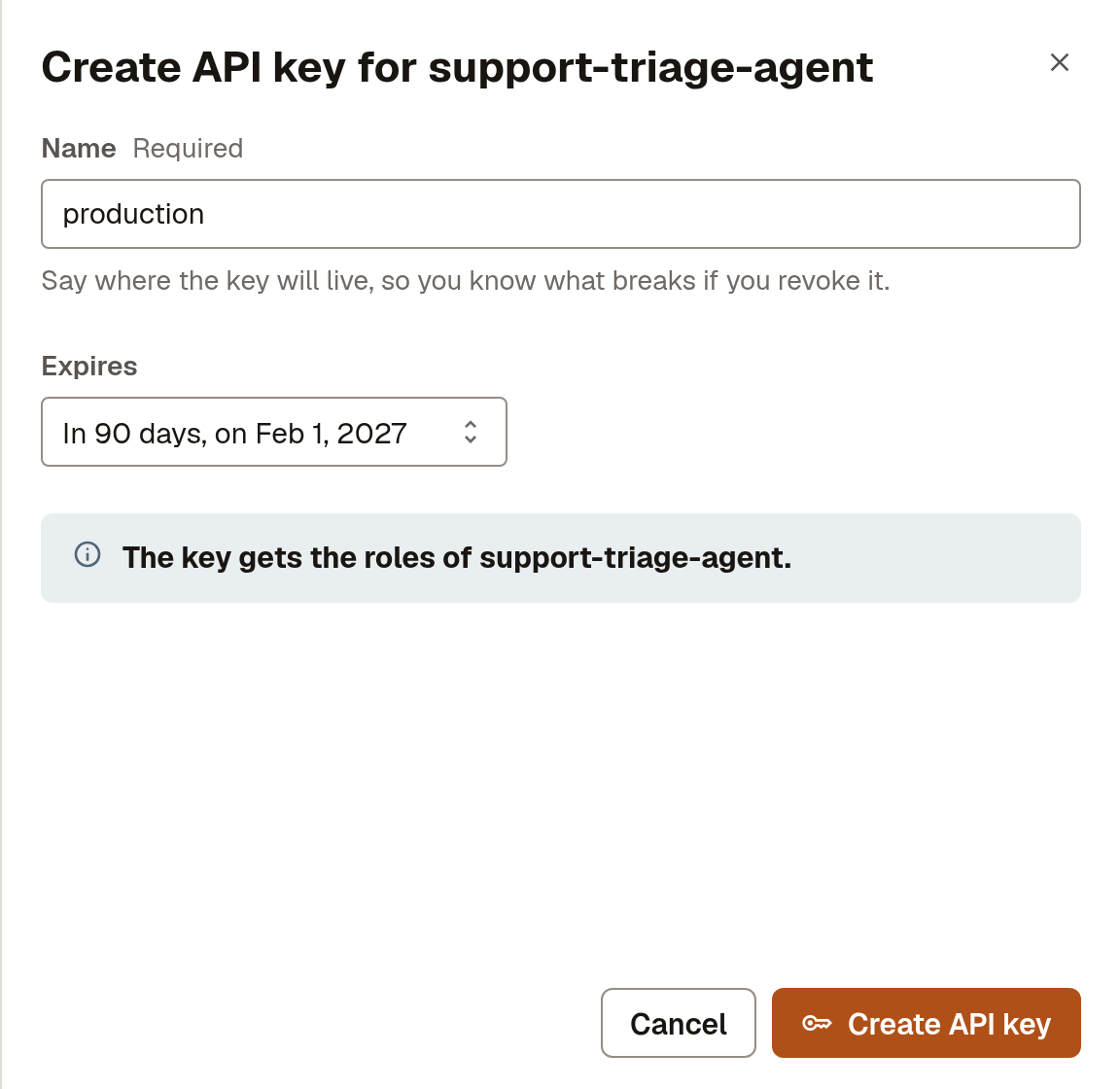
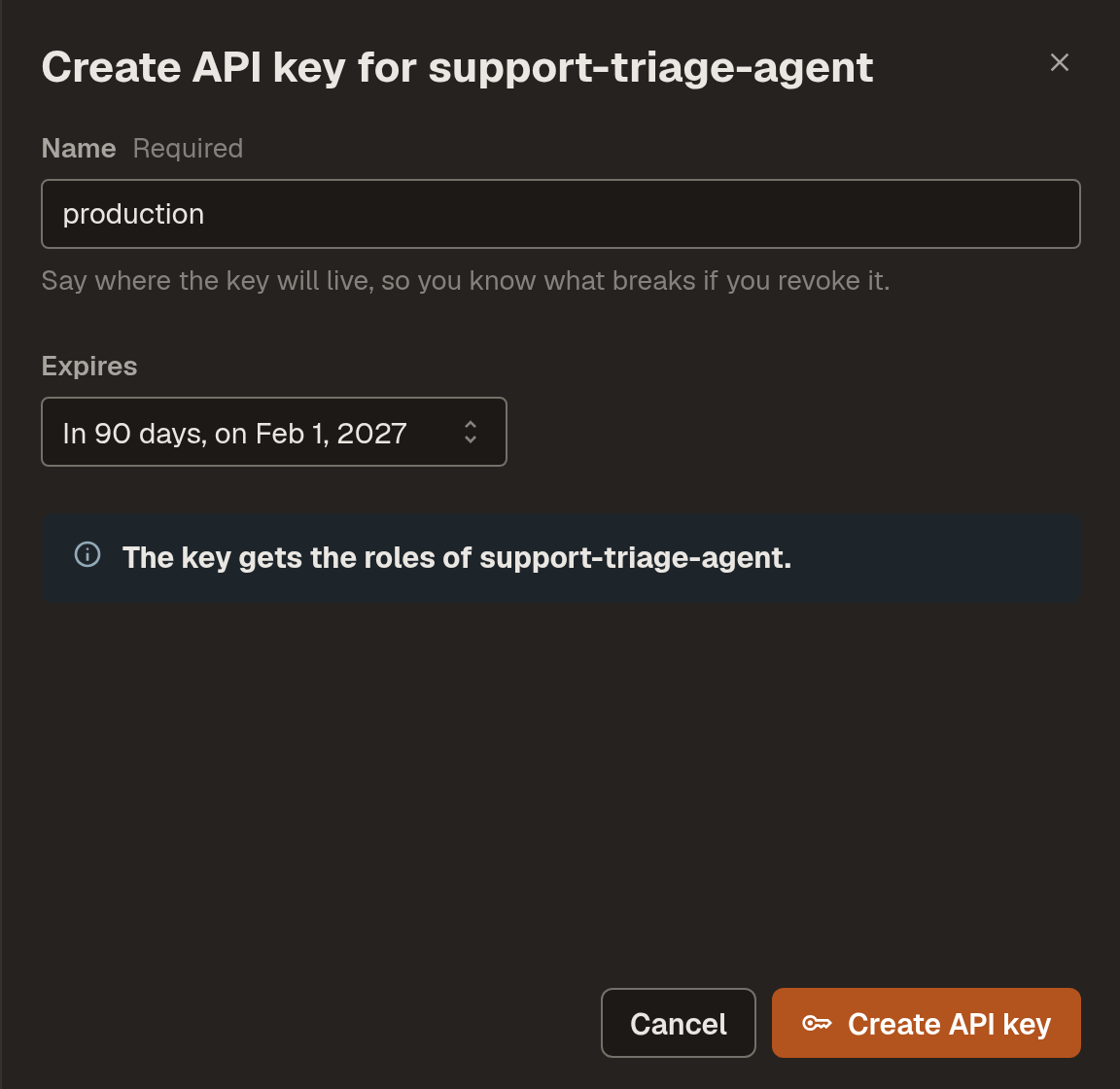
- On the account's page, under API keys, select Create API key.
- Enter a Name that says where the key will live and choose when it Expires.
- Select Create API key, copy the key, then select I have copied the key.
marmot service-accounts apikeys create \
  --service-account <service-account-id> \
  --name production \
  --expires-in-days 90
resource "marmot_service_account_api_key" "support_triage" {
  service_account_id = marmot_service_account.support_triage.id
  name               = "production"
  expires_in_days    = 90
}
The key is in marmot_service_account_api_key.support_triage.key. Store the API key covers where to put it.
Let keys expire. An account holds up to 5 keys, so the old and new key can overlap while you rotate. Rotate key instead replaces a key's secret at once and keeps its name and expiry.
Check that it worked
Make a request with the key, then open the account under Settings → Service accounts. Its page shows when it was last used and, under Effective access, everything it can reach.
Store the API key
If you manage service accounts with Terraform, it keeps the key in state as a sensitive attribute, so keep state in an encrypted remote backend. Write the key into the consumer's secret manager through a write-only argument, and never expose it as an output:
resource "google_secret_manager_secret_version" "triage_marmot_key" {
  secret                 = google_secret_manager_secret.triage_marmot_key.id
  secret_data_wo         = marmot_service_account_api_key.support_triage.key
  secret_data_wo_version = 1
}
When a key is only needed for one Terraform run, use the ephemeral resource. It creates the key when the run starts and revokes it when the run ends, and the key never reaches the plan or state:
ephemeral "marmot_service_account_api_key" "migration" {
  service_account_id = marmot_service_account.migration.id
}

provider "marmot" {
  alias   = "as_migration"
  host    = "https://<instance>.marmotdata.cloud"
  api_key = ephemeral.marmot_service_account_api_key.migration.key
}
Run Terraform in CI
On your own machine the provider uses your marmot login session. CI needs a service account, created from your session:
resource "marmot_service_account" "terraform" {
  name        = "terraform"
  description = "Applies the catalog from CI. Owned by the platform team."
}

resource "marmot_service_account_api_key" "terraform" {
  service_account_id = marmot_service_account.terraform.id
  name               = "ci"
  expires_in_days    = 90
}

resource "github_actions_secret" "marmot_api_key" {
  repository      = "catalog"
  secret_name     = "MARMOT_API_KEY"
  plaintext_value = marmot_service_account_api_key.terraform.key
}
Grant it only what the repository manages: ingestion.admin and secretStore.user for pipelines, iam.admin where it grants access and editor for catalog content. With MARMOT_HOST and MARMOT_API_KEY set in CI, the provider block is empty:
provider "marmot" {}
Use the account's identity in your cloud
A service account can act as itself in Google Cloud, AWS or Azure, as a pipeline does. It gets a 5-minute token from Marmot with your instance as issuer and serviceAccount:<name> as subject, and exchanges it with your cloud. Get the issuer and subject to trust:
curl -s -H "Authorization: Bearer $MARMOT_API_KEY" \
  "$MARMOT_HOST/api/v1/service-accounts/<service-account-id>/identity"
MARMOT_HOST is https://<instance>.marmotdata.cloud.
This only works outwards. Calls into Marmot still use the account's API key.
Troubleshooting
| What you see | What to do |
|---|---|
| "This account has all 5 keys. Delete one to create another." | Revoke a key the account no longer needs. |
| Every request with the key is refused | The account is Inactive, or the key has expired. Reactivate the account or create a new key. |
| The key works but returns nothing | The account has no grants. Grant it a role. |
Next steps
- Connect an agent: point the agent at
https://<instance>.marmotdata.cloud/api/v1/mcpwith its new key. - Set up single sign-on: let your team sign in through your identity provider.