Query your data
Run read-only SQL against a catalogued source without leaving Marmot. For how queries are checked and what's recorded, see data queries.
Before you start
- A pipeline for the source uses a plugin marked Supports querying, such as PostgreSQL, MySQL or Google BigQuery.
- You hold
assets:query. Onlyadminholds it by default. - To turn querying on for a pipeline, you also hold
access:manage.
Turn on querying for a source
- Open Plugins and select the pipeline.
- Select Edit pipeline and, under Answer queries, turn on Let agents and people query this source.
- Save the pipeline.
A source that supports querying but has it turned off shows Turn on querying on the Plugins page, which does the same.
Run a query
- UI
- CLI
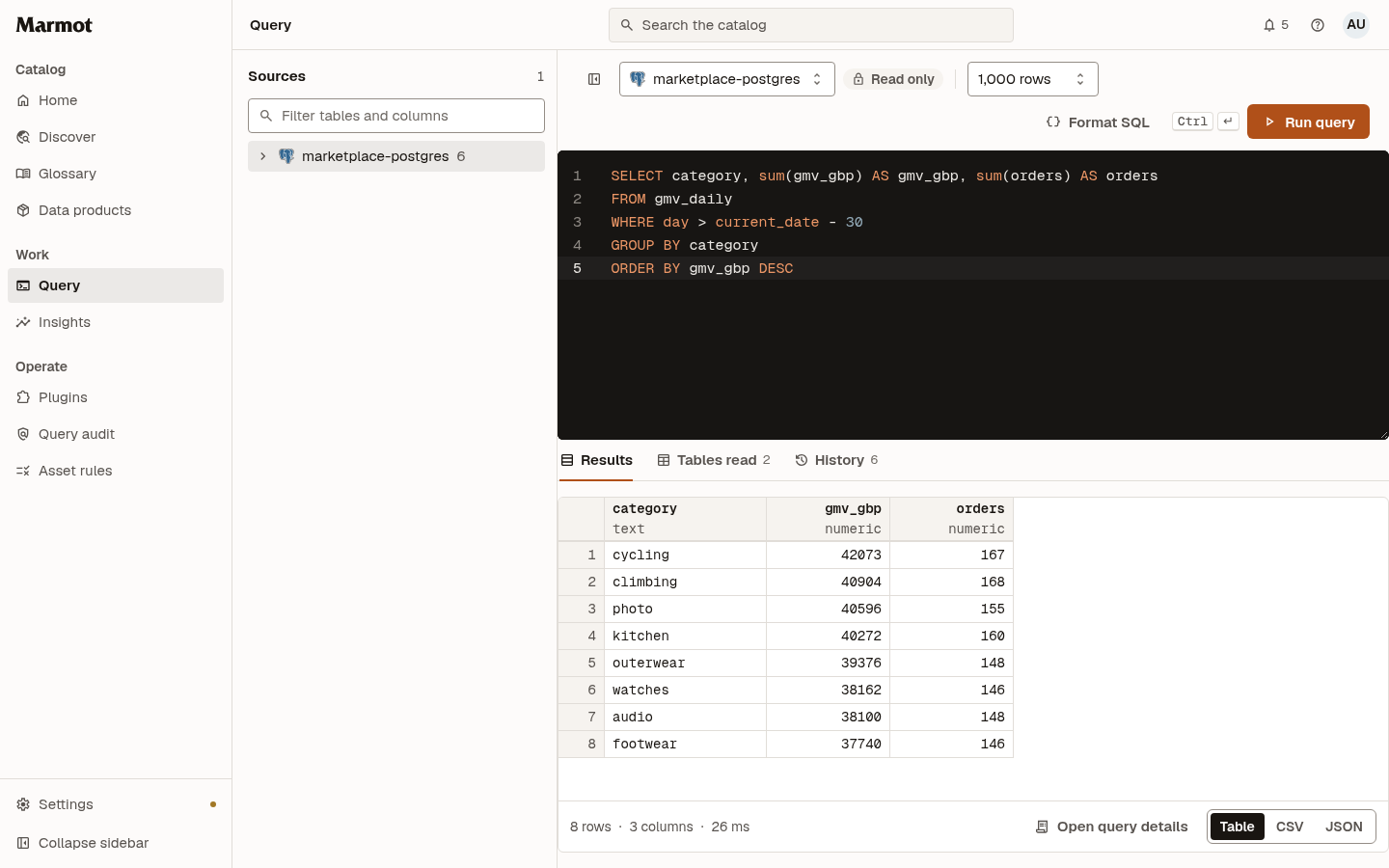
- Open Query and choose the source at the top. Sources lists its tables and columns.
- Write a statement, or pick a table to start from its sample query. Format SQL tidies it.
- Set Row limit if you need more or fewer than 1,000 rows, then select Run query.
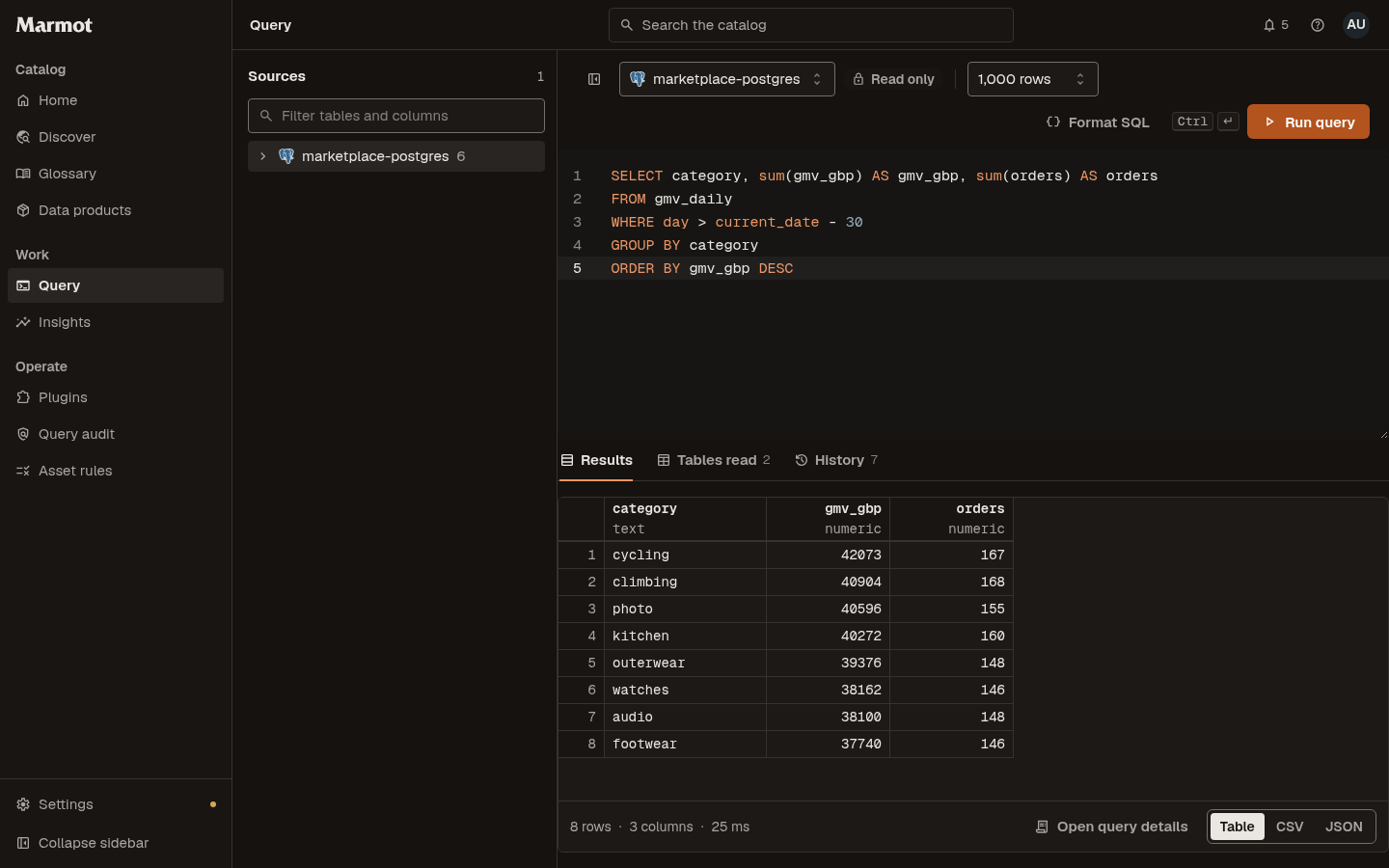
The results appear under Results, with the tables the statement read under Tables read and your earlier queries under History:
List the sources you can query and their tables, then run a statement:
marmot query sources
marmot query tables marketplace-postgres
marmot query run marketplace-postgres \
  "SELECT category, sum(gmv_gbp) AS gmv_gbp FROM gmv_daily GROUP BY 1"
--table orders runs a table's sample query instead, --file reads the statement from a file and --max-rows sets the row limit. marmot query history and marmot query show <query-id> list your earlier queries.
Query a table from its page
On an asset page, Query table opens Query with that table's source chosen and a sample query written in the source's own SQL dialect:


Save and export
- Save query names a statement so you can run it again from Query or from Home.
- Under the results, CSV and JSON show the result in that format to copy or download. They include every row, even when the preview shows only the first lines.
- Open query details shows the query's full record, the same one the query audit keeps.
Check that it worked
The query appears under History with its row count. If a result says The result was cut off at the row limit, raise Row limit up to the configured cap, or narrow the statement.
Troubleshooting
| What you see | What to do |
|---|---|
| Query isn't in the sidebar | You don't hold assets:query. Ask an administrator for a role that has it |
querying data needs the assets:query permission | The same. Select Request access to ask the people who manage users |
only read queries can run through Marmot | The statement writes, changes the schema or holds more than one statement. Send a single SELECT |
| The source isn't listed | Querying is off for its pipeline. Turn it on |
relation "…" does not exist | The table isn't in the database the source queries. For PostgreSQL, set Query Database on the pipeline |
Next steps
- Query audit: see who queried what across the instance.
- MCP server: let agents query through
query_data. - Serve queries from your network: answer queries from a source Marmot can't reach.