Lineage
Lineage shows which assets feed which: the topic that loads a table, the models built from it and the dashboards at the end. Marmot draws it on every asset's Lineage tab, and where it knows how columns map, down to the column.
Read the graph
Open an asset and select its Lineage tab, or Open lineage from Where it flows:
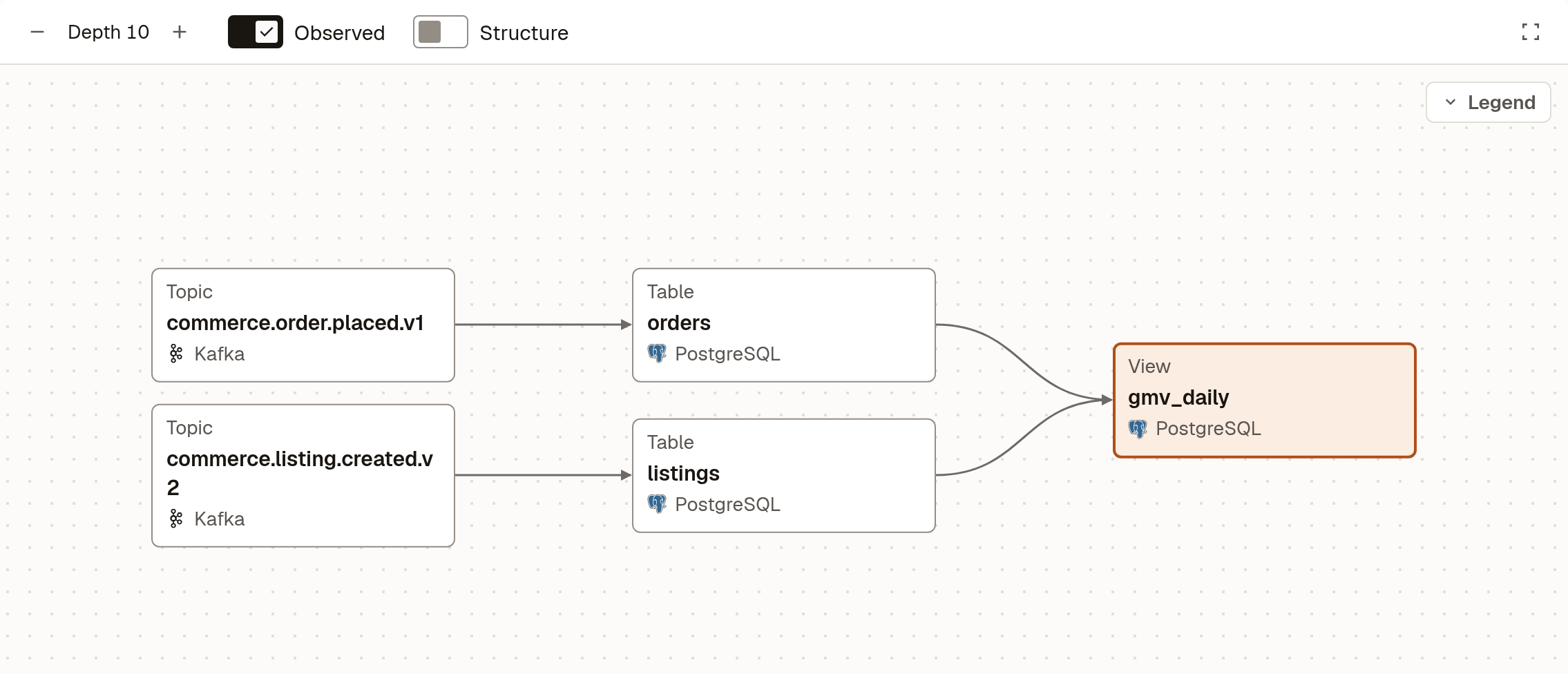
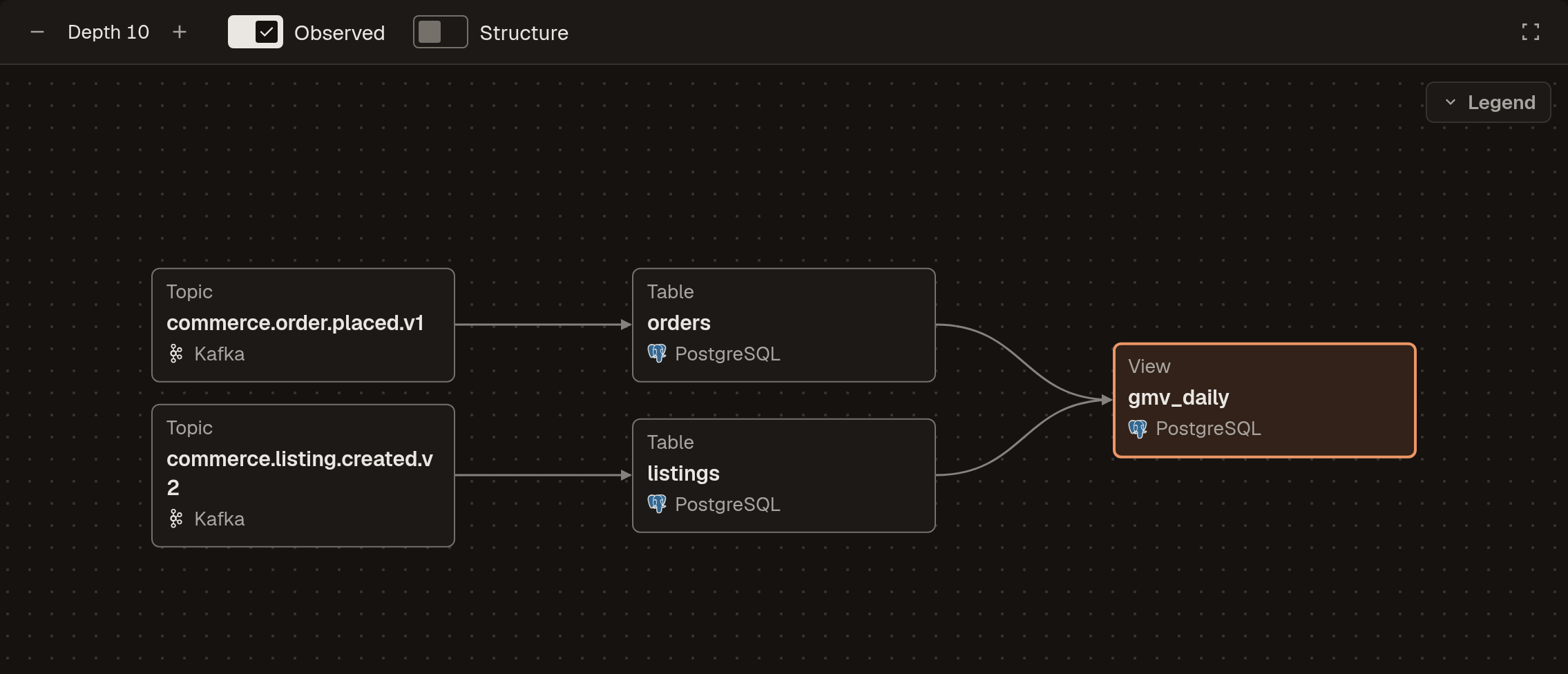
- Upstream assets are on the left and downstream on the right.
- Depth sets how many steps out the graph reaches. An asset with more beyond the depth shows a handle such as "+3 upstream".
- Observed shows edges Marmot saw happen, such as a pipeline run or an agent's query, as well as the ones declared for it. Structure adds containment, such as the database a table sits in.
- Selecting an asset opens its details beside the graph, with its owners and how it connects to the asset you started from.
Declared edges are solid and observed edges dashed; Legend explains the rest.
Trace columns
An edge that carries column-level lineage shows how many columns it maps. Select the edge to trace them: both assets list their mapped columns, a line joins each source column to the column it feeds and the rest of the graph fades. Hover a column to see how it's derived.
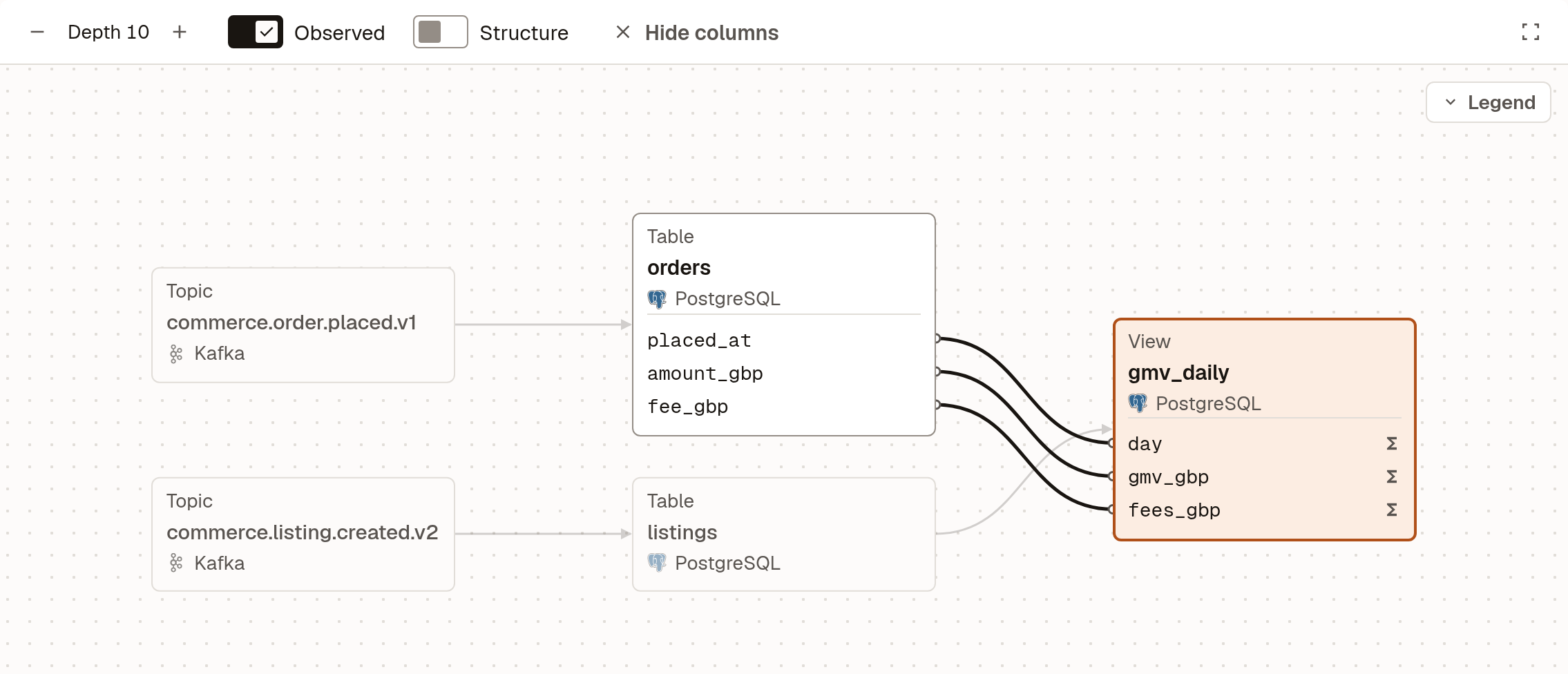
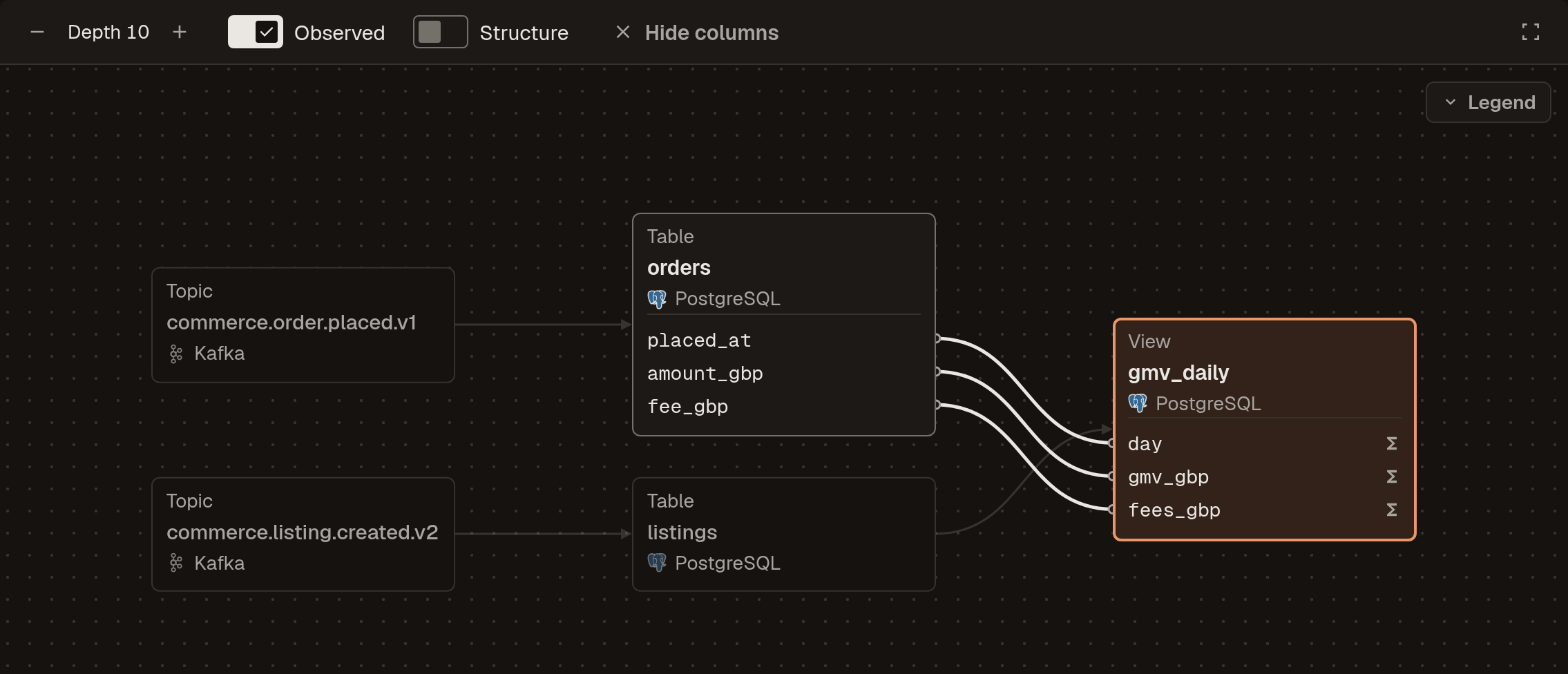
Hide columns, Escape or a click on the background ends the trace.
Where lineage comes from
- Plugins. Plugins that see how data moves record it as they catalog: dbt models from their refs, Airflow DAGs from the datasets they produce and consume, and PostgreSQL views from their definitions, down to the column. See each plugin's page in the plugin directory.
- The API. Send edges, with or without column mappings, from your own pipelines. This is the recommended way for new integrations.
- OpenLineage. Tools that already emit OpenLineage events can send them to Marmot as they are.
- By hand. With permission to manage assets, select an asset on the graph and choose Add upstream or Add downstream. Select an edge and press Delete to remove one.
- Data queries. When an agent's service account queries a table, Marmot records an observed edge from the table to the agent.
Send lineage from your own pipelines
POST /api/v1/lineage/batch records a list of edges between assets by MRN. Both assets of an edge must already be in the catalog. column_lineage is optional; each entry names the target column and the source columns it's derived from:
curl -X POST https://marmot.example.com/api/v1/lineage/batch \
  -H "X-API-Key: <api-key>" \
  -H "Content-Type: application/json" \
  -d '[{
    "source": "mrn://table/postgresql/orders",
    "target": "mrn://model/dbt/fct_orders",
    "type": "DIRECT",
    "column_lineage": [
      { "from_columns": ["order_id"], "to_column": "order_id" },
      { "from_columns": ["amount_gbp", "fee_gbp"],
        "to_column": "net_gbp", "transform": "expression" }
    ]
  }]'
Sending an edge that already exists refreshes its column lineage, so a pipeline can send its lineage on every run. POST /api/v1/lineage/direct records a single edge without column lineage. The API reference has the full schema.
Next steps
- OpenLineage: send lineage from tools that emit OpenLineage events.
- Build a plugin: record lineage from a plugin of your own.
- Data queries: query a table you found through its lineage.