Glossary
The Glossary lets you define business terms and create a shared vocabulary across your organisation. Instead of different teams using different names for the same concept, the glossary establishes standard terminology that everyone can reference.
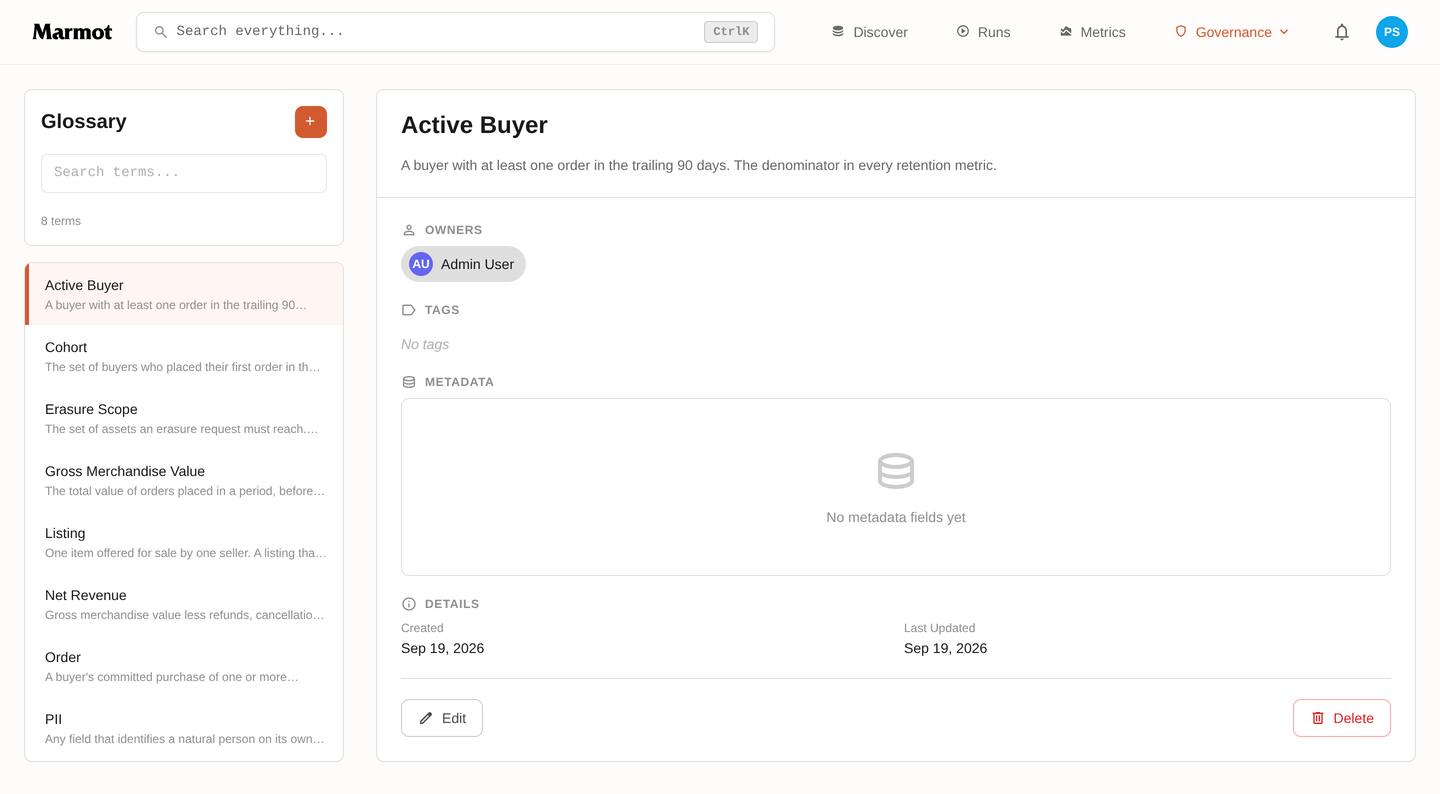
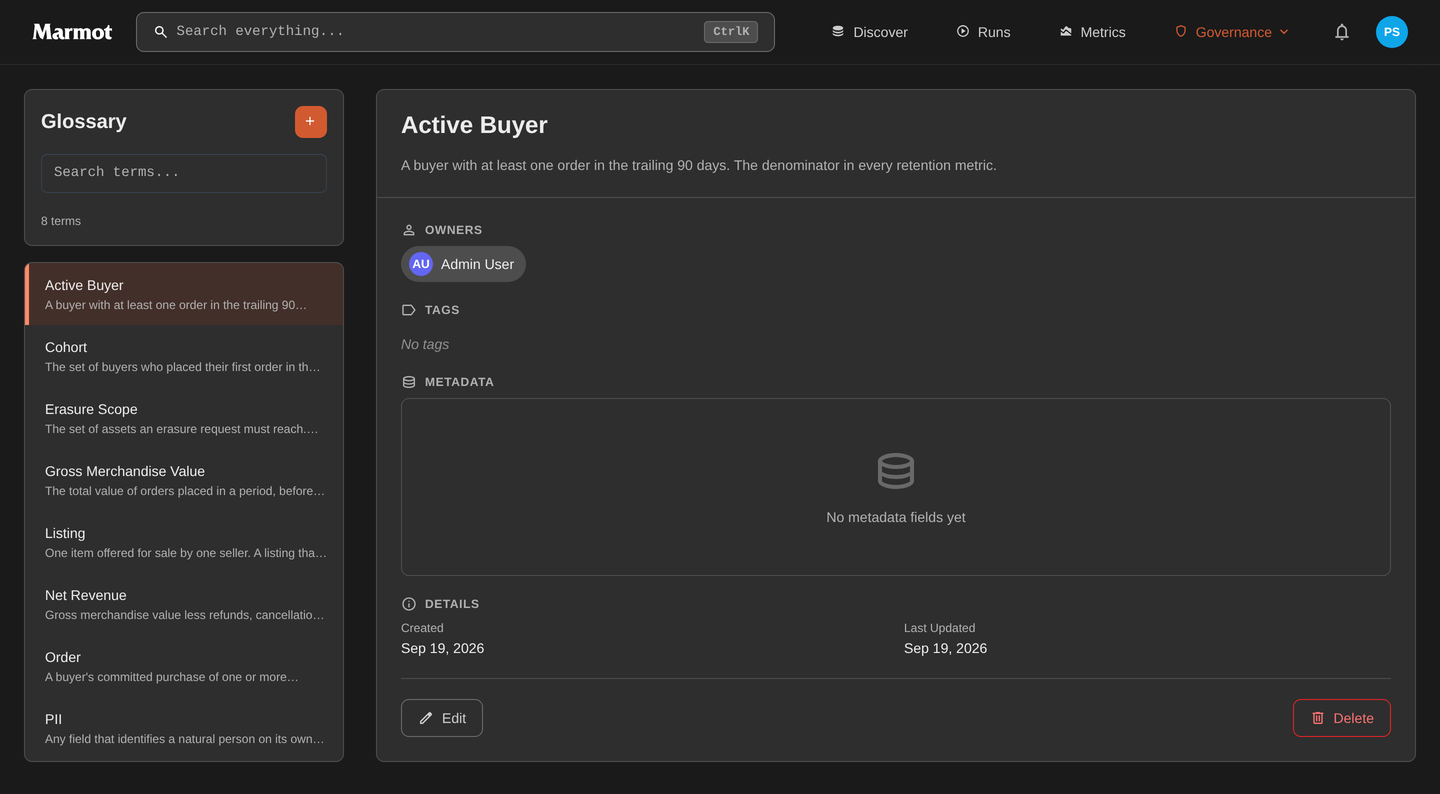
The glossary sits under Governance → Glossary. Terms are listed on the left and open on the right, with their definition, owners, metadata and the assets they are attached to.
Creating Terms
Click the + button above the term list. A term needs a name and a definition; the definition is the part that does the work, so write it as the answer to "what exactly counts as this".
A good definition draws a boundary rather than restating the name. "An order exists from the moment payment is authorised; a cart is not an order" settles arguments. "An order is a purchase" does not.
Nesting terms
A term can have a parent, which is how you keep a vocabulary navigable as it grows. Put the general term at the top and the measures that depend on it underneath: Order with Gross Merchandise Value and Net Revenue nested under it, or PII with Erasure Scope.
Nesting is also inheritance on Marmot Cloud: a role granted on a term reaches every term nested under it.
Associating Terms with Assets
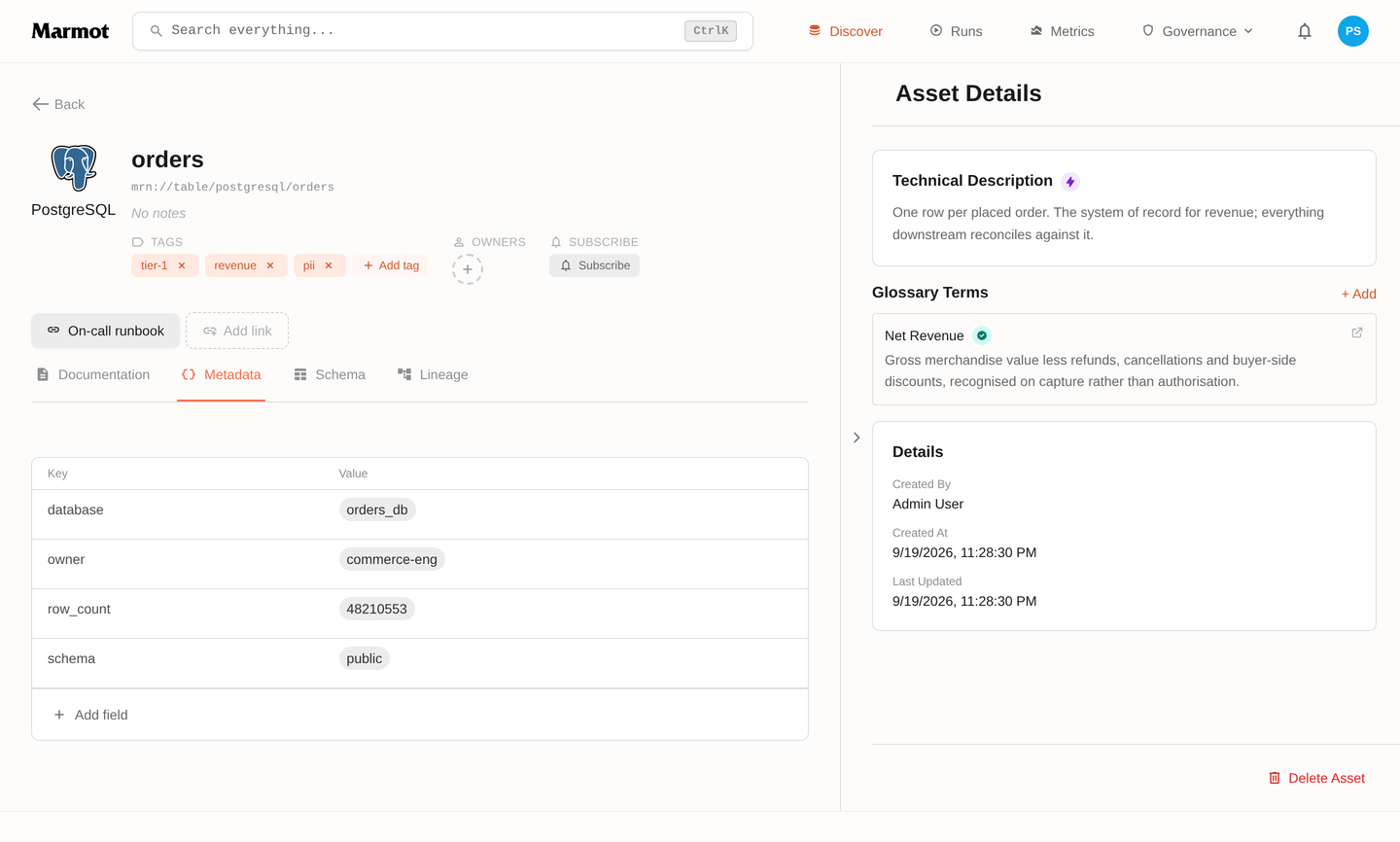
Glossary terms become useful when linked to data assets. To associate a term with an asset:
- Navigate to the asset page
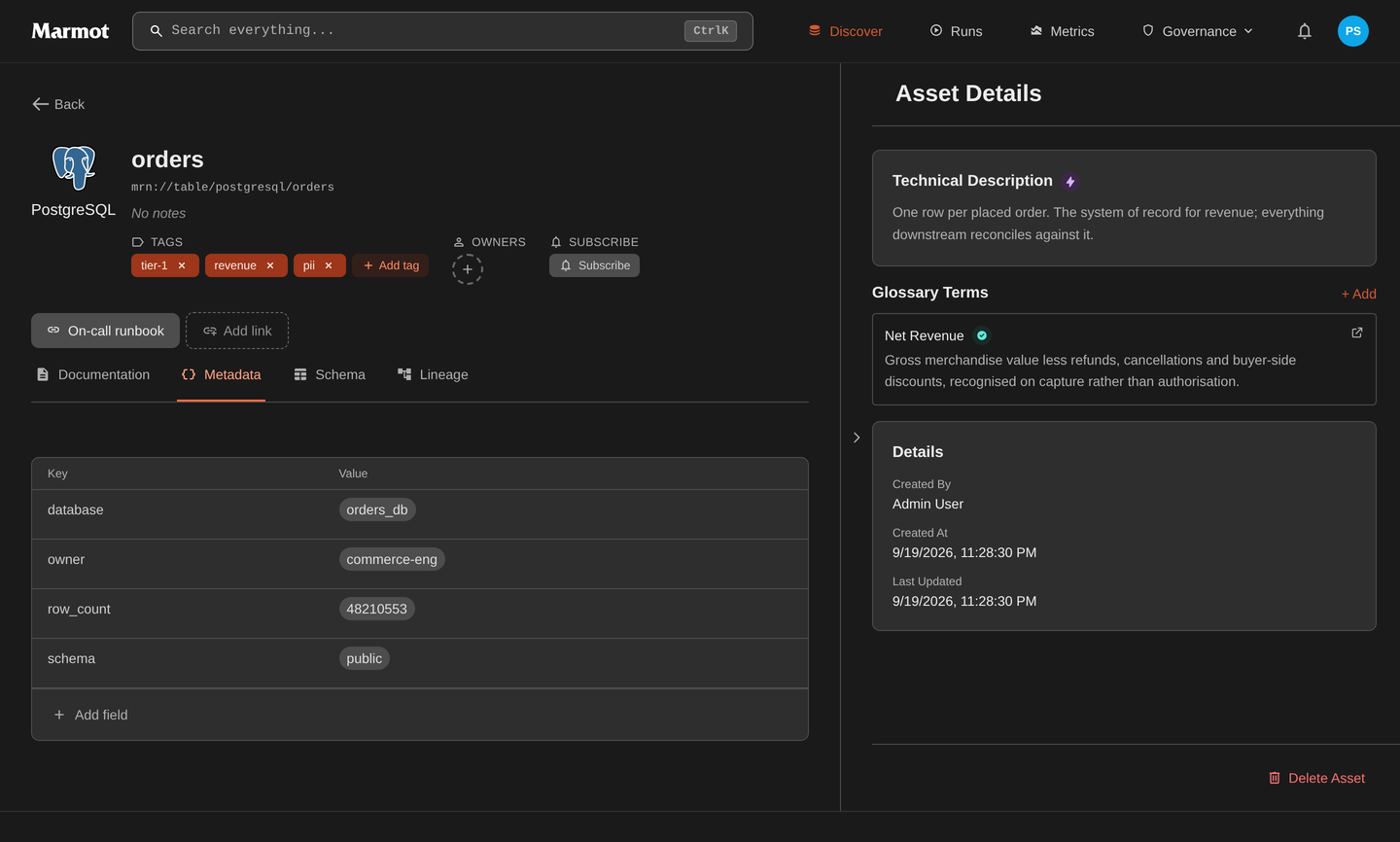
- Find Glossary Terms in the sidebar
- Click Add and search for the term
- Select the term to link it
Attach terms in bulk
Linking terms by hand does not survive a growing catalog. An asset rule attaches a term to every asset matching a query and keeps doing it as new assets arrive, so "every table in the revenue mart carries the Net Revenue term" stays true without anyone maintaining it.
Terms can also be declared in Terraform with marmot_glossary_term, which is the right home for a vocabulary that a governance group reviews.
Finding terms
Glossary terms are searchable alongside everything else: the Glossary filter on Discover narrows results to terms, and @kind: "glossary" does the same in the query language.
Need Help?
Join the Discord community to ask questions and share how you're using the Glossary.
Join Discord