Asset Rules
Asset Rules automatically apply enrichments to assets matching specific criteria. Define a rule once and Marmot keeps everything in sync as your Catalog changes, including new assets that match.
Creating a Rule
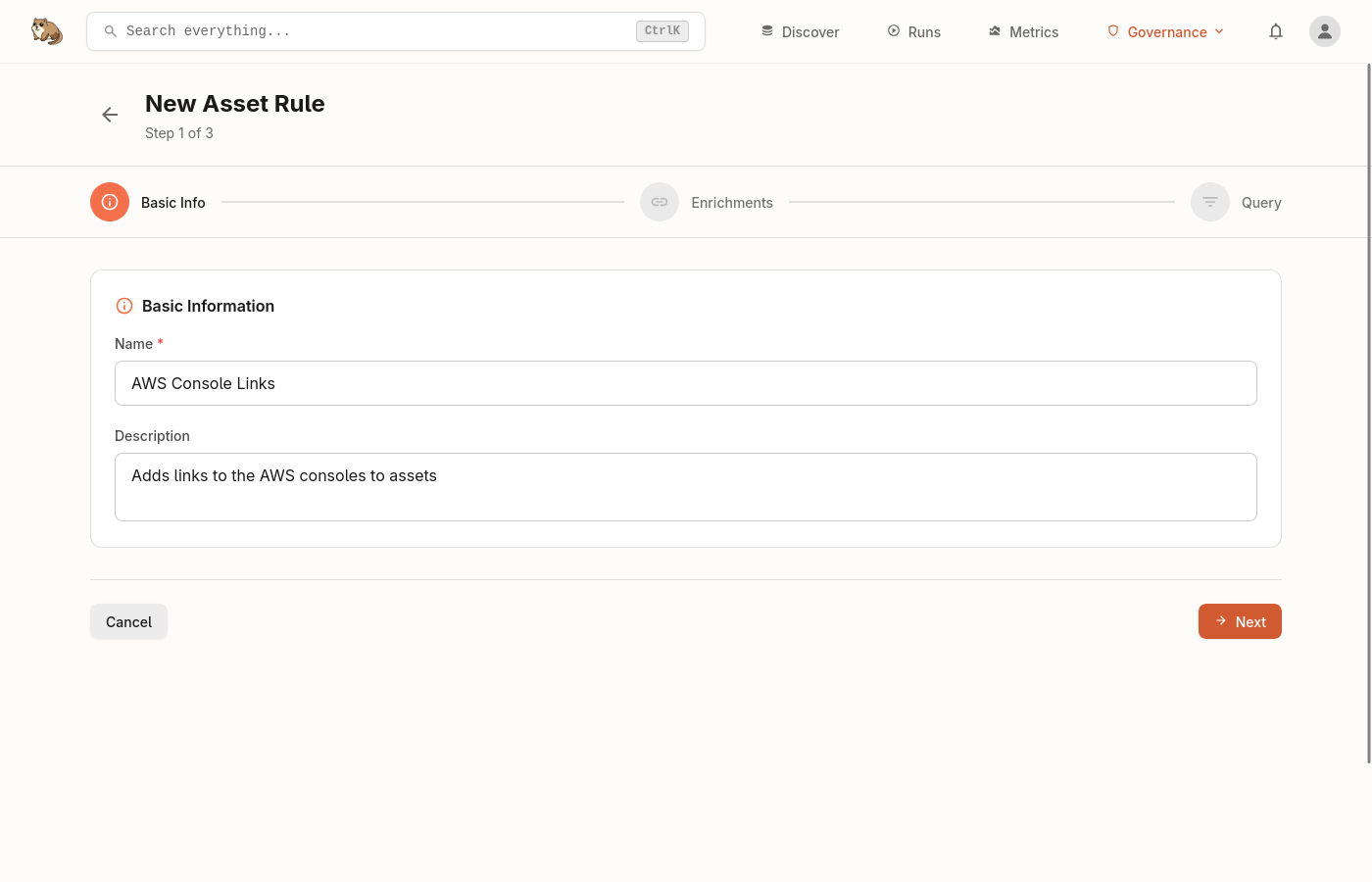
Navigate to Asset Rules under Governance in the header and click Create Rule. The creation flow has three steps.
Basic Information
Give your rule a unique name and an optional description.
Enrichments
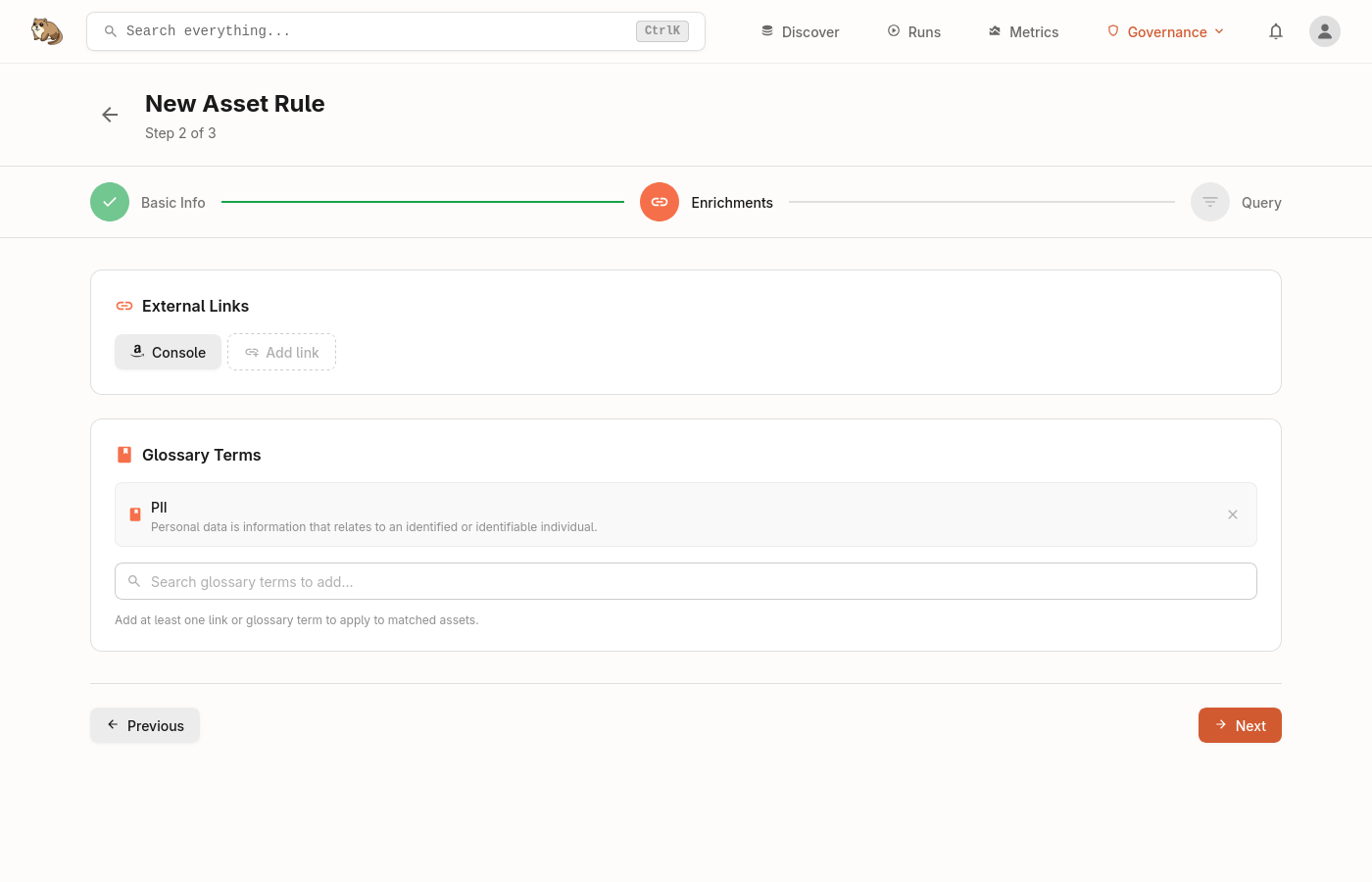
Choose what to apply to matching assets. A rule must include at least one of:
- External links — runbooks, dashboards, wiki pages or monitoring URLs. Each link has a name, URL and optional icon.
- Glossary terms — select one or more terms from your existing glossary to associate with matching assets.
Query
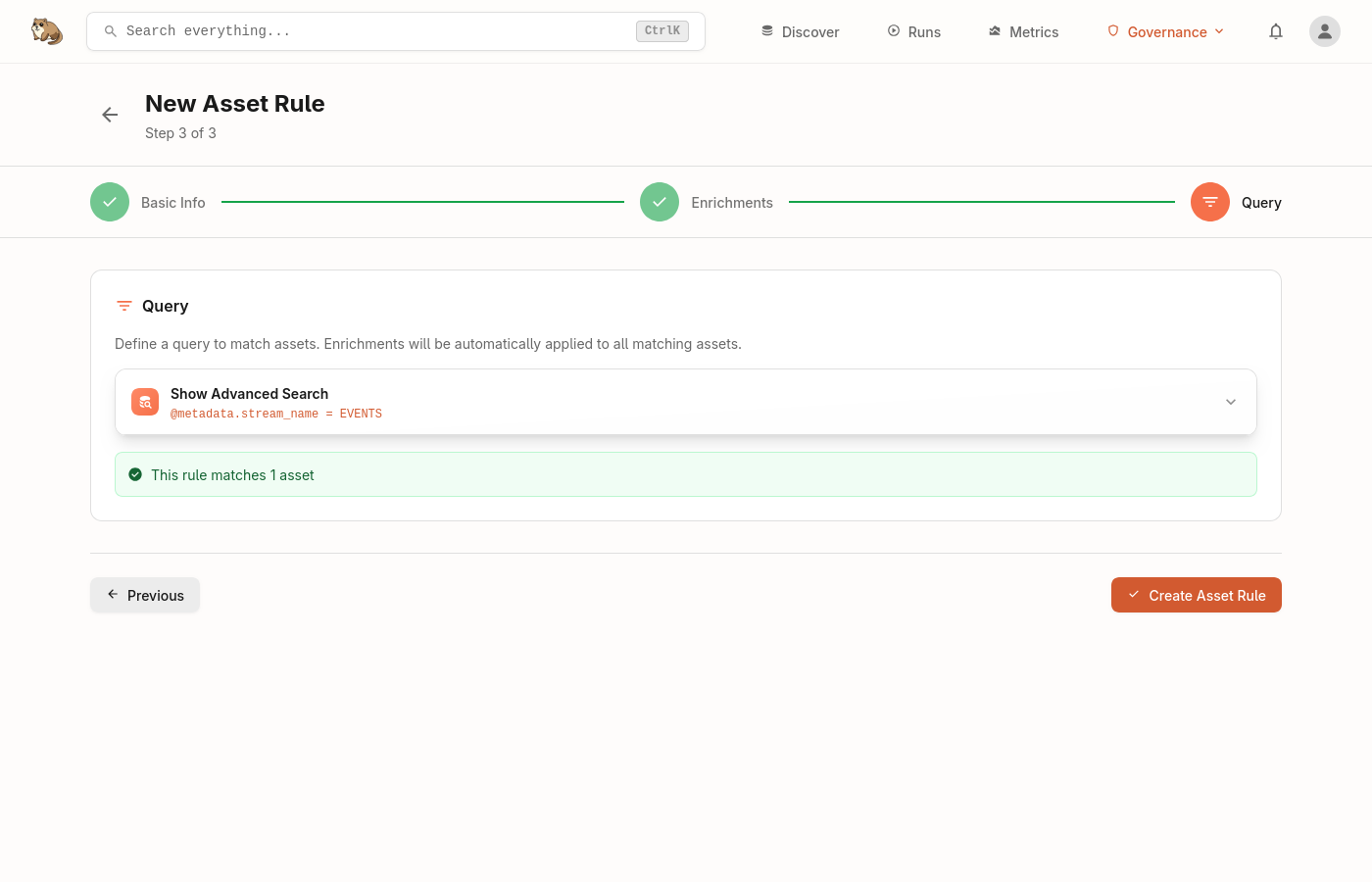
Define which assets the rule should match using Marmot's query language (the same syntax used in search). For example:
@type: "table" AND @provider: "postgres"— all PostgreSQL tables@tag: "pii"— any asset tagged as PII@metadata.owner = "platform-team"— assets owned by a specific team
Use the Preview button to see which assets currently match before saving.
How Rules Are Applied
Rules are evaluated every 30 minutes by default and whenever a new asset is added to the Catalog. Only rules whose configuration or matching assets have changed are re-evaluated. When multiple rules match the same asset, all enrichments are applied.
Rules can be enabled or disabled at any time. Disabled rules retain their configuration so you can re-enable them later.
Managing Rules
The Asset Rules page lists all rules with their match count, number of links and terms, enabled status and last updated time. Click any rule to view its configuration or see matched assets.
Rules can be edited, enabled, disabled or deleted from the detail page. Changes take effect on the next reconciliation cycle, or you can trigger an immediate evaluation by updating the rule.
Need Help?
Join the Discord community to ask questions and share how you're using Asset Rules.
Join Discord