Tell systems apart with zones
Give each system a zone, such as prod-eu, so two PostgreSQL servers or two Kafka clusters holding the same names stay separate assets. The zone becomes part of every MRN the pipeline produces: mrn://asset/table/postgresql@prod-eu/analytics.public.orders.
A zone is a name you choose, not a cloud availability zone. Don't use an AWS availability zone as the zone, because two databases in the same availability zone would then share one zone and their assets would merge.
You only need zones when you catalog more than one system of the same technology. Without a zone, a pipeline's MRNs stay as they were before zones existed.
Before you start
- You can edit the pipelines that catalog each system.
- You've chosen a short name for each system, such as
prod-eu,prod-usorstaging. Marmot lowercases the name and turns@,/and spaces into-.
Name each system
Set the zone on each pipeline
Set the zone on the pipeline for each system:
- UI
- CLI
- Terraform
- On Plugins, open the pipeline and select Edit pipeline.
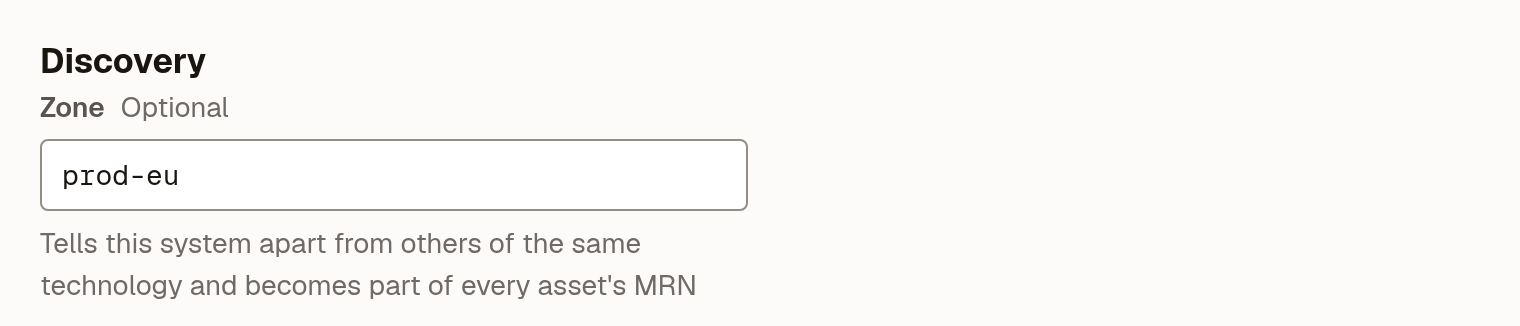
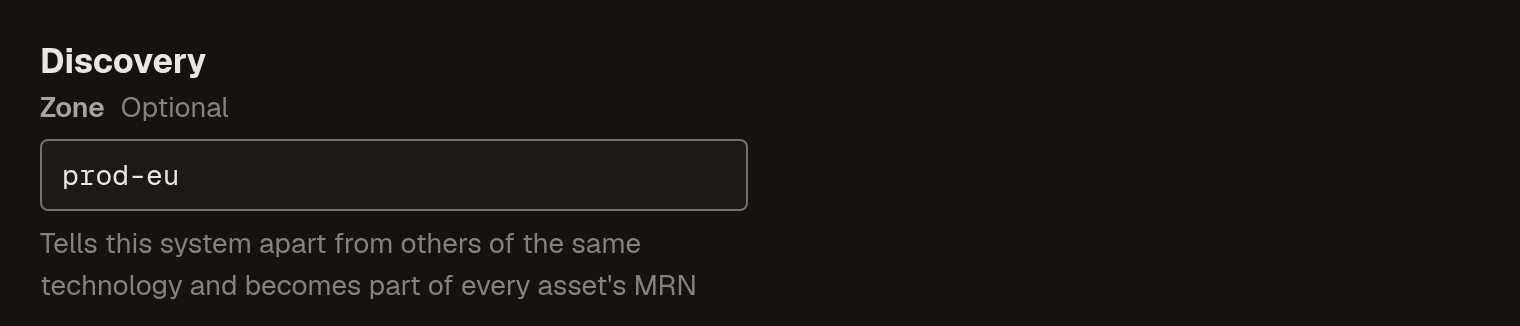
- Under Discovery, enter the name in Zone, for example
prod-eu. - Select Save changes.
The Discovery section with the zone entered:
Add
zoneto the source in your pipeline file:name: marketplace-postgresruns:- postgresql:host: db.internaluser: marmot_readerpassword: ${PG_PASSWORD}zone: prod-euAdd
zoneto the pipeline'sconfig:resource "marmot_pipeline" "marketplace" {name = "marketplace-postgres"plugin_id = "postgresql"config = jsonencode({host = "db.internal"user = "marmot_reader"password = var.marketplace_db_passwordzone = "prod-eu"})cron_expression = "0 3 * * *"}You can leave one system without a zone, and its assets keep the MRNs they have.
Run the pipeline
Each pipeline you changed moves its assets to their new MRN on its next run:
- UI
- CLI
On Plugins, select Run now on the pipeline, or wait for its schedule.
marmot ingest -c marketplace-postgres.yamlAssets keep their id, owners, glossary terms, documentation, data products, subscriptions and lineage, and their old MRN keeps working as an alias. The run also binds the host and port it connected to with its zone, which other plugins use to find the zone.
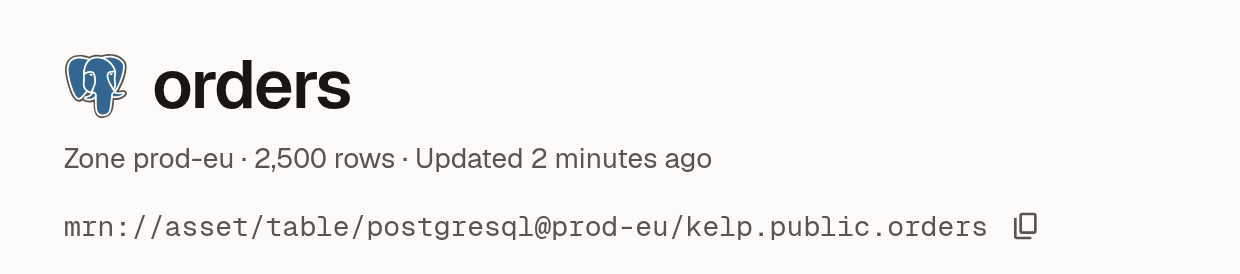
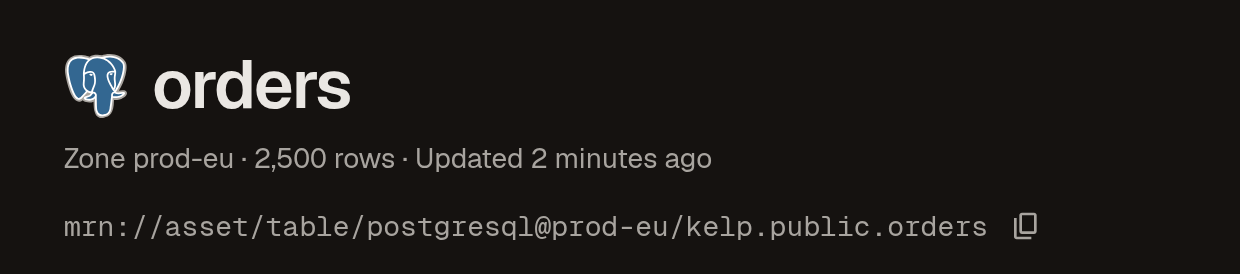
After the run, each asset's page shows its zone in the header:
Point other plugins at the right zone
Some plugins describe assets that another plugin owns but only know where they live, not which zone that is: a Kafka Connect sink knows its JDBC URL, and an OpenLineage event knows a namespace such as postgres://pg-eu:5432. These plugins send the address as a hint. Marmot resolves it to the zone bound to that host and port, and to no zone when nothing is bound.
OpenLineage events and the Kafka Connect, OpenMetadata, Spline, Airflow, Prefect, NiFi, Superset, Pinot, Firehose and AsyncAPI plugins send host hints. Their lineage lands in the right zone automatically once the system's own plugin has run, because that run binds the host.
Pin a binding
Pin a binding when the system's own plugin connects through a different address than the one other tools use, such as a load balancer or a private DNS name. A pinned binding wins over one a plugin reports. There's no UI for bindings yet.
Bind the provider, as it appears in MRNs, and the host and port the other tools use to the zone:
- CLI
- Terraform
- API
Sign in once with marmot login https://marmot.example.com. The CLI needs no API key.
marmot zones bind postgresql pg-eu:5432 prod-eu
To remove the binding:
marmot zones unbind postgresql pg-eu:5432
resource "marmot_zone_binding" "orders_eu" {
  provider_name = "postgresql"
  host          = "pg-eu:5432"
  zone          = "prod-eu"
}
Removing the resource removes the binding. To manage a binding that already exists, import it by <provider>/<host>:
terraform import marmot_zone_binding.orders_eu postgresql/pg-eu:5432
Send an API key with the request:
curl -X PUT https://marmot.example.com/api/v1/zone-bindings \
  -H "X-API-Key: <api-key>" \
  -H "Content-Type: application/json" \
  -d '{"provider": "postgresql", "host": "pg-eu:5432", "zone": "prod-eu"}'
DELETE /api/v1/zone-bindings?provider=postgresql&host=pg-eu:5432 removes it.
Map zones in federating plugins
Plugins that catalog other systems' assets, such as Trino and dbt, can't always tell from an address which system they're reading. Each has an option that names the zone outright, and an explicit mapping wins over a host hint:
| Plugin | Option | Maps |
|---|---|---|
| Trino, Presto | catalog_map | Each catalog to the zone and database it reads |
| OpenMetadata | service_map | Each OpenMetadata service to a zone |
| Kafka Connect | connector_map | Each connector to a provider and its zone |
| dbt | target_zone | The warehouse the project builds into to its zone |
For example, a Trino catalog warehouse_pg that reads the shop database on the prod-eu PostgreSQL server:
catalog_map:
  warehouse_pg:
    zone: prod-eu
    database: shop
Its tables then get the MRNs the PostgreSQL pipeline gives them, such as mrn://asset/table/postgresql@prod-eu/shop.public.orders, and both pipelines describe one asset. Trino never guesses: a catalog that isn't in catalog_map keeps its tables as Trino's own assets, such as mrn://asset/table/trino/warehouse_pg.public.orders. Each plugin's page in the plugin directory has the full shape of its option.
Local files
DuckDB and SQLite read a file on whichever machine runs them, so two engineers' copies of dev.duckdb are different databases. When you run one of these plugins with marmot ingest and leave zone empty, the CLI uses <user>-<hostname> as the zone, so 10 people cataloging their own dev.duckdb get ten separate sets of assets. Set zone explicitly when several people or machines should share one, such as a DuckDB file on a shared drive.
Check that it worked
Search for a table that both systems hold, such as orders. Each result shows its zone, and the two systems' tables are separate results:
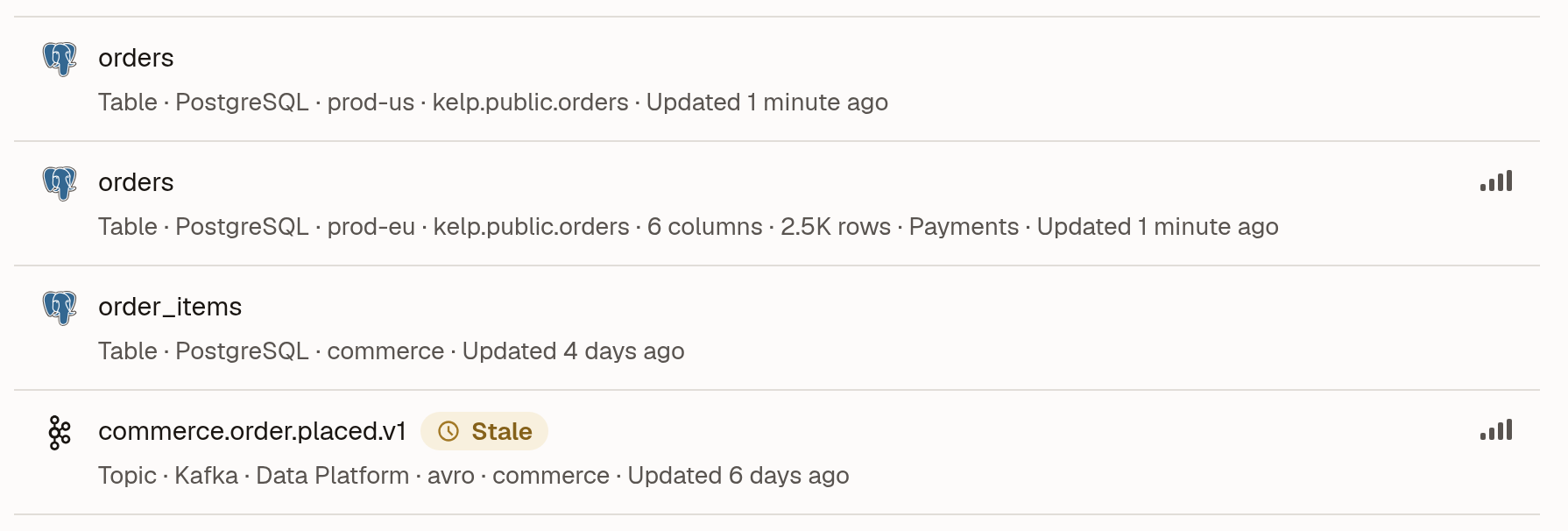
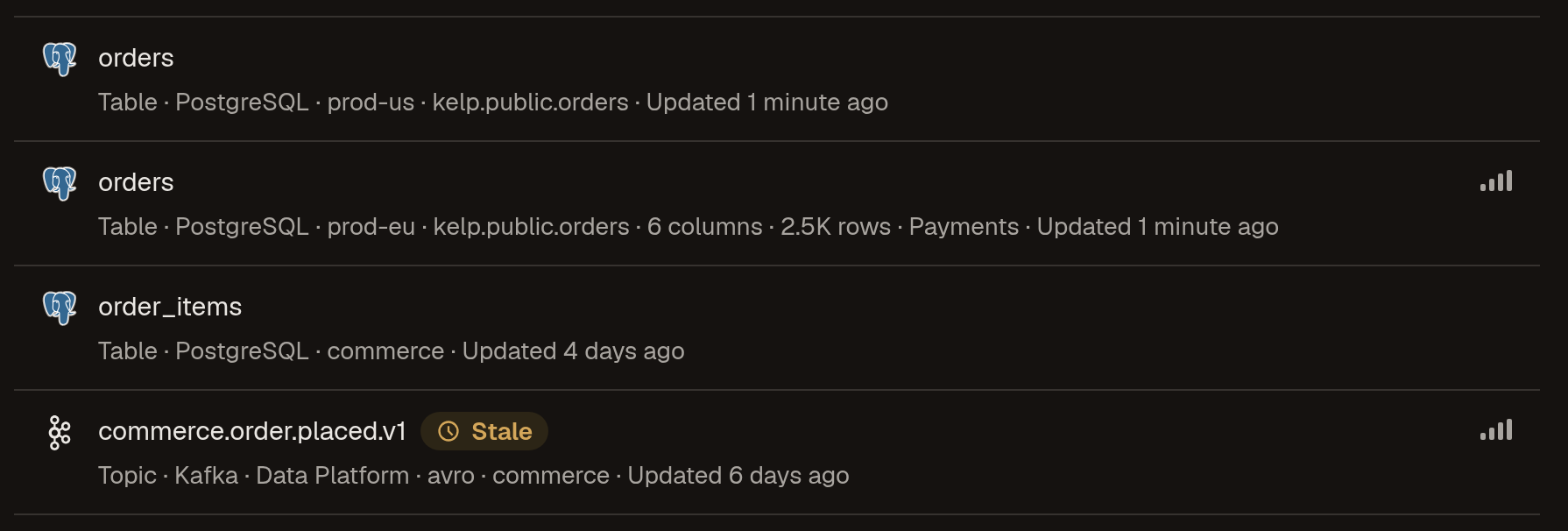
To check which zone each host is bound to, list the bindings:
- CLI
- API
marmot zones list
Add -o json to use the list in a script.
curl https://marmot.example.com/api/v1/zone-bindings \
  -H "X-API-Key: <api-key>"
Each binding shows its provider, host, zone and origin, which is discovered for one a plugin reported and manual for one you pinned.
Troubleshooting
| What you see | What to do |
|---|---|
| Lineage from Kafka Connect or OpenLineage lands on a table without a zone, next to the real one | No binding matches the address. Run the system's own pipeline so it reports its host, or pin a binding for the address the other tool uses. Then merge the stray asset into the real one with marmot assets merge <stray-asset-id> --into <real-asset-id> |
Trino logs Catalog is unmapped because it is not in catalog_map, so its tables are Trino assets and won't merge with the native plugin's | Add the catalog to catalog_map with its zone and, for PostgreSQL, SQL Server, Oracle, Redshift, Snowflake or BigQuery, its database |
The CLI prints Using zone "<zone>" for local files; set zone in the config to share one | Expected for DuckDB and SQLite. Set zone if the file should be one shared asset |
A run warns <old-mrn> could be any of <new-mrns> after you set zones on two pipelines | Both systems used to share one asset and Marmot couldn't tell which inherits it. Merge the old asset into the right one |
Next steps
- MRNs: how MRNs are built and how several writers share an asset.
- Upgrade to 0.13: what changes when a catalog from an earlier release moves to qualified MRNs.
- Set the zone on assets you manage with Terraform: the
zoneandmrnattributes ofmarmot_asset. - Plugins: each plugin's naming and mapping options.