Users, roles and access
In open source Marmot, what someone can do is decided by the roles they hold. A role is a named set of permissions, a permission is a resource:action pair such as assets:view, and a role applies across the whole instance.
That instance-wide scope is the thing to understand first: whoever holds assets:view reads every asset in the catalog, and there's no way to say "this team reads only these three tables". Per-resource grants are part of Marmot Cloud.
Everything on this page is under Settings, in the Access group: Members, Teams, Service accounts and Roles. Managing members needs users:manage.
Members
Marmot starts with one account, admin with password admin, which must change its password at first sign-in. Change it, then add a named admin for yourself and stop using the shared one.
Under Settings → Members, select Add member and choose how to add people:
- Invite by email gives you a link for each person, which works for 7 days. Send it to them yourself; they set a password, or sign in with single sign-on, to accept. A lost link can be replaced from the member's menu, and the old one stops working.
- Create an account sets a username and password for them straight away.
People can also arrive through single sign-on, which creates their account at first sign-in.
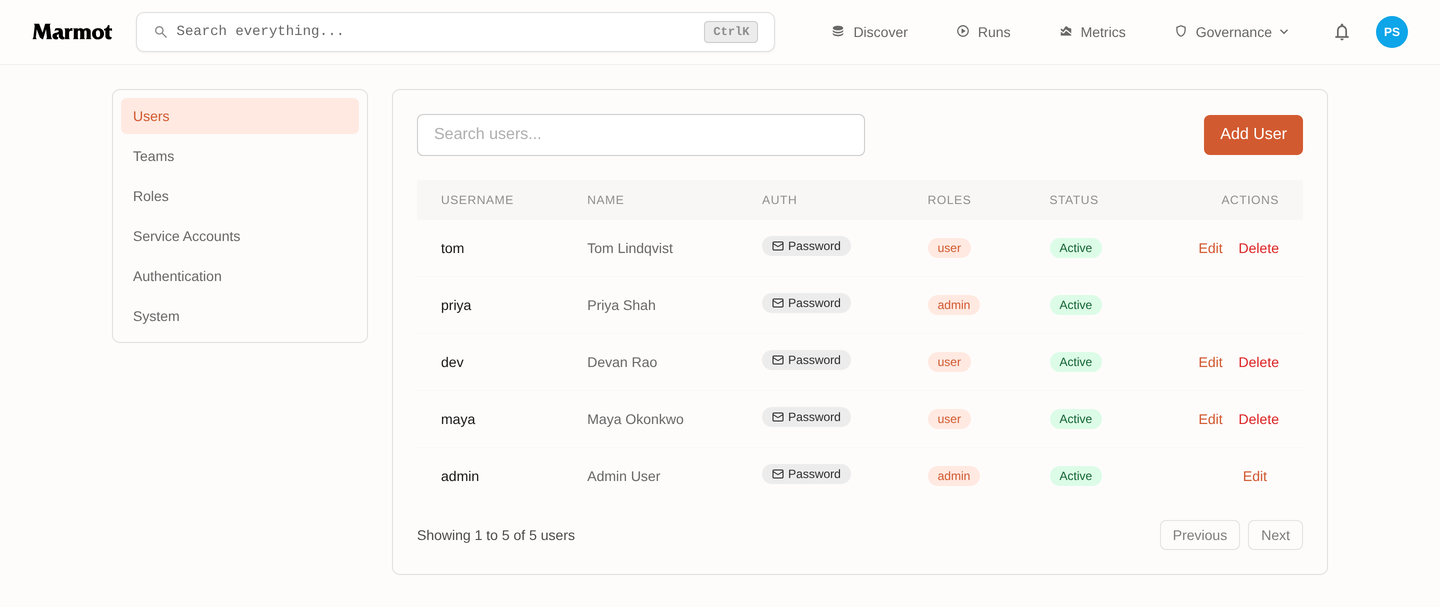
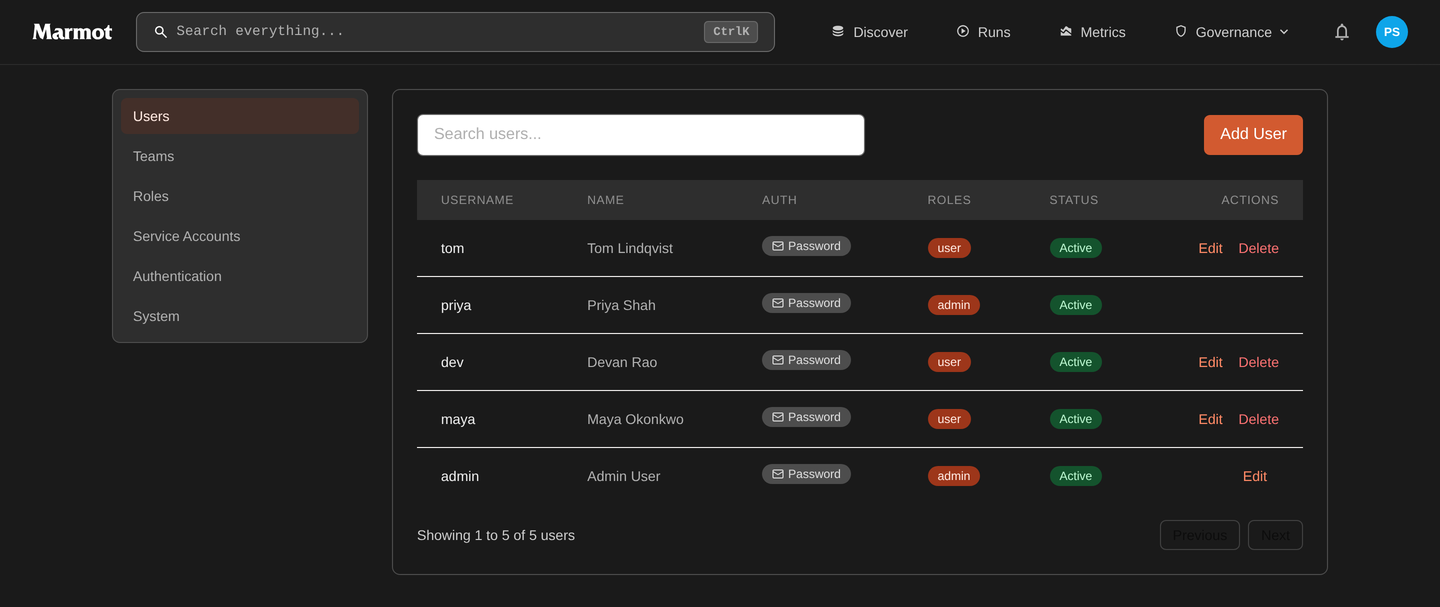
A new member gets the base role, which is user unless you change Default role under Settings → Authentication → New members.
Roles
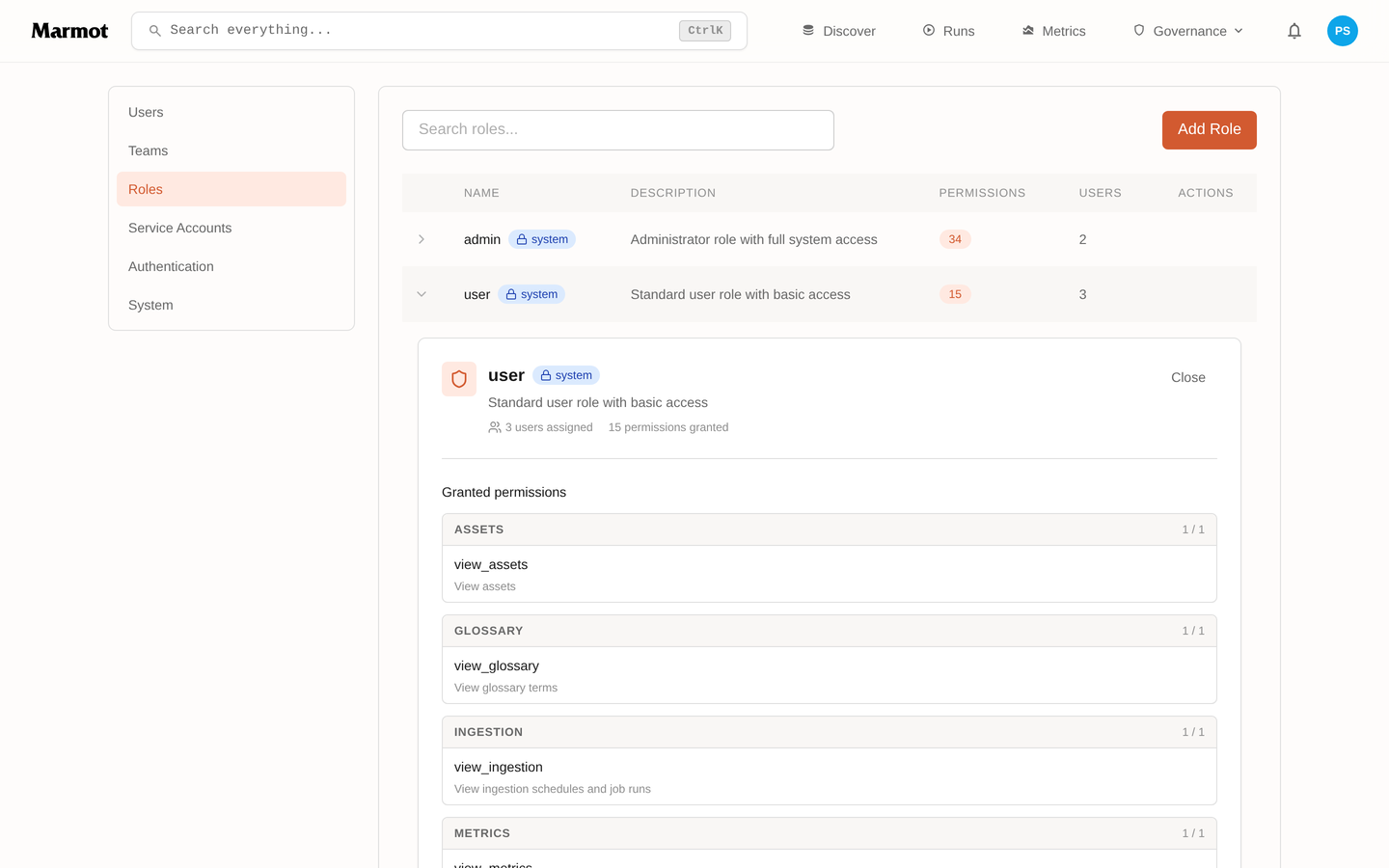
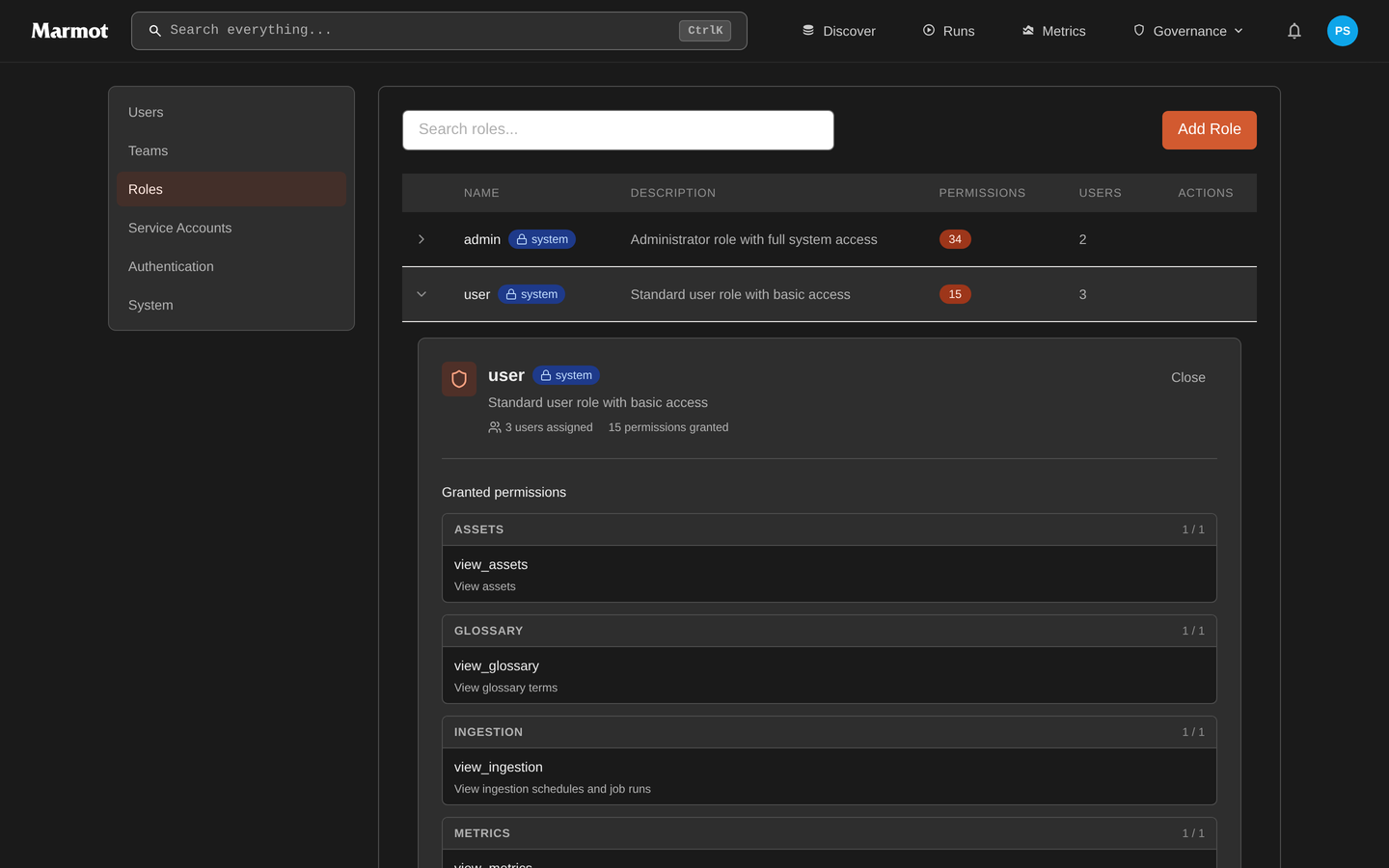
Two roles ship with Marmot. Both are built in, so they can't be edited or deleted.
| Role | Grants |
|---|---|
admin | Every permission. |
user | Read-only: assets, the glossary, ingestion runs, teams and metrics. |
Anything between the two is a role you create under Settings → Roles → Create role. You can pick permissions in the visual editor or write the role as a document of resource:action keys, and a built-in role can be duplicated as a starting point.
Someone with several roles gets every permission in them. Nothing subtracts, so the only way to take a permission back is to remove the role that carries it.
Permissions
| Permission | Allows |
|---|---|
assets:view | See assets, their schemas, documentation and lineage. |
assets:manage | Create, edit and delete assets. |
assets:query | Run read-only queries against catalogued data. |
glossary:view / glossary:manage | Read terms; create, edit and delete them. |
ingestion:view | See pipelines and their run history. |
ingestion:manage | Create, edit and delete pipelines. |
ingestion:serve | Serve queries from plugins that run outside Marmot. See serving queries from your network. |
access:view | See the query log in Query audit. |
access:manage | Choose which sources answer queries. |
teams:view / teams:manage | Read teams; create, edit and delete them. |
users:view / users:manage | Read members; add, edit and remove them. |
roles:manage | Create roles and change what they grant. |
service_accounts:view / service_accounts:manage | Read service accounts; create them and issue their API keys. |
sso:manage | Manage single sign-on group mappings. |
metrics:view | See catalog metrics and usage in Insights. |
agents:emit | Record agent run telemetry. For AI agents, not people. |
Two of these carry more than their name suggests. roles:manage can grant itself every other permission, so it's effectively administrative. service_accounts:manage can issue a key for any account, including one more privileged than the holder.
Ingestion credentials
ingestion:manage decides who may point Marmot at a new database. Source credentials are encrypted at rest and never returned by the API, but treat it as a platform-team permission.
Teams
Teams in open source Marmot express ownership, not access. A team owns assets and data products and receives their notifications, but it carries no roles, so adding someone to one doesn't change what they can reach. Grant roles to people and use teams to say who's responsible.
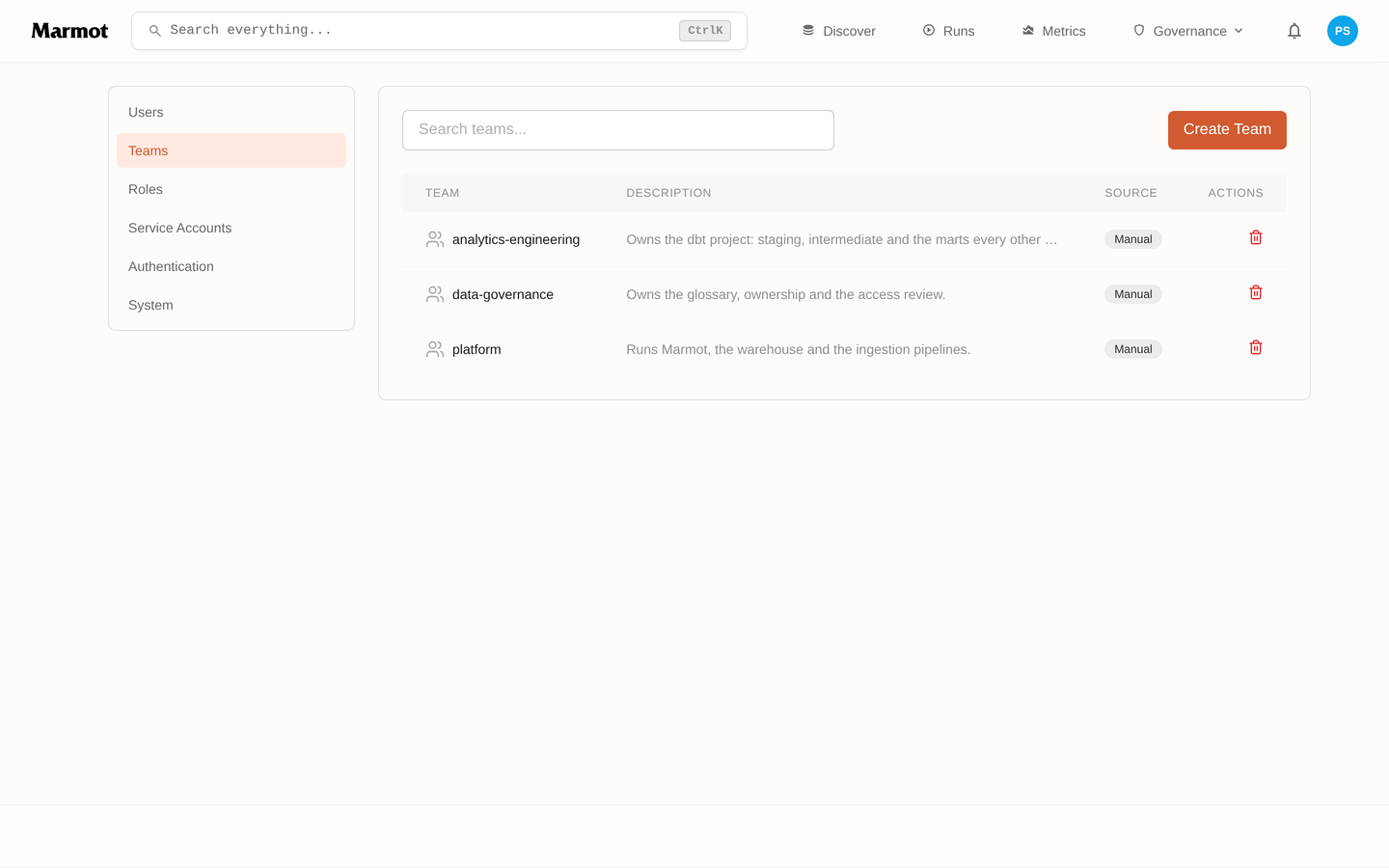
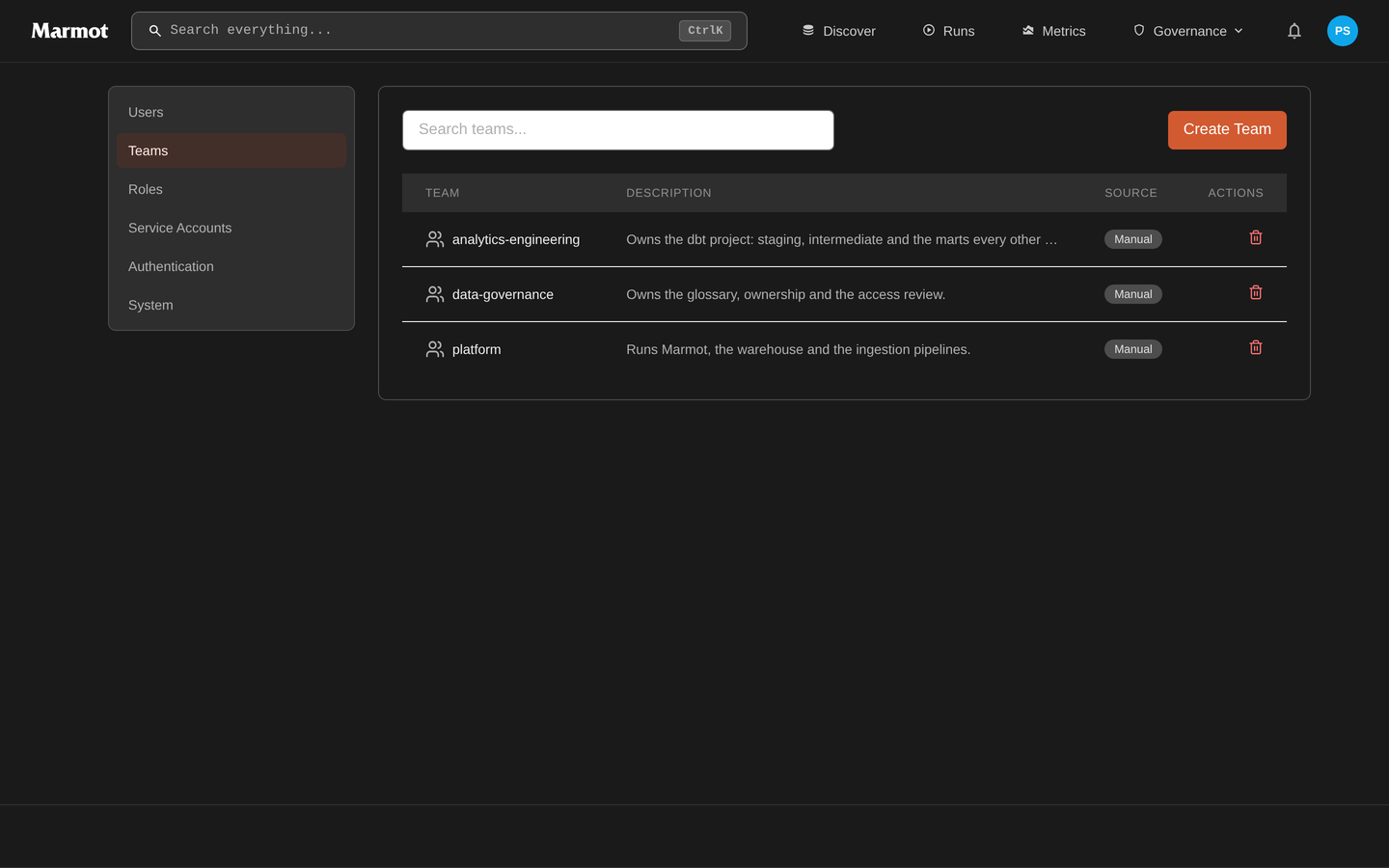
A team's membership can follow a group in your identity provider. Under Settings → Authentication, select Add group mapping and map a group to a team, a role or both; it applies at every sign-in, and a mapped role replaces the base role. Single sign-on covers the options, including creating a team for every group automatically.
Service accounts
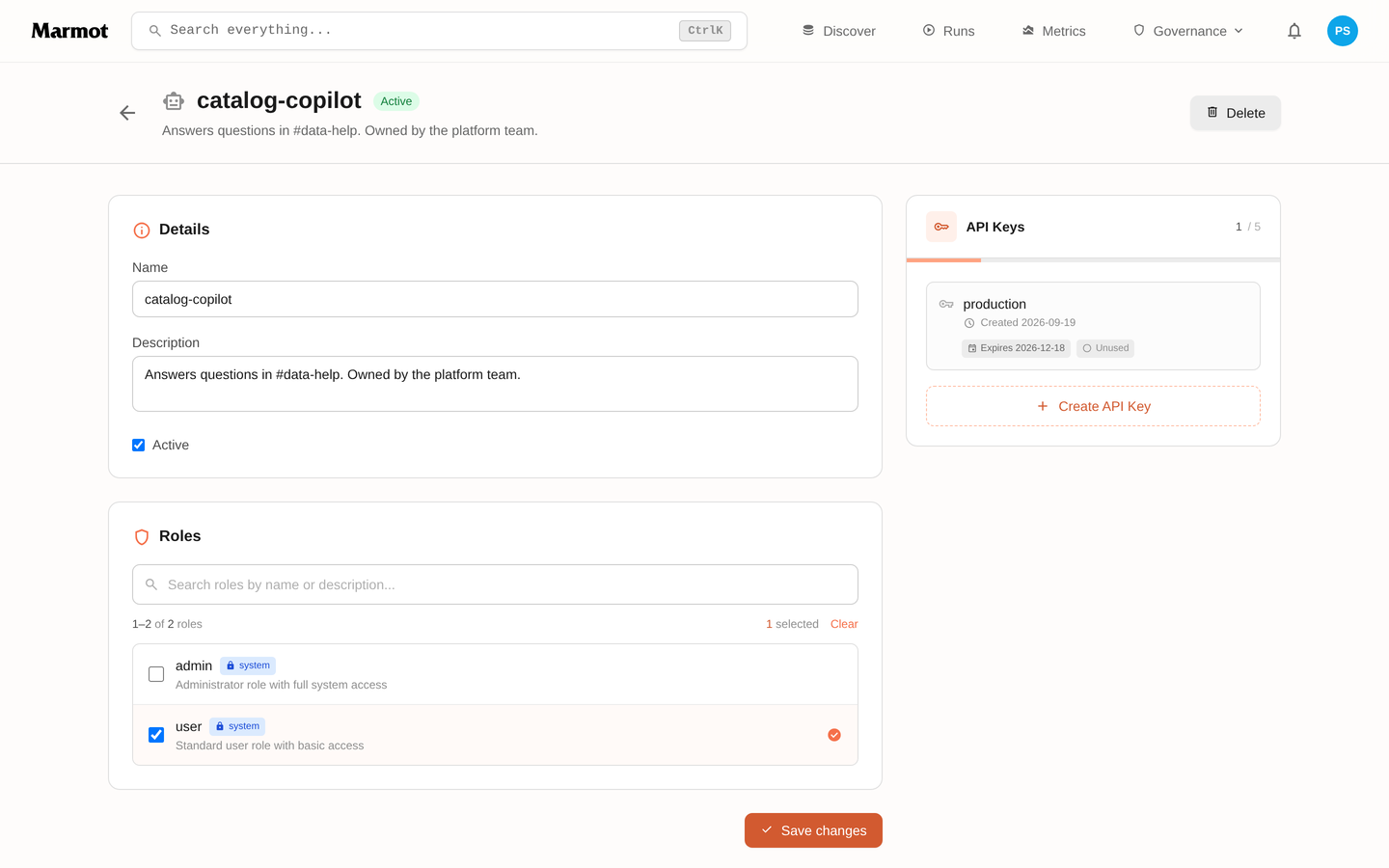
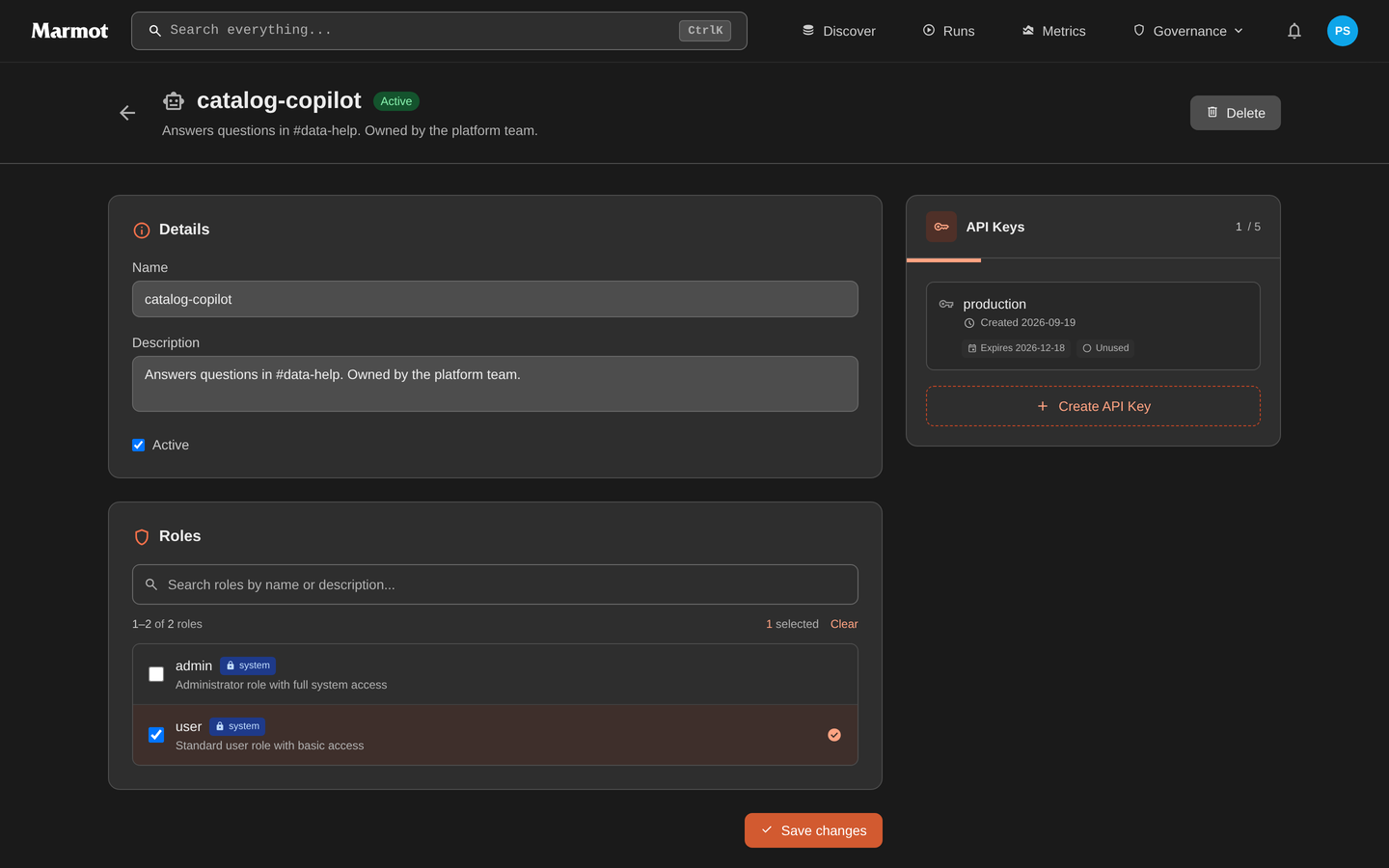
A service account is a principal with no person behind it: CI, an ingestion job or an AI agent. It holds roles as a member does and authenticates with an API key.
Under Settings → Service accounts, select Create service account, give it a role and open it to create keys:
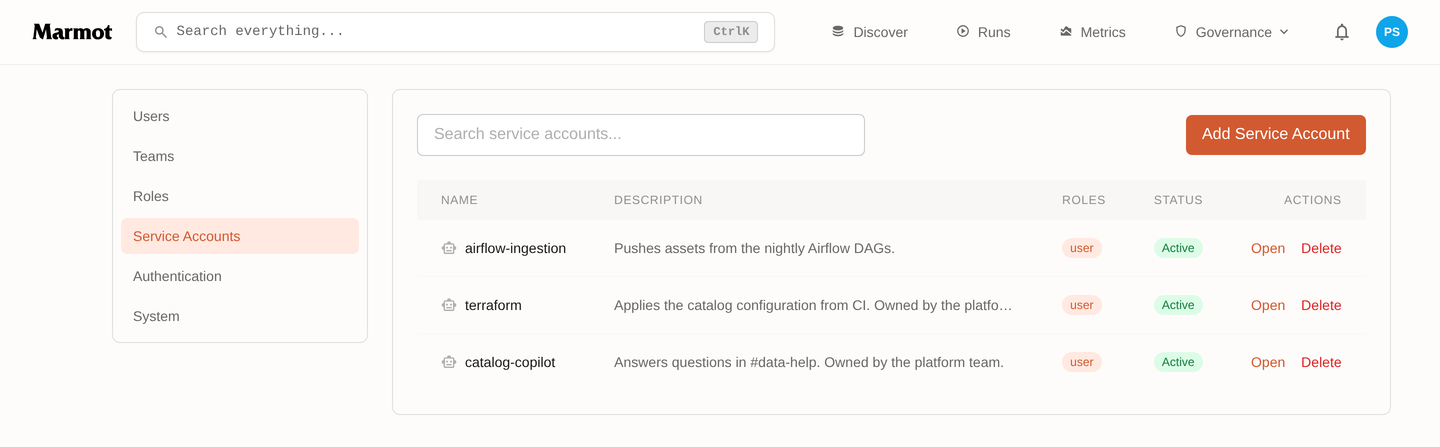
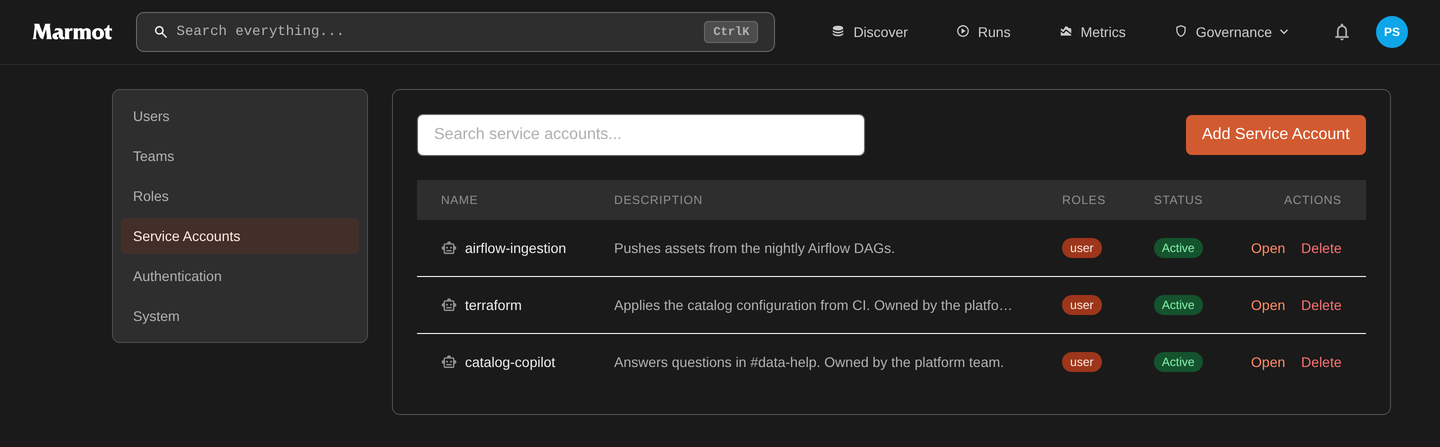
An account holds up to 5 keys, each with its own name and optional expiry. A key is shown once, when it's created, because Marmot stores only a hash. Rotate key replaces a key's secret straight away and keeps its name and expiry; to change over without a gap, create a second key first and delete the old one once nothing uses it.
From the CLI:
marmot service-accounts create --name support-triage-agent \
  --description "Answers questions in #data-help. Owned by Data Platform." \
  --roles <role-id>

marmot service-accounts apikeys create \
  --service-account <id> --name production --expires-in-days 90
A few habits keep this manageable:
- One account per consumer, so each can be told apart and revoked on its own.
- Put the owner in the description. A year from now, that's what unblocks a rotation.
- Give an ingestion identity a custom role with
assets:manageand nothing else, rather thanadmin. - Set an expiry. A key with no expiry outlives the reason it was created.
Your own API keys and apps
Under Account → API keys, anyone can create keys that act as them and stop working if their account is deactivated:
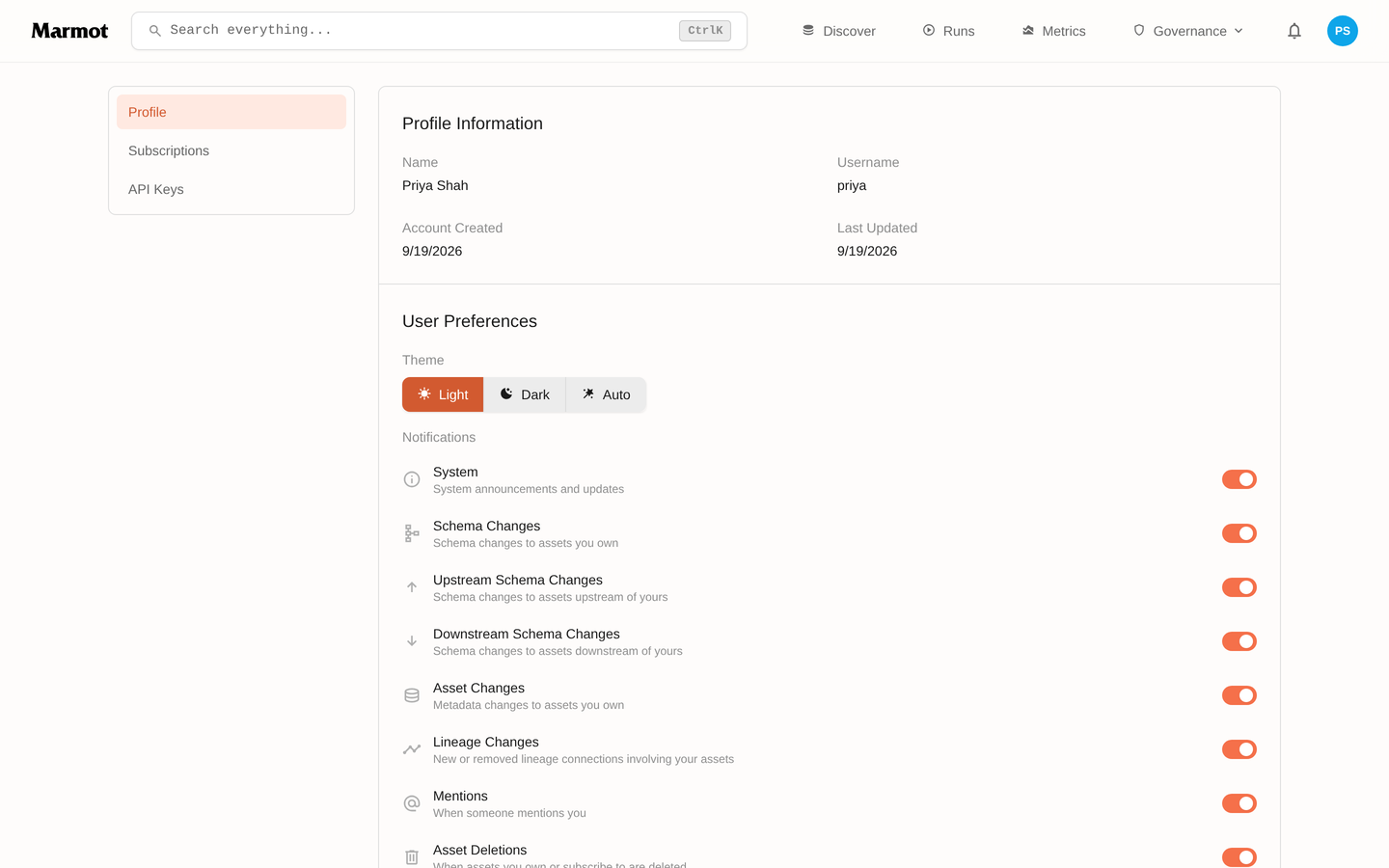
Use a personal key for your own scripts. Anything that runs without you belongs on a service account, so it survives your leaving and can be revoked without locking you out. For the terminal, marmot login is better than a key: it signs in through your browser and keeps a 24-hour token per context.
Account → Connected apps lists the MCP clients and other apps you've allowed to sign in as you. Revoke signs one out straight away.
Check what someone can do
Roles apply to the whole instance, so the answer is always which roles someone holds and what those roles grant. Settings → Members and each service account's page show the roles, and opening a role under Settings → Roles shows its permissions.
When something is refused, the server answers 403 and names the permission it wanted. Match it against the table above to find the role to grant.
To see which identity a token or API key belongs to, ask the API:
curl -s https://marmot.example.com/api/v1/users/me \
  -H "X-API-Key: $MARMOT_API_KEY" | jq '.roles'
marmot users me does the same for your CLI session.
Lock an instance down
Marmot's default is a catalog everyone signed in can read, which is usually right: a catalog's value is that people find things in it. If yours holds something narrower:
- Leave anonymous access off, so every reader signs in.
- Keep
assets:queryout of the roles you hand out broadly, so only the people who need rows can read them. - Lower the base role (Default role under Settings → Authentication → New members) and give wider roles through group mappings.
- Don't catalog what must not be read. Marmot stores metadata, not data, but a column name can still be sensitive.
If one team should see one set of assets and nothing else, that needs per-resource access, which is part of Marmot Cloud.
Next steps
- Single sign-on: sign people in with Google, GitHub, Okta, Auth0, Keycloak or any OIDC provider.
- Anonymous access: let people browse the catalog without signing in.
- MCP server: give an AI agent its own service account.