UI
The Runs page creates and manages pipelines from a form. It is the quickest way to try a plugin. A pipeline people rely on belongs in Terraform, so its definition has one owner.
Managing Pipelines
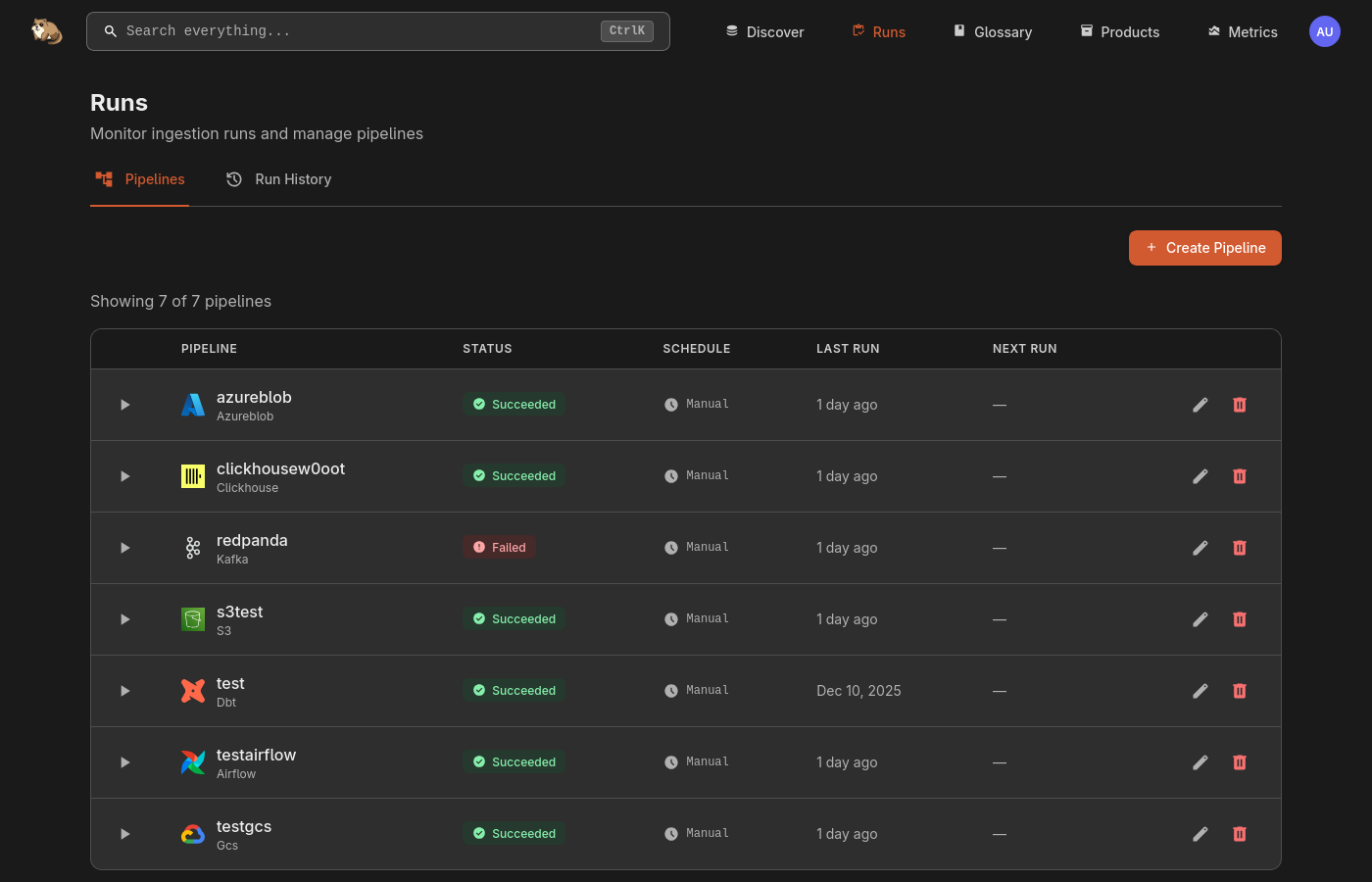
The Runs page displays all pipelines with their status, schedule, and last run time. You can run, edit, or delete pipelines, and view run history in the Run History tab.

Creating a Pipeline
Navigate to Runs and click Create Pipeline to open the pipeline wizard.
Step 1: Basic Info
Enter a unique name for your pipeline, e.g. daily-postgres-sync.
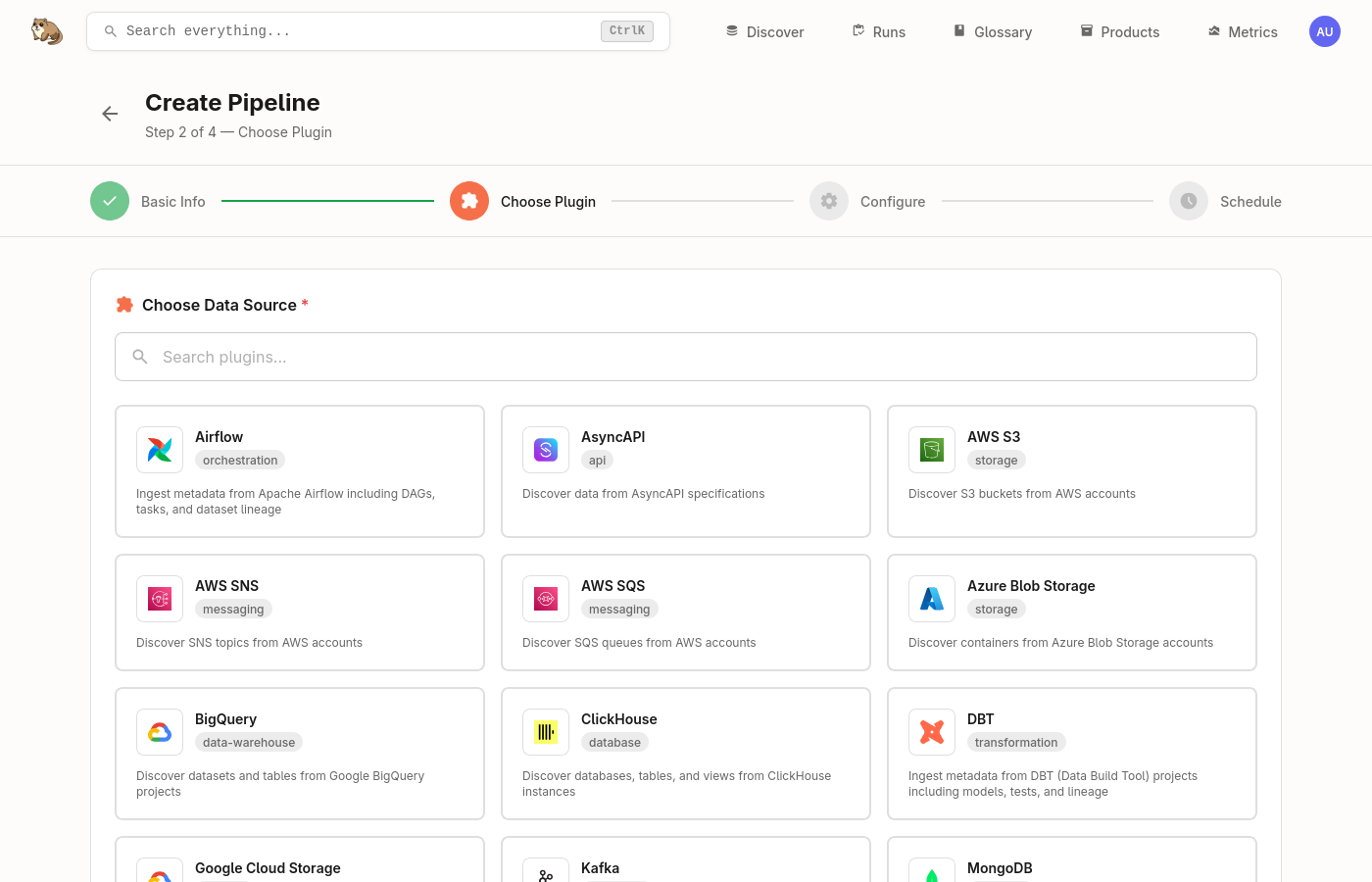
Step 2: Choose Plugin
Select the data source you want to discover assets from. Use the search box to quickly find the plugin you need.

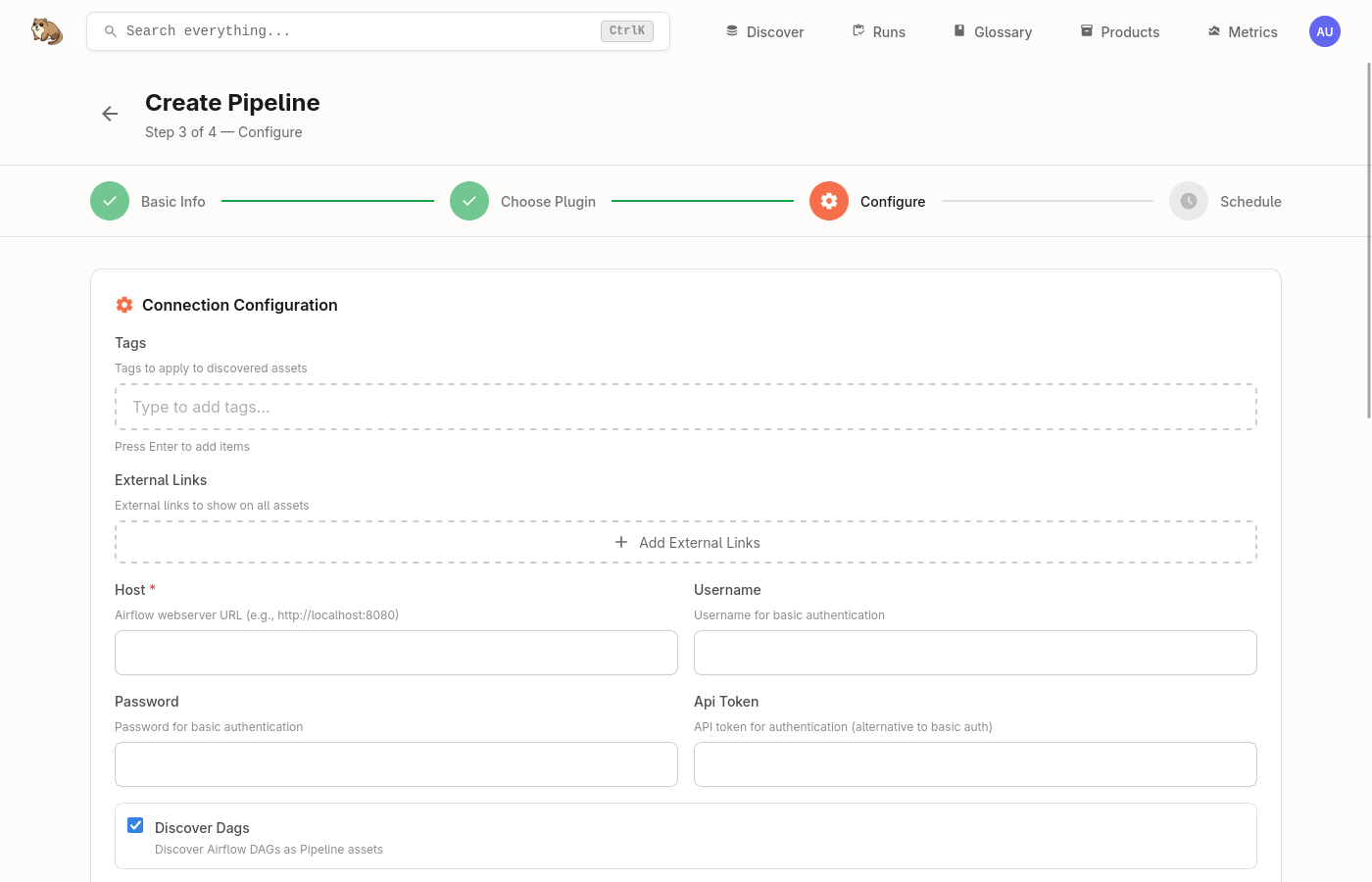
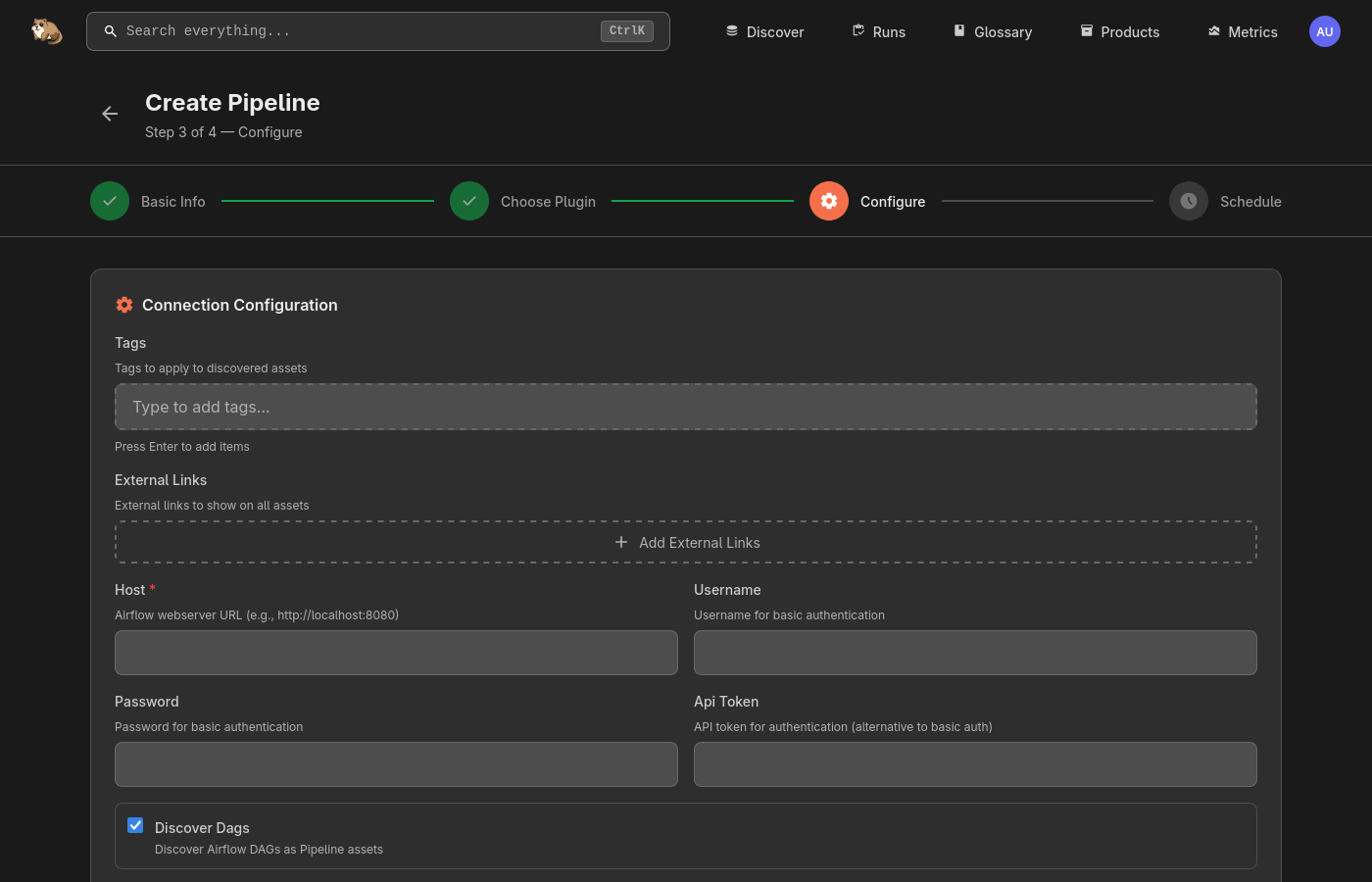
Step 3: Configure
Configure the connection settings for your chosen plugin. Options vary by data source but typically include host, authentication, and discovery settings.
Step 4: Schedule
Set a CRON schedule for automated runs, or leave as manual to run on-demand.