Notifications
Marmot keeps you informed about changes across your data catalog. Receive notifications when assets are modified, schemas change, pipelines complete, or someone mentions you in documentation.
Viewing Notifications
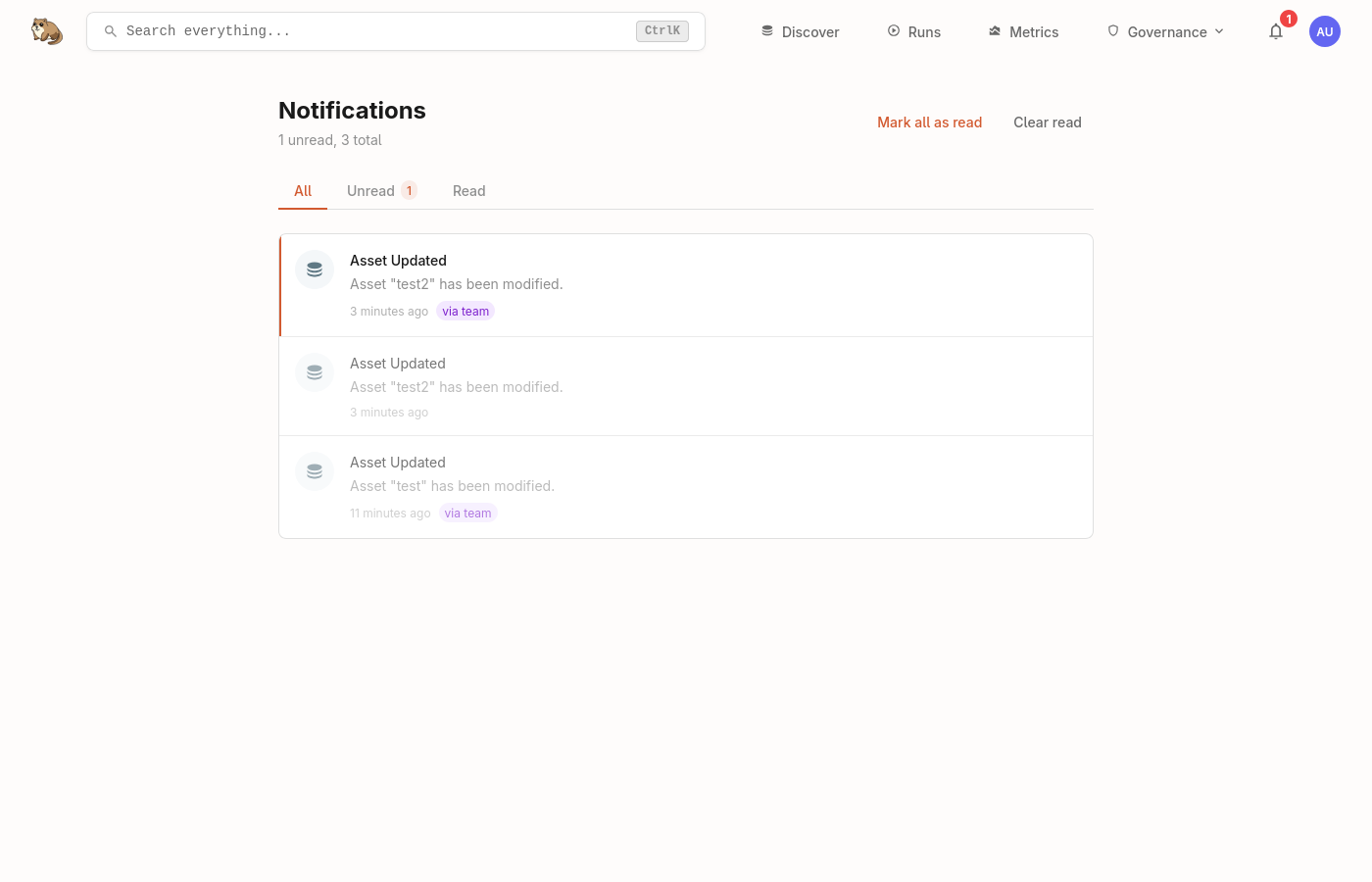
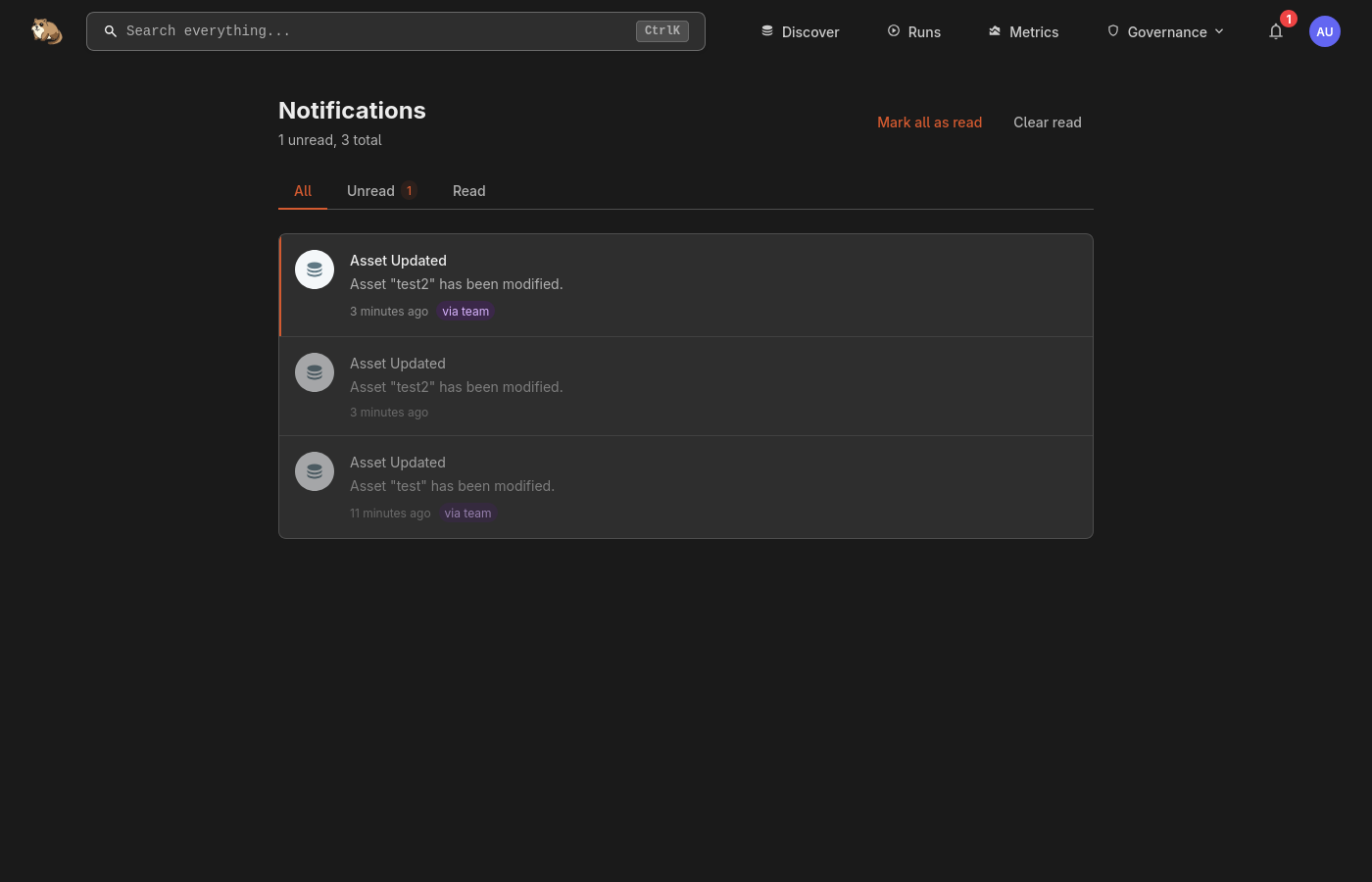
Click the bell icon in the header to open the notifications panel. Unread notifications appear with a badge showing the count.
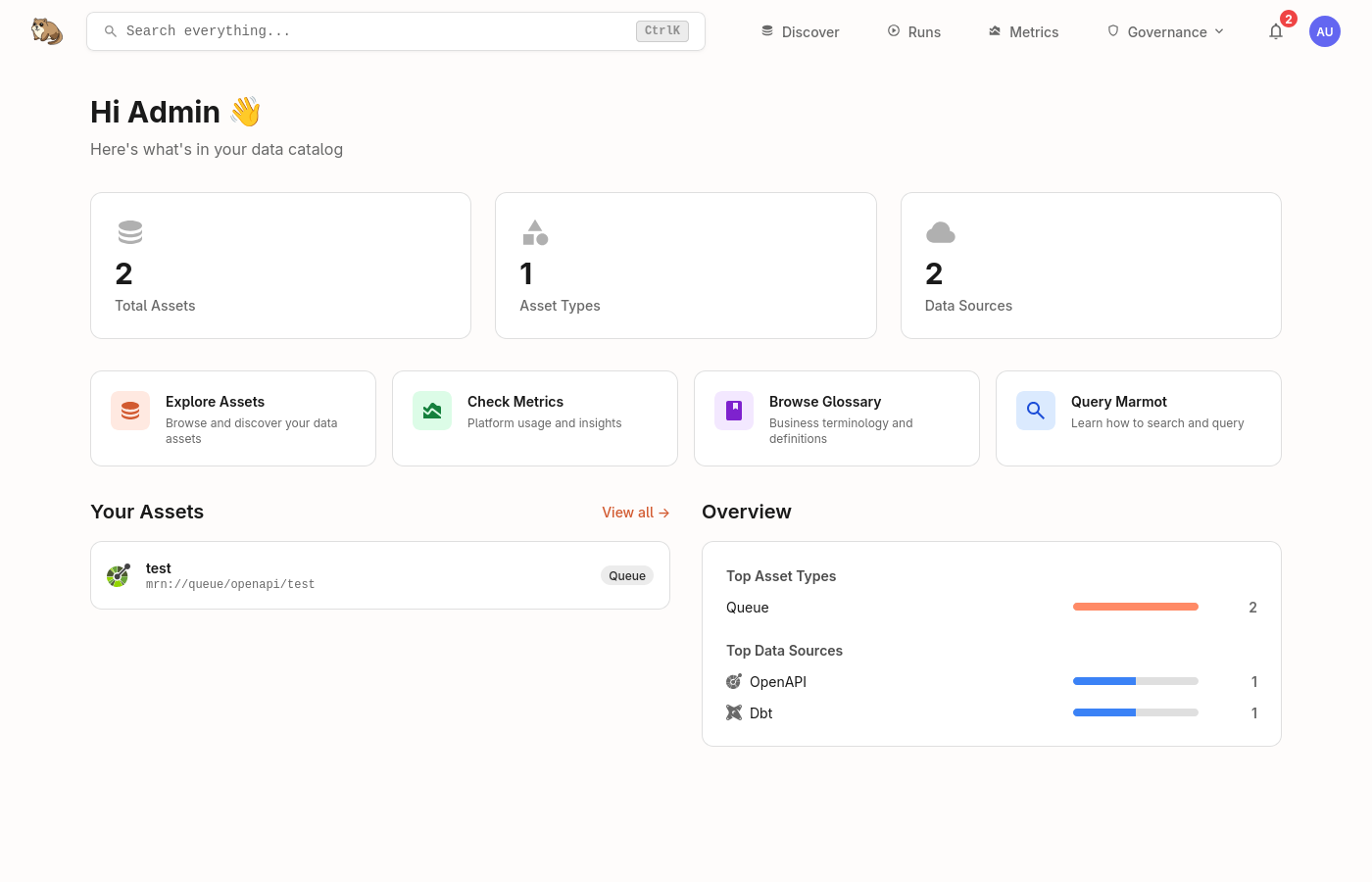
You can click on the bell icon in the header to read your notifications, mark them as read, or, delete them.
Subscriptions
Beyond ownership-based notifications, you can subscribe to specific assets to receive notifications regardless of whether you own them. When subscribing, choose which notification types you want for that asset.
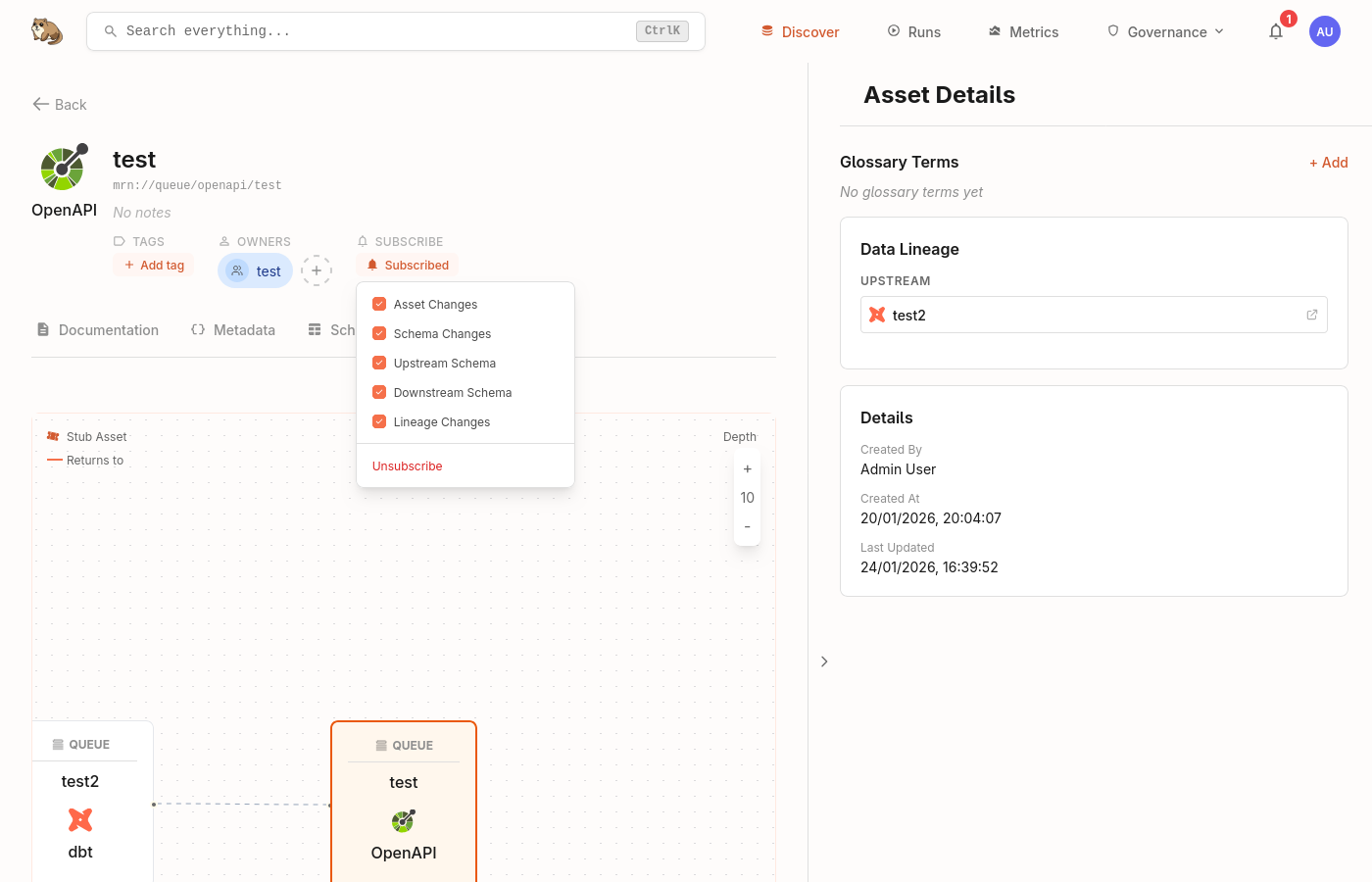
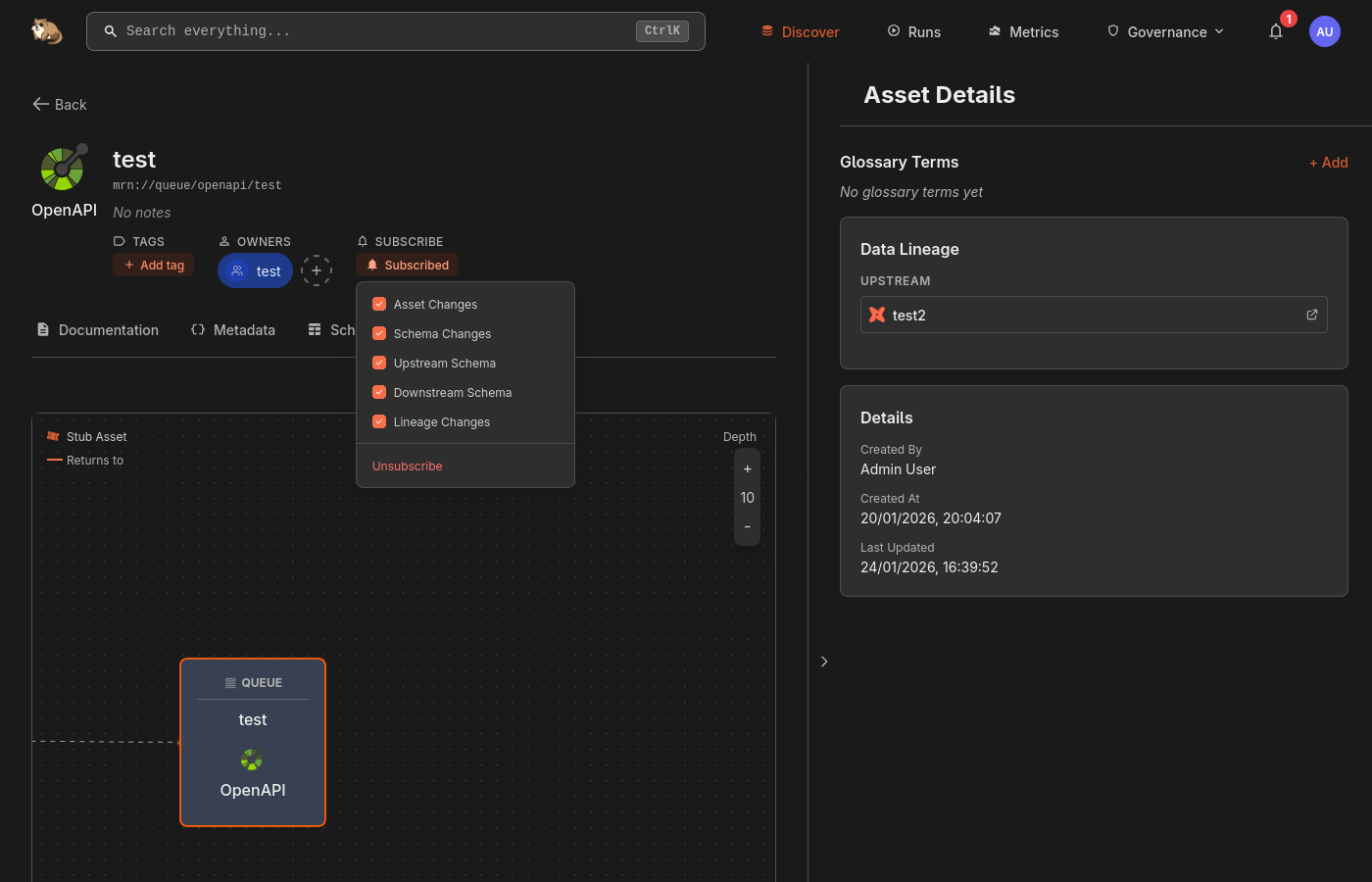
Ownership notifications are automatic - if your team owns an asset, all members receive notifications. Subscriptions let individual users opt in to assets they don't own but want to watch.
Preferences
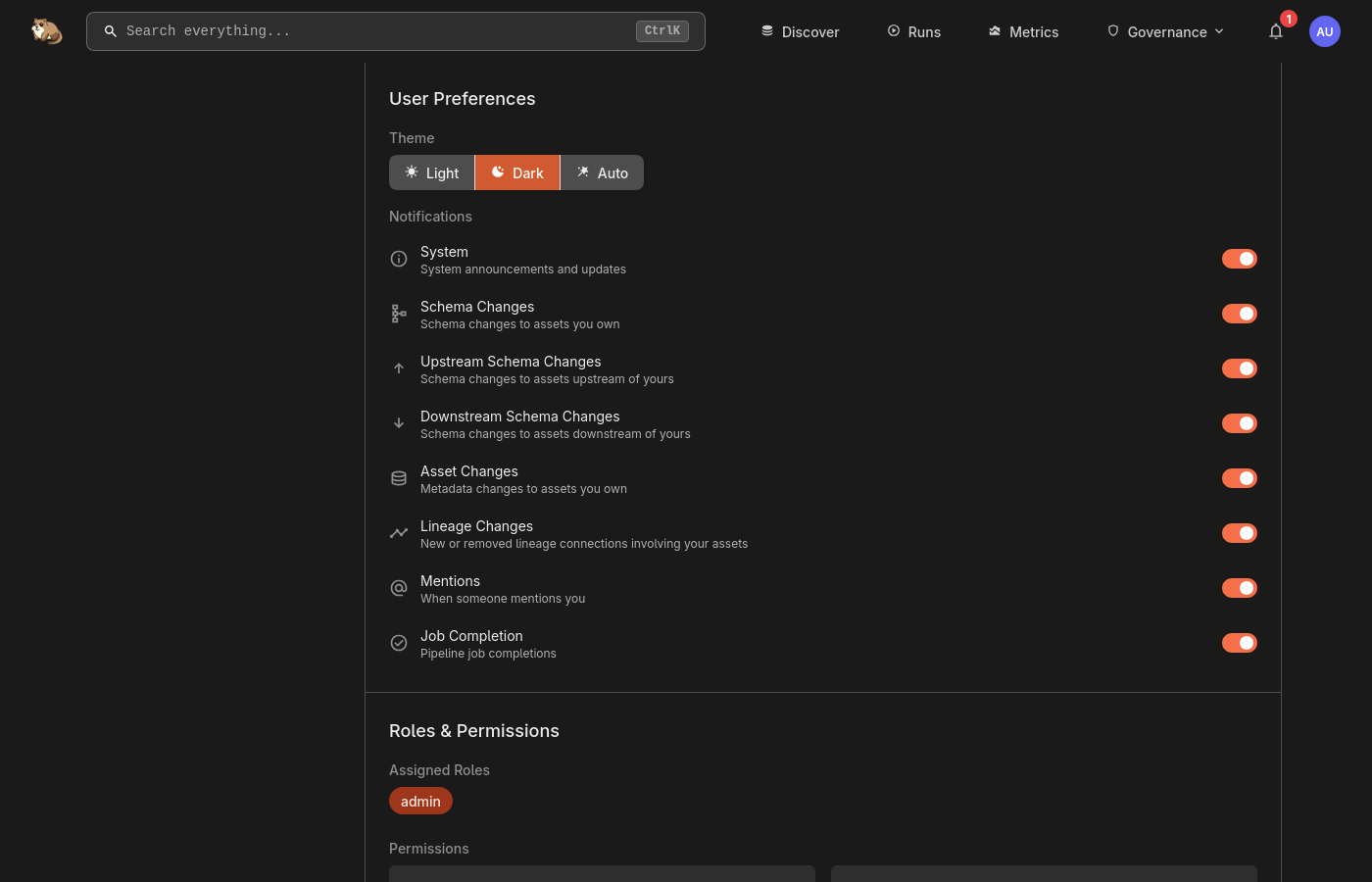
You can control which notification types you receive globally. Navigate to your profile and find the Notification Preferences section.
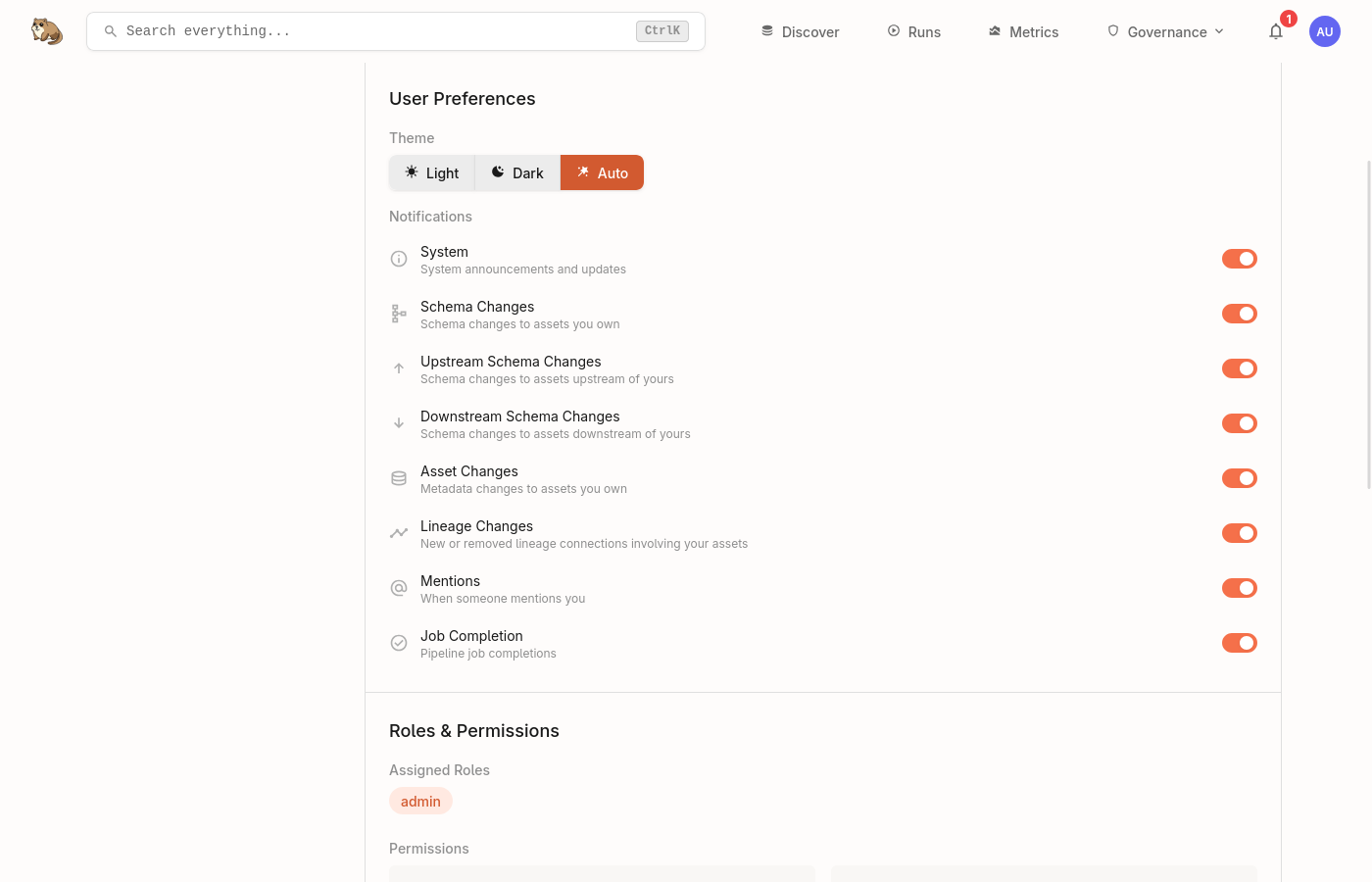
Aggregation
Marmot batches rapid changes to prevent notification spam. If multiple updates happen to assets you own within a short window, they are grouped into a single notification rather than one per change.
Changes are batched within a 2-minute window, with a maximum 5-minute wait before delivery. This keeps your feed manageable during bulk operations and updates.
External Notifications
Send notifications to Slack, Discord, or any HTTP endpoint via team webhooks.